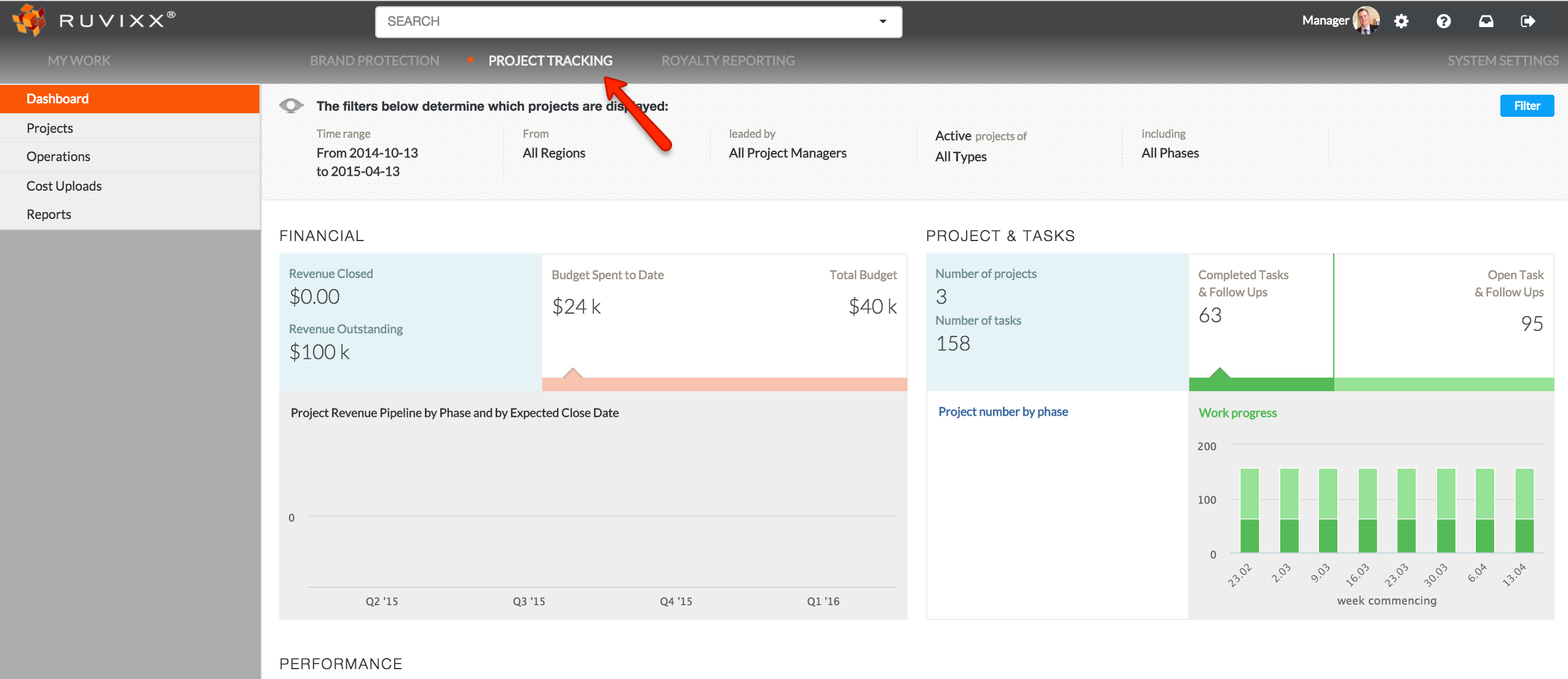
- Click the Project Tracking button on the top of the page
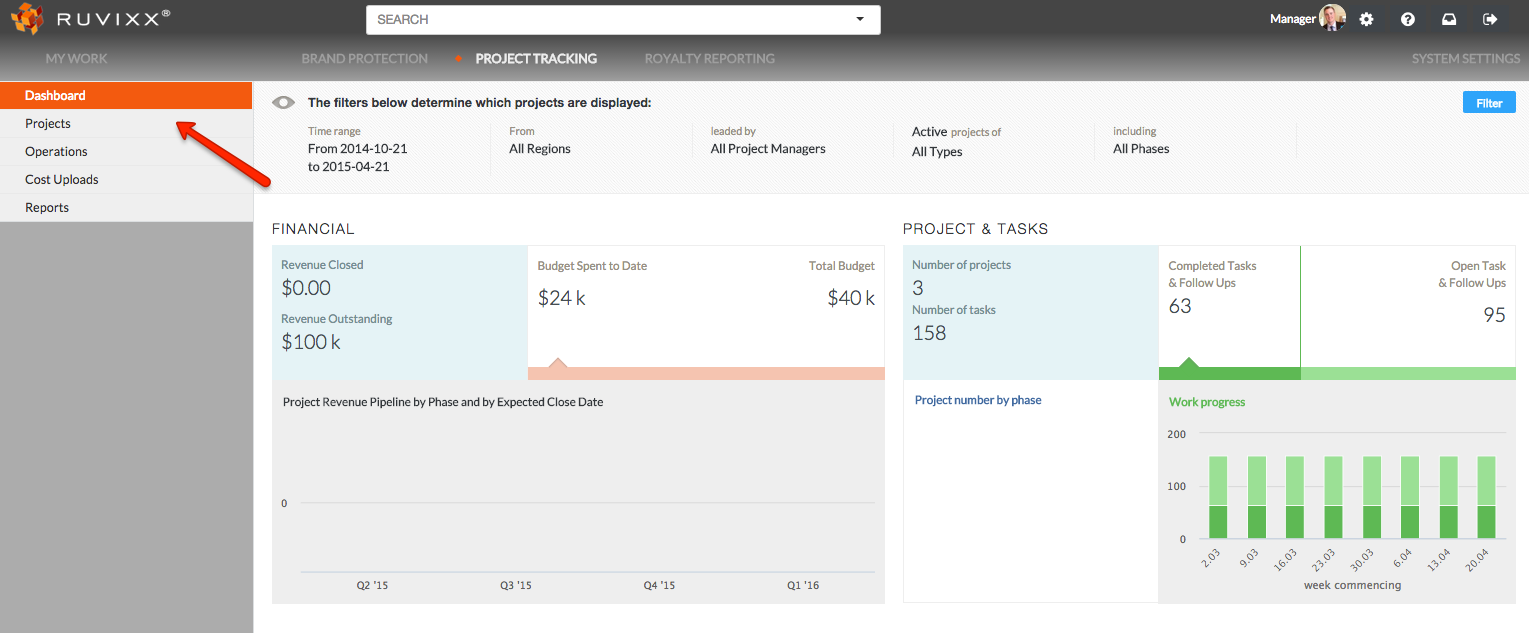
- Click on Projects from the left side navigation pane
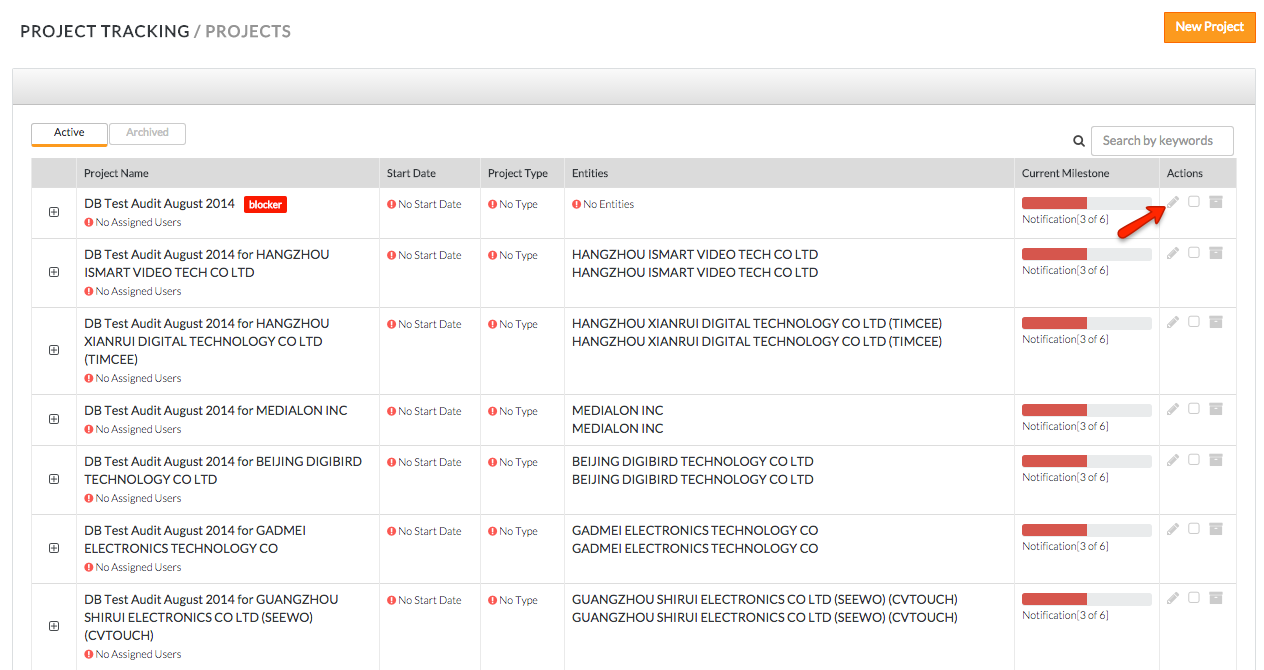
- Editing a project can be done in two ways
- By clicking the edit button (pencil sign) associated to the project you wish to edit
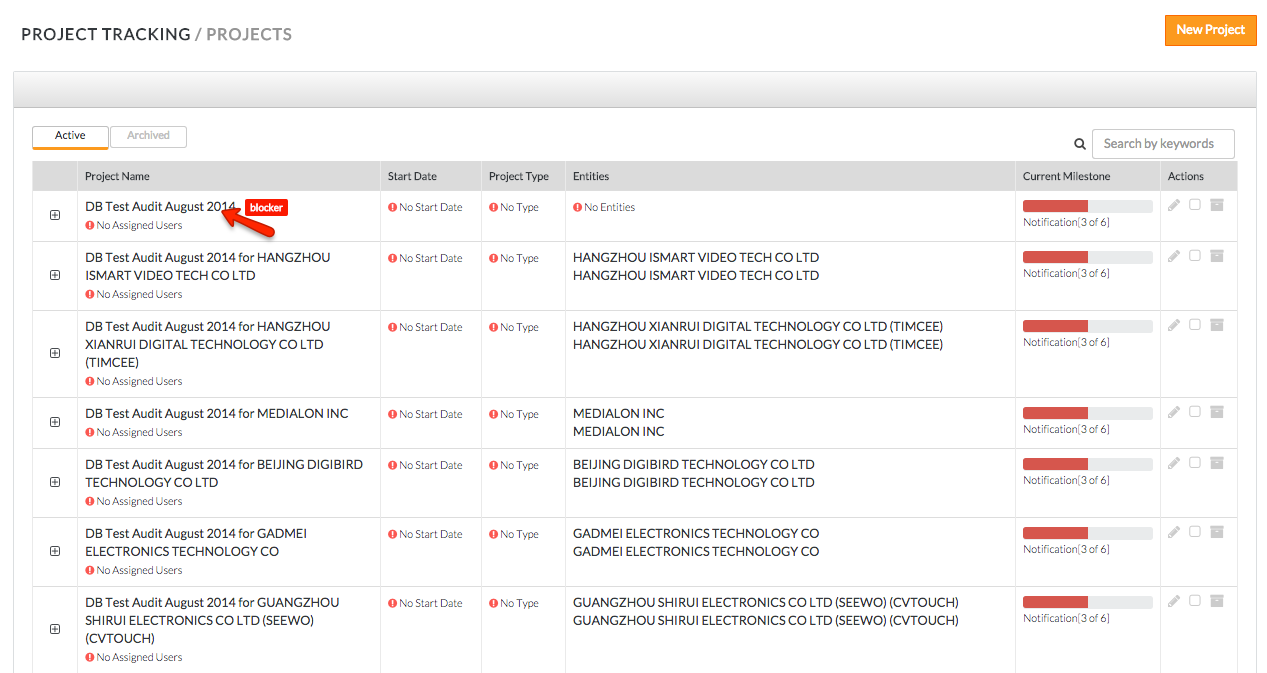
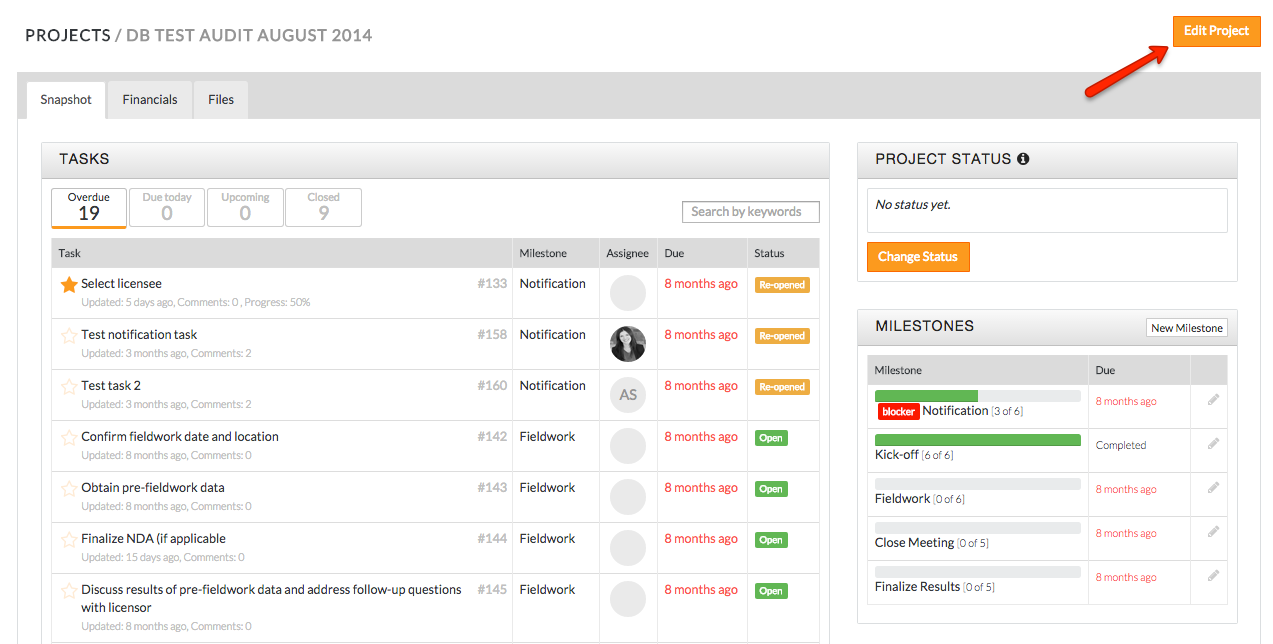
- Second method is to click into an existing project
- Click the orange Edit button on the top right of the page
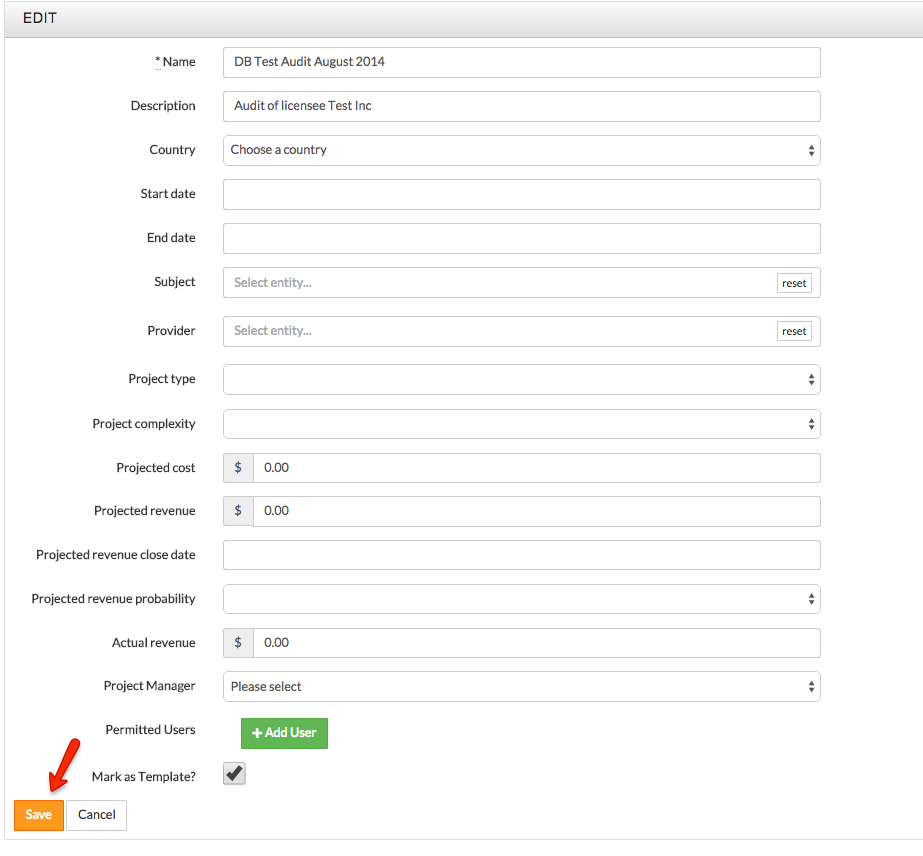
- Click the orange Save button at the bottom left of the edit project page once you have completed all necessary changes
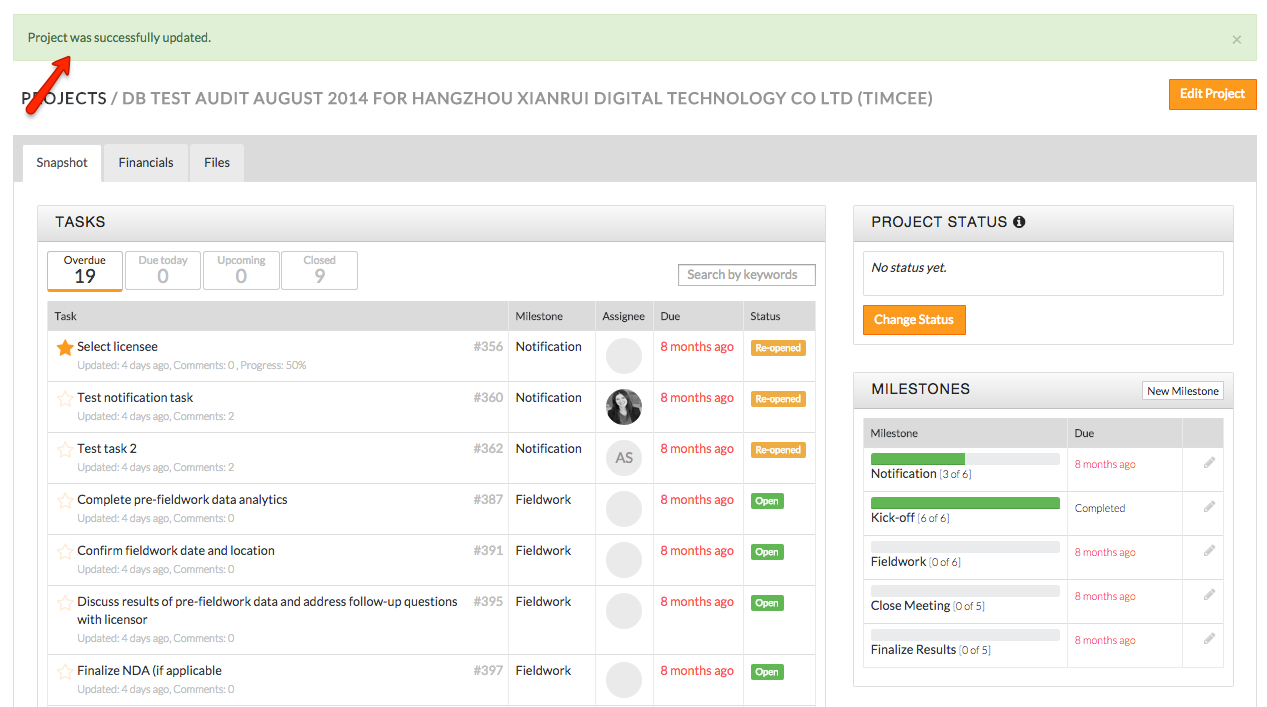
- Your project is now successfully saved!
Comments