Sometimes Milestones need to be categorized into different phases. For example, a Milestone called “Make first contact with potential client” would be labeled in the planning phase whereas a Milestone called “sign final contract with client” might be labeled as completion phase.
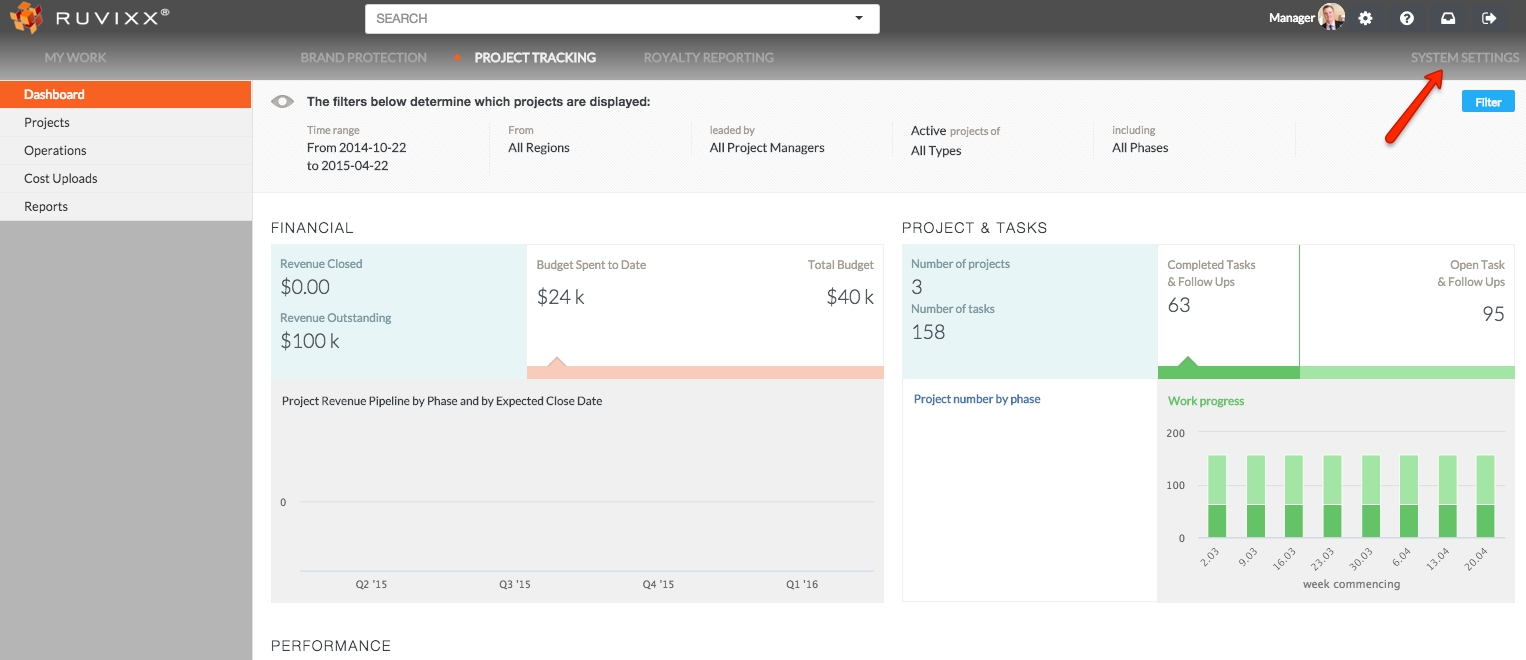
- Click System Settings on the top right menu bar
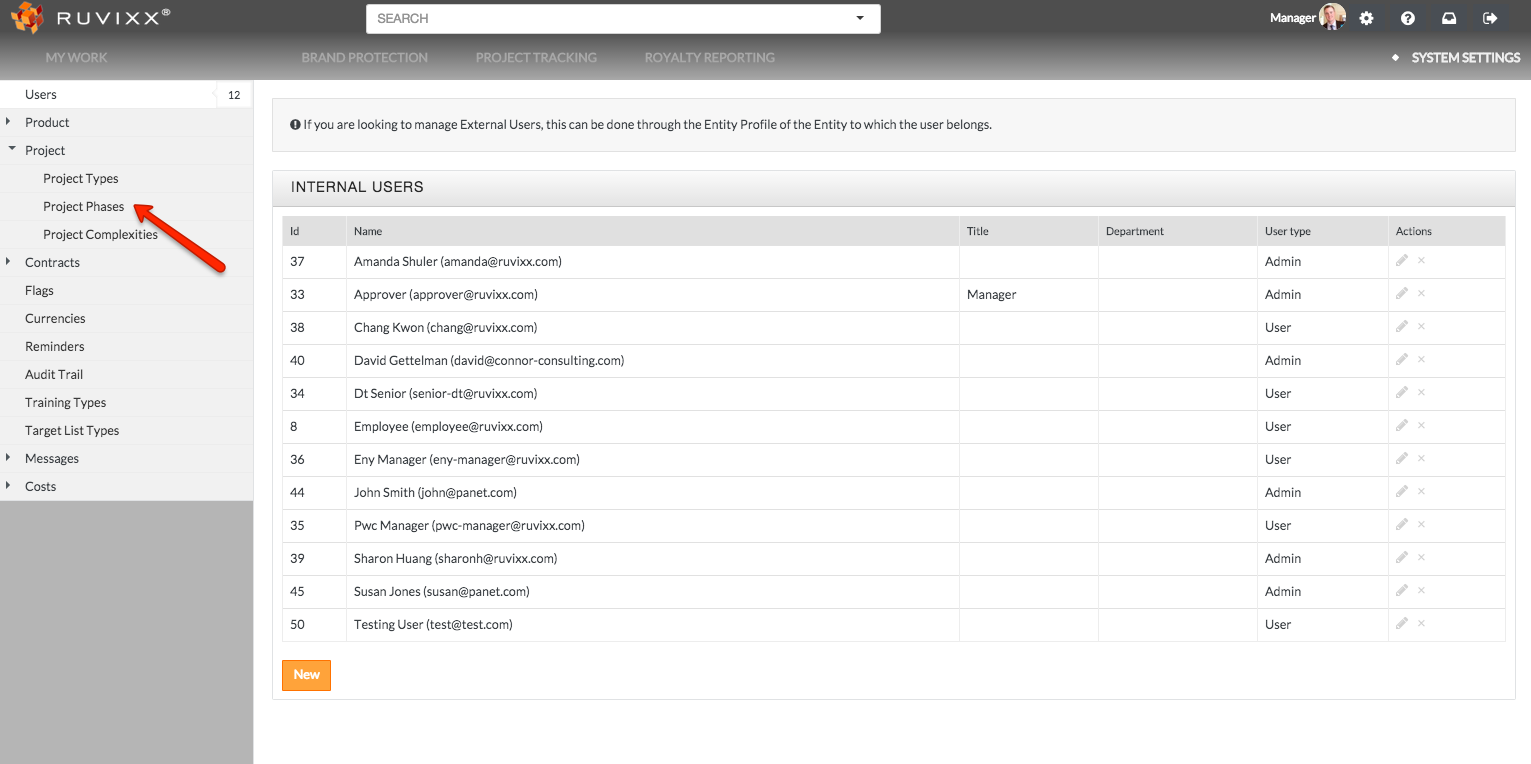
- Click Project Phases located in left hand navigation pane under the 'Project' grouping
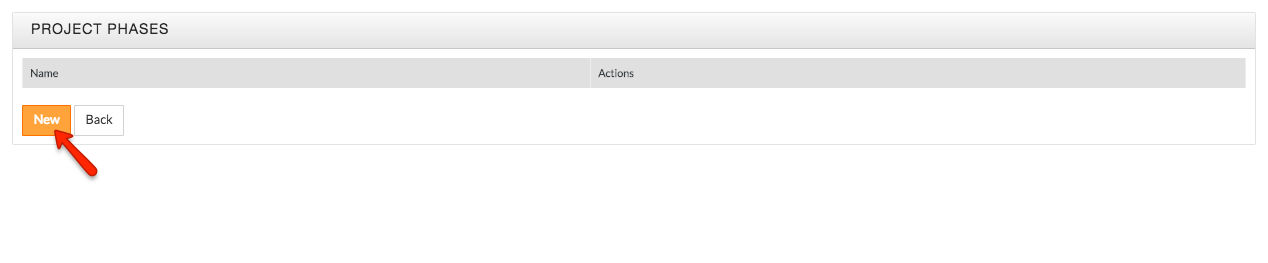
- Click New to create a new project phase
- Type in a new project phase and click the Add New Project Phase button to create

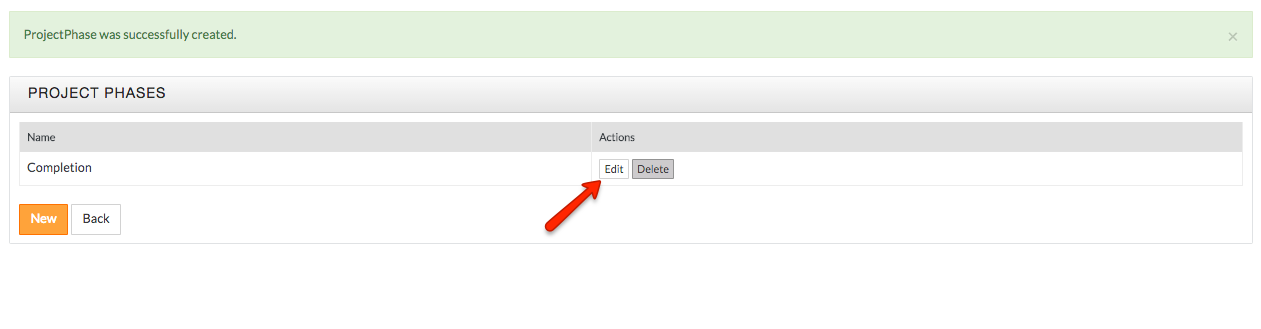
- To edit Project Phases, click the Edit button to update existing phases
- Click the Save Changes button to complete changes
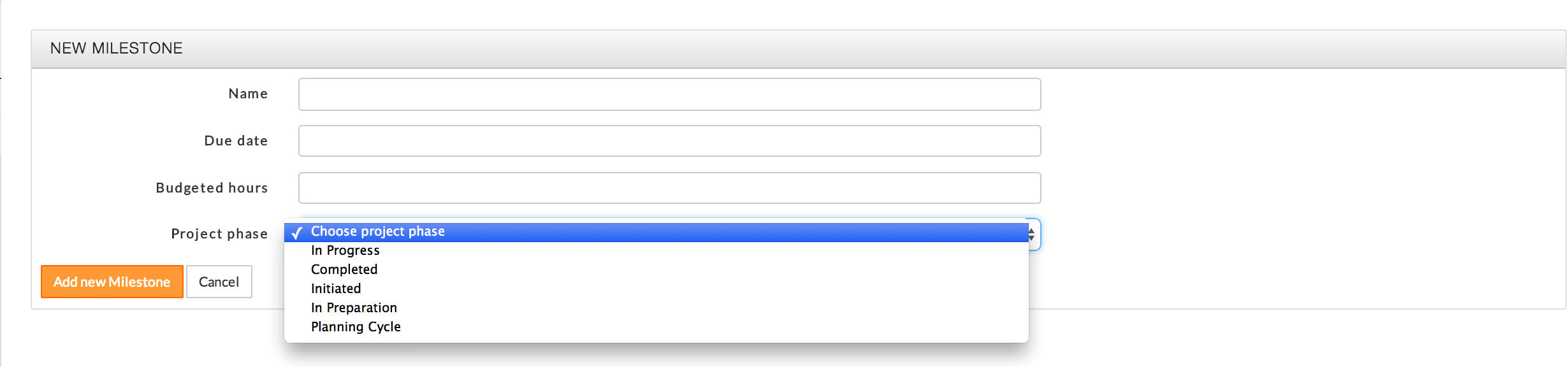
*The Project Phase you created will show up in the drop down menu when you create/edit a Milestone.
Comments