Closing tasks can be done in two ways,
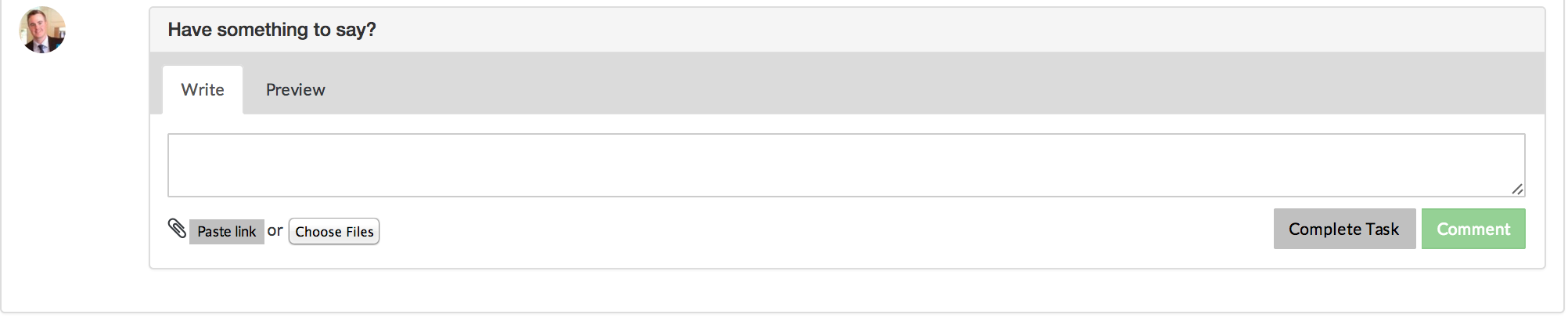
- Click Complete Task button below the comment box within a task
- Check box next to associated Task in the Task overview pane
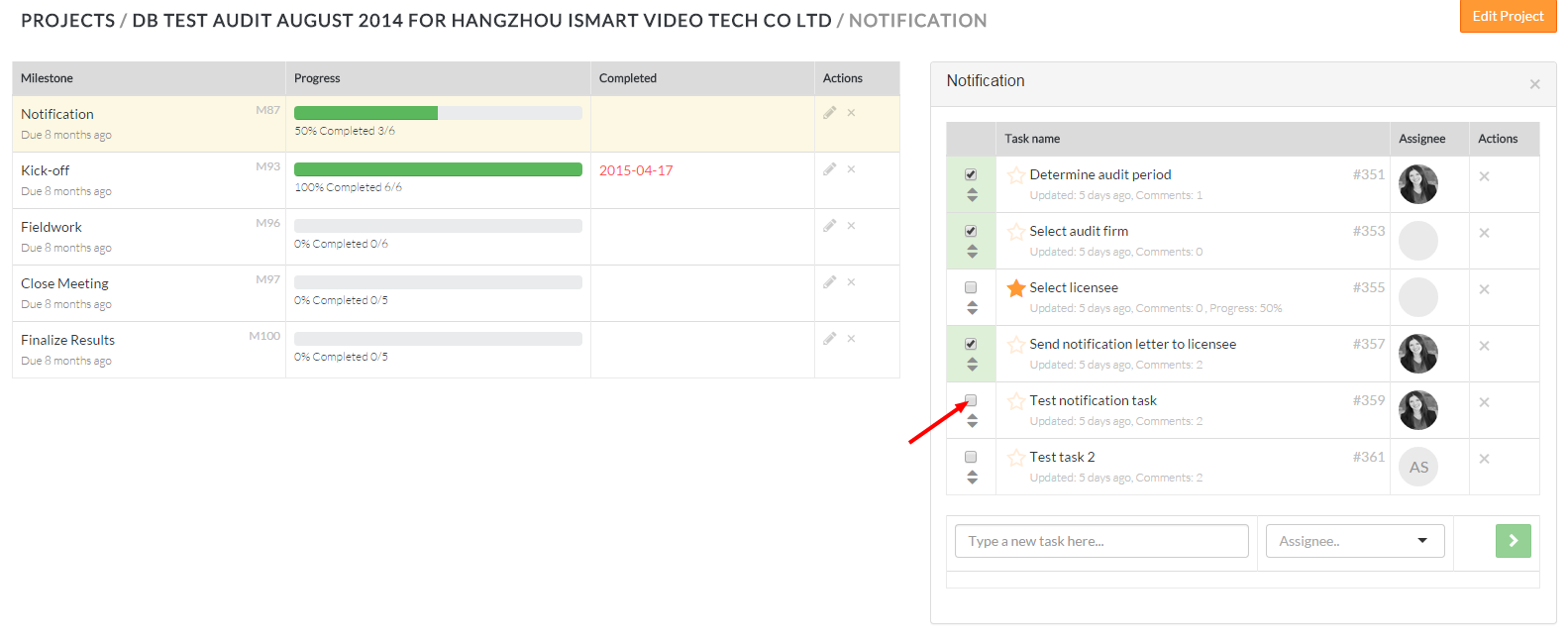
- Tasks with a check mark and green highlights indicates the task has been closed
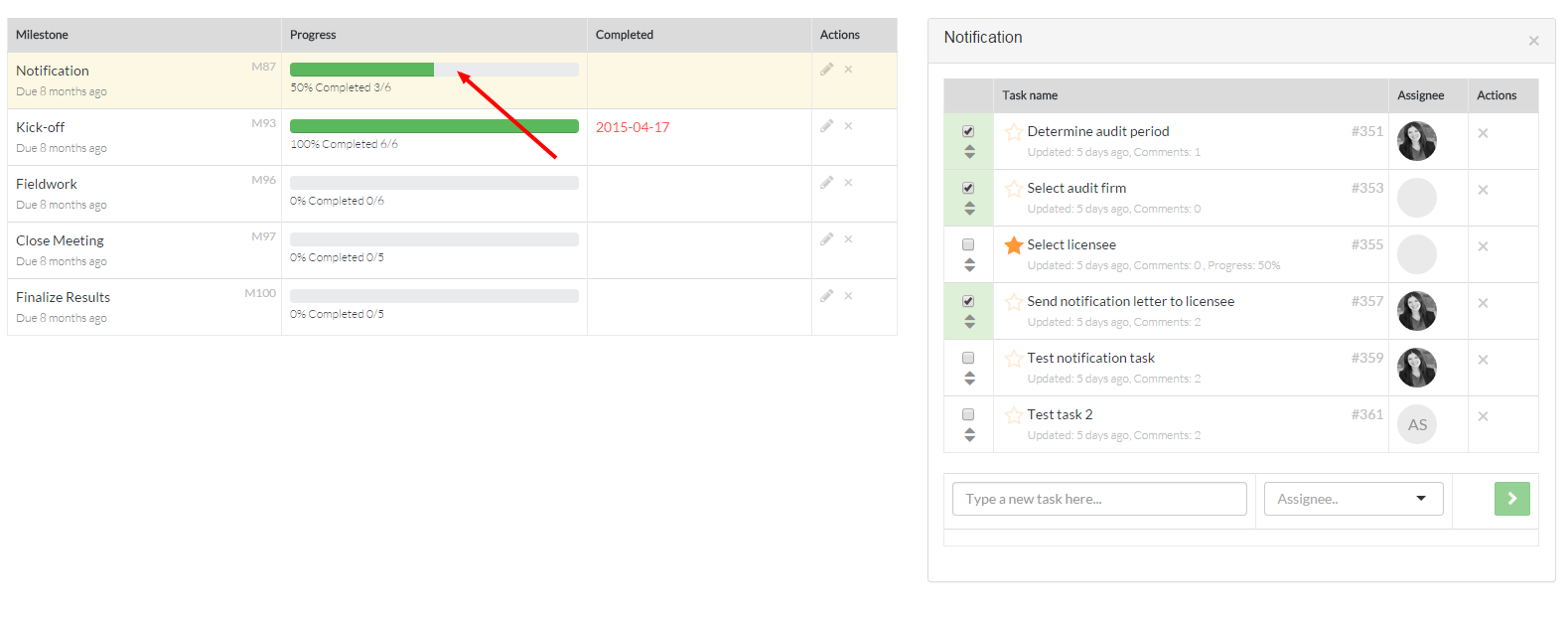
- The progress bar for the associated Milestone will automatically adjust once tasks are closed/re-opened
- To re-open tasks, reverse steps 1 and 2 above
Comments