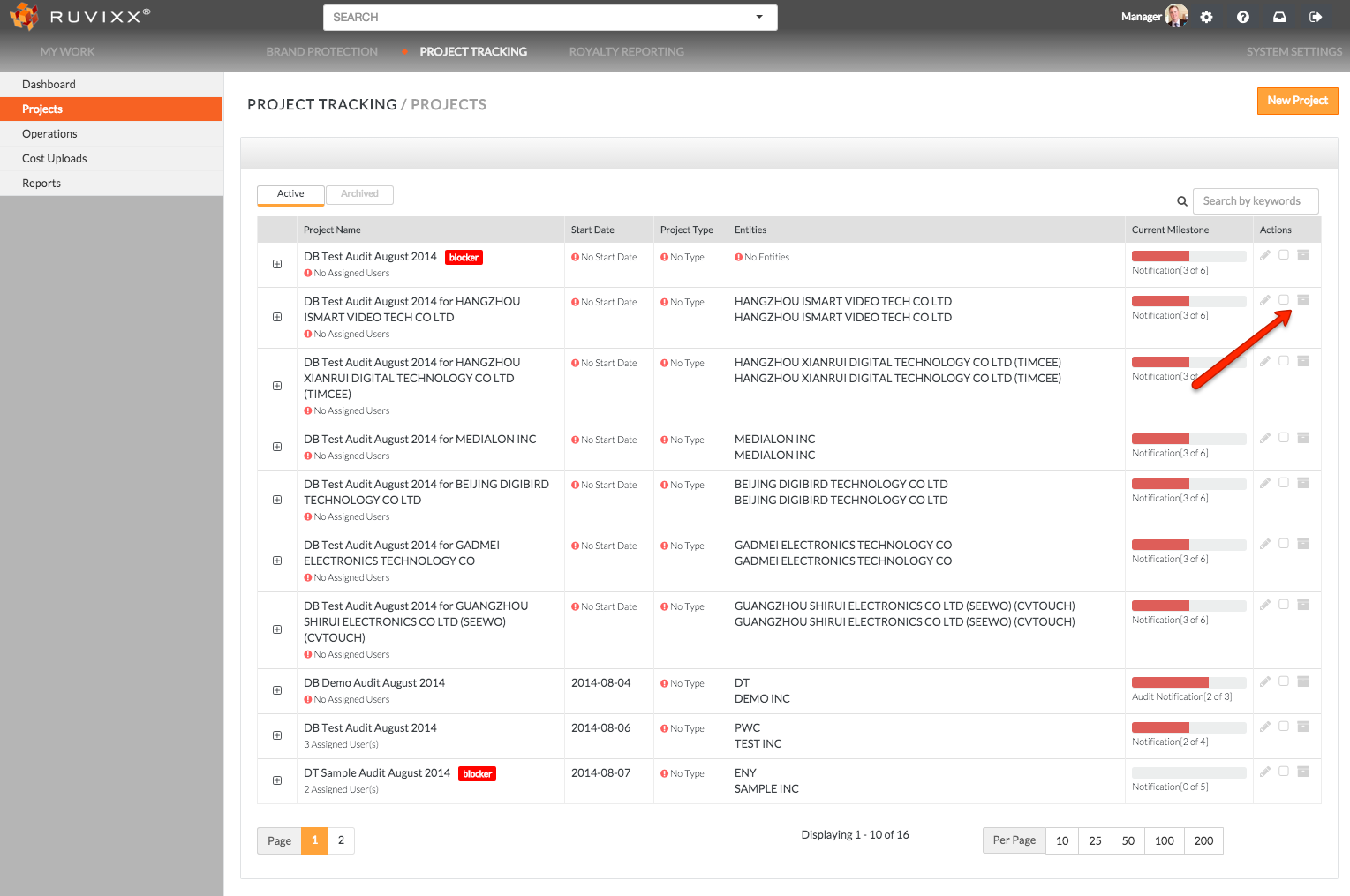
Projects can be easily archived from the Project Overview page by clicking on archive button (mailbox logo) associated with the project located on the far right
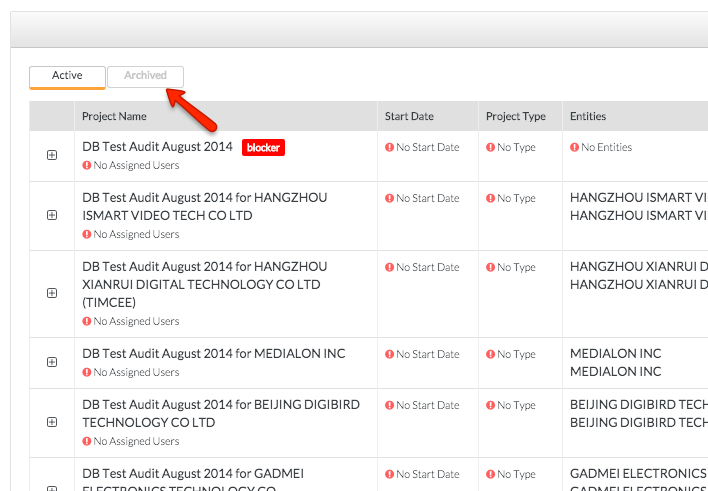
*To view all Archived projects, simply click on Archived located next to Active tab located at the top left of the Project Overview page
Comments