- Select the task that you would like to comment on
- Scroll to the bottom of the page and locate the ‘Have something to say?’ prompt
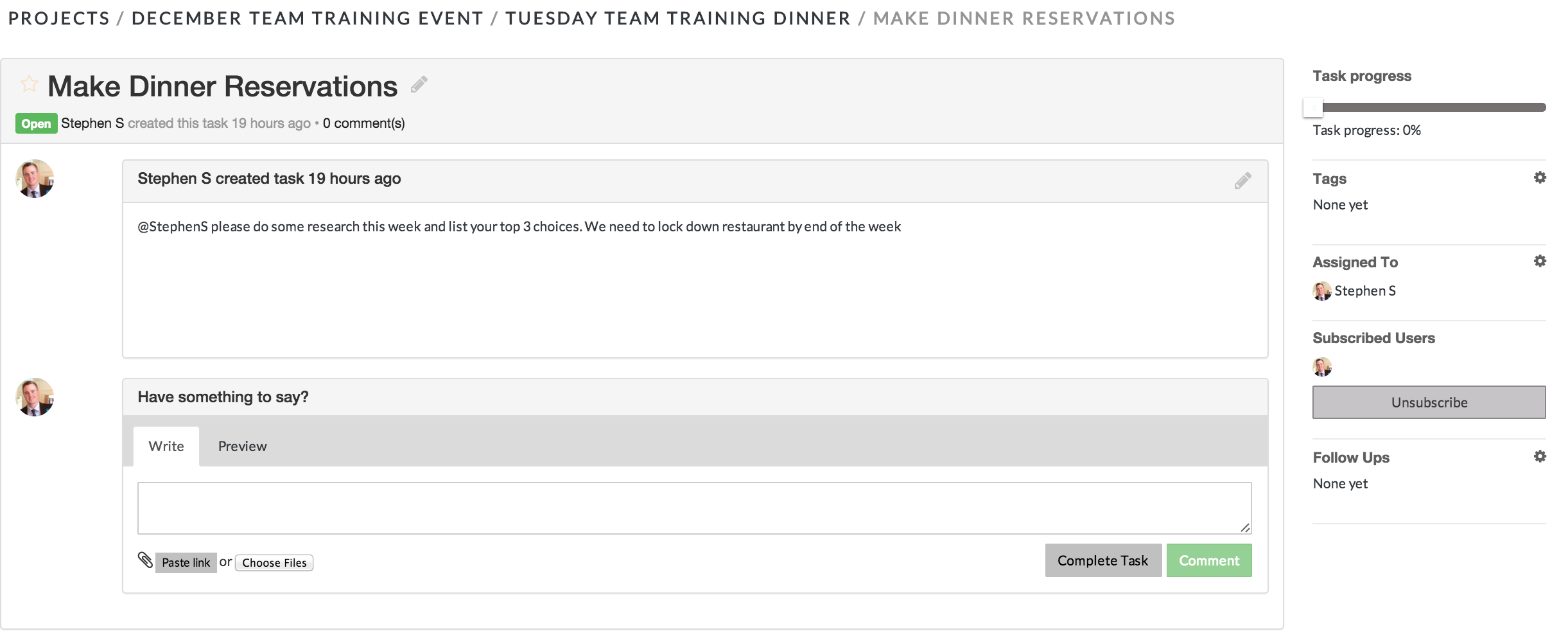
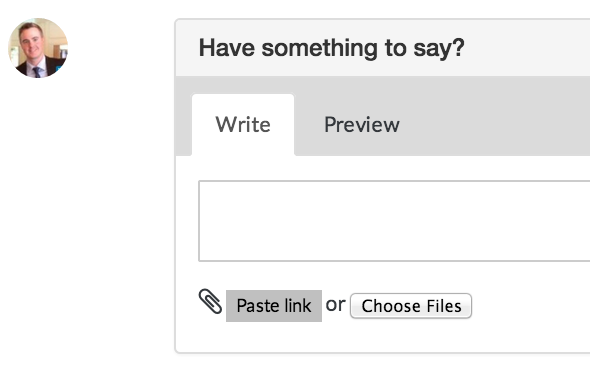
- Type your comment into the text box. You can also Attach a File or Paste a Link to a task
- Once you have completed typing your comment, you can post it by clicking Comment
*Alternatively, you can post your comment and close the task in one step by clicking Complete Task.
*For directions how to create hyperlink that opens in new page please visit our FAQ topic "How do I create a hyperlink that will open in a new window?"
Comments