- Identifying a task as high priority can be done in one of two ways:
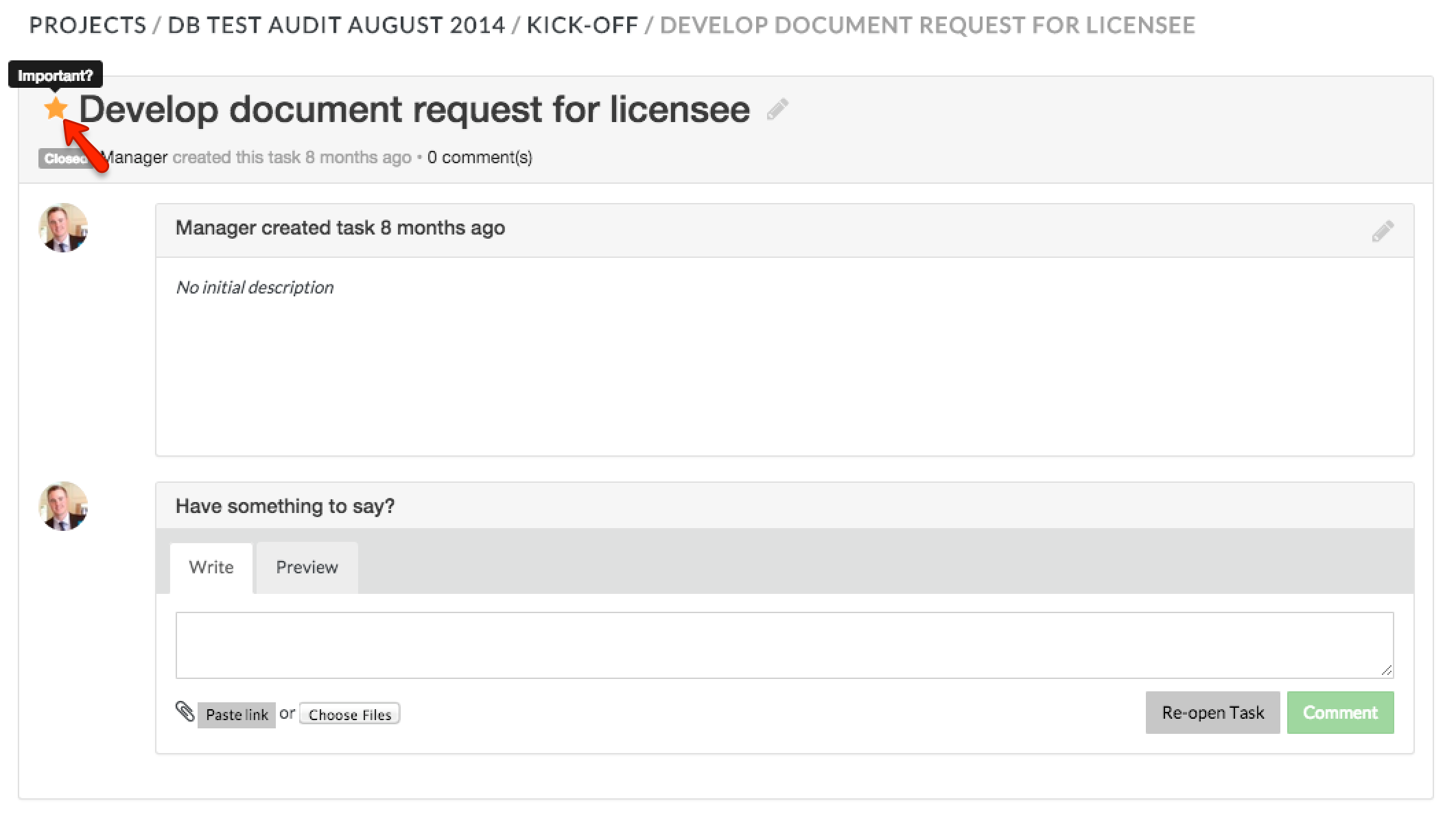
- Within the task, click the star icon next to the task name to label it as Important
- Within the milestone view, click the star icon next to the task name
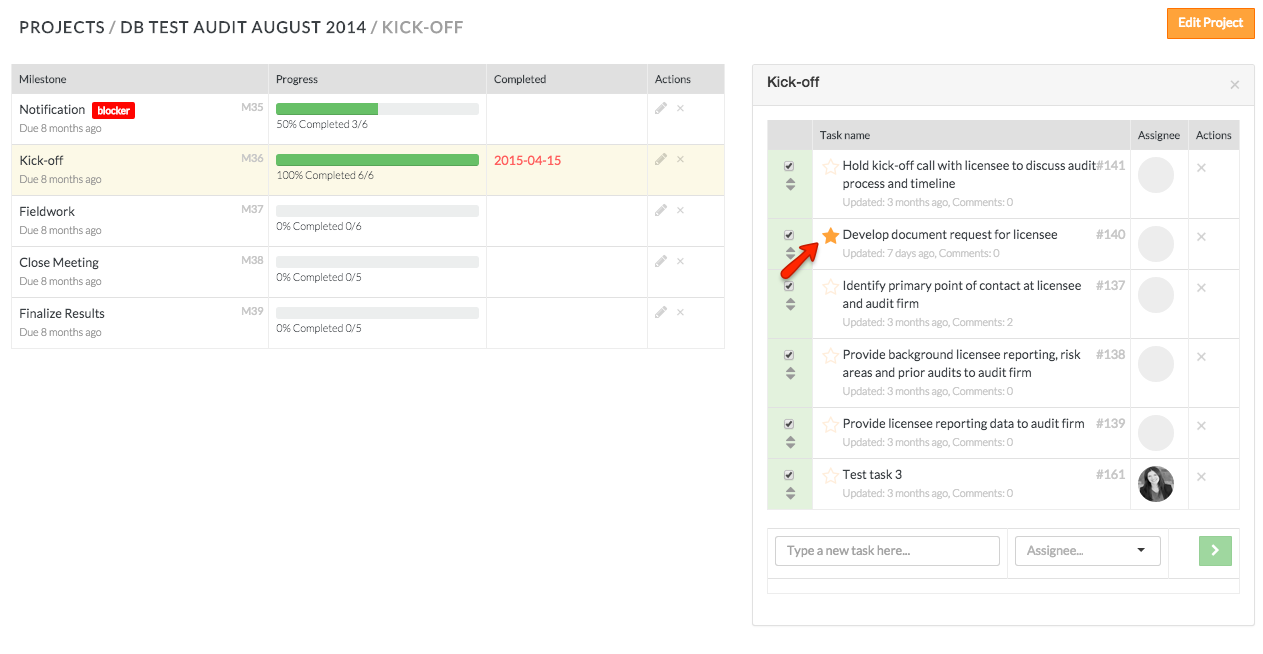
- After you click the star icon, it will display with gold fill. This is an indication to team members that this is a high priority task
*Starred tasks that are assigned to you will show up in your MyWork dashboard
Comments