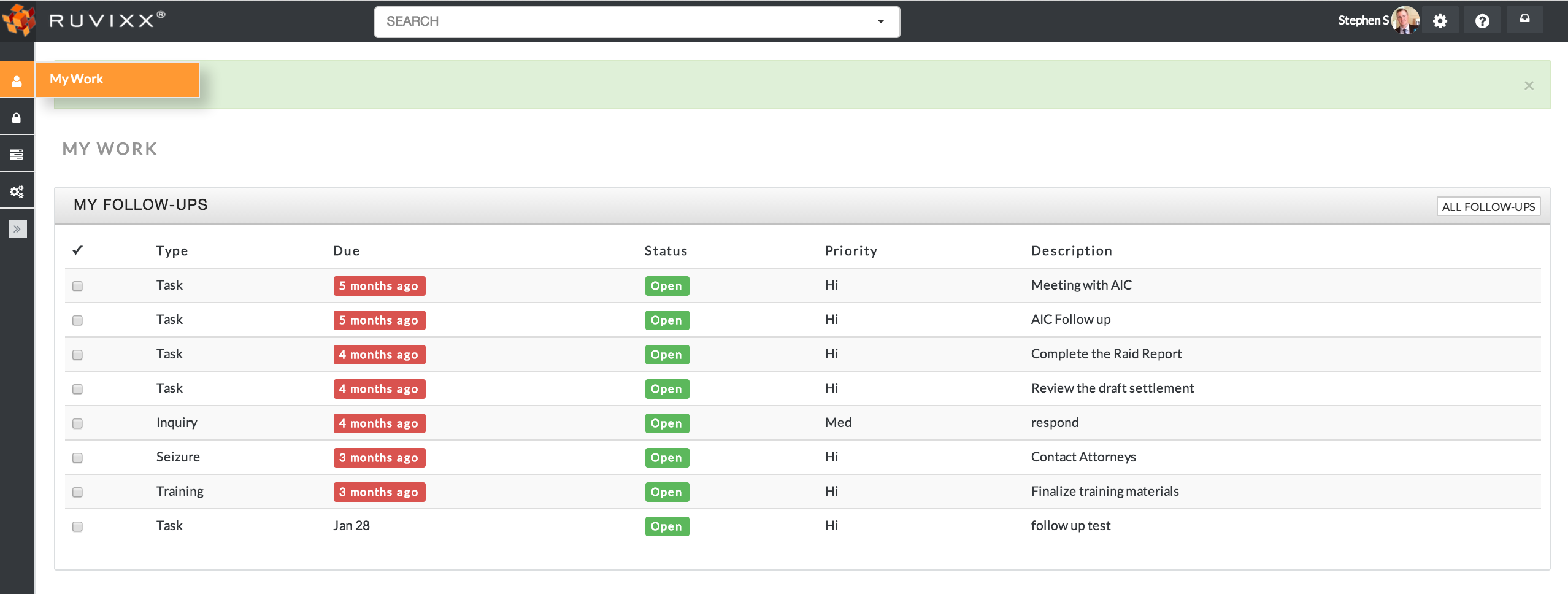
- Under the MyWork tab; your homepage is personalized to display a category labeled My Tasks. This section shows all tasks that have been assigned to you
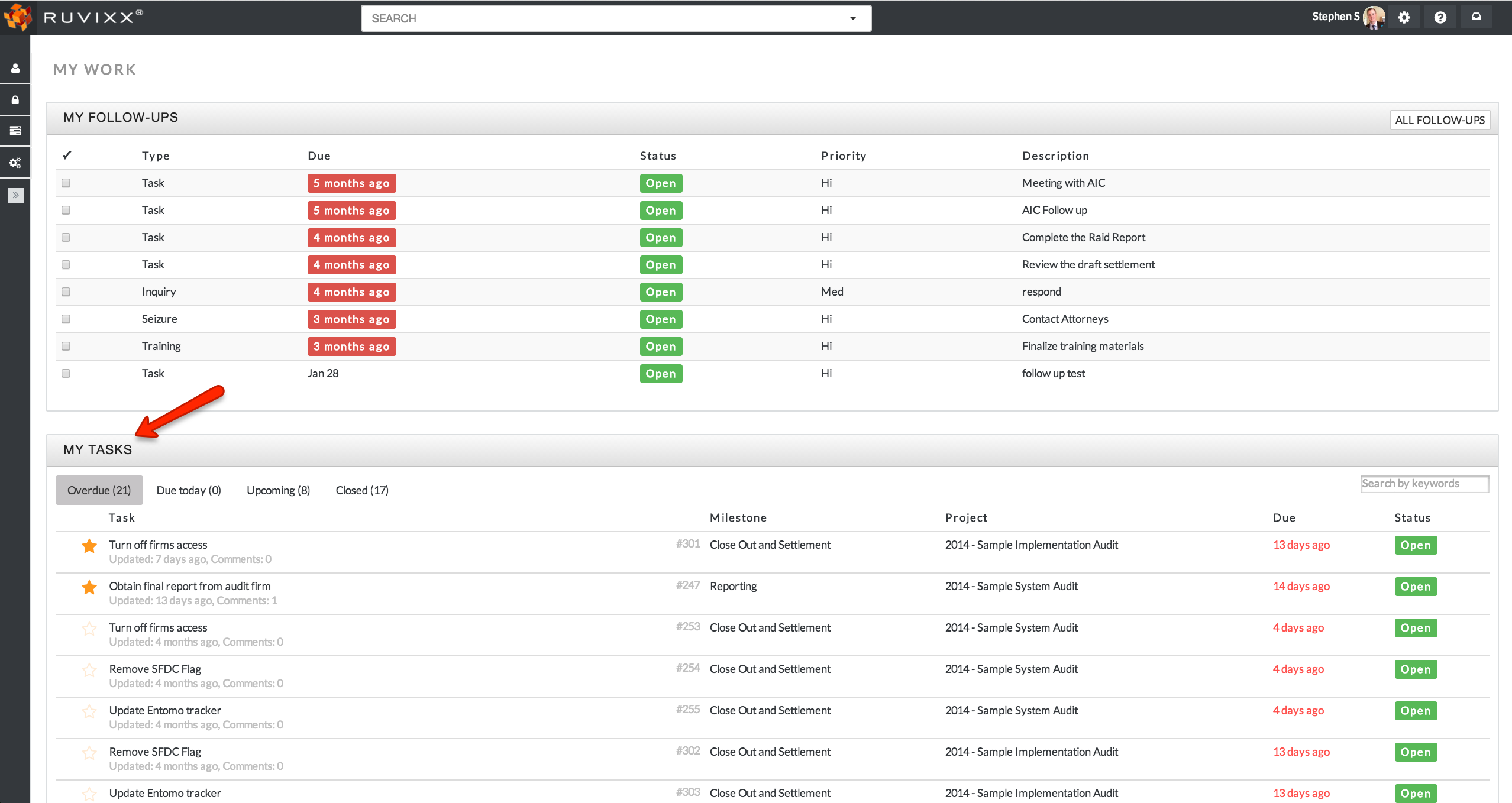
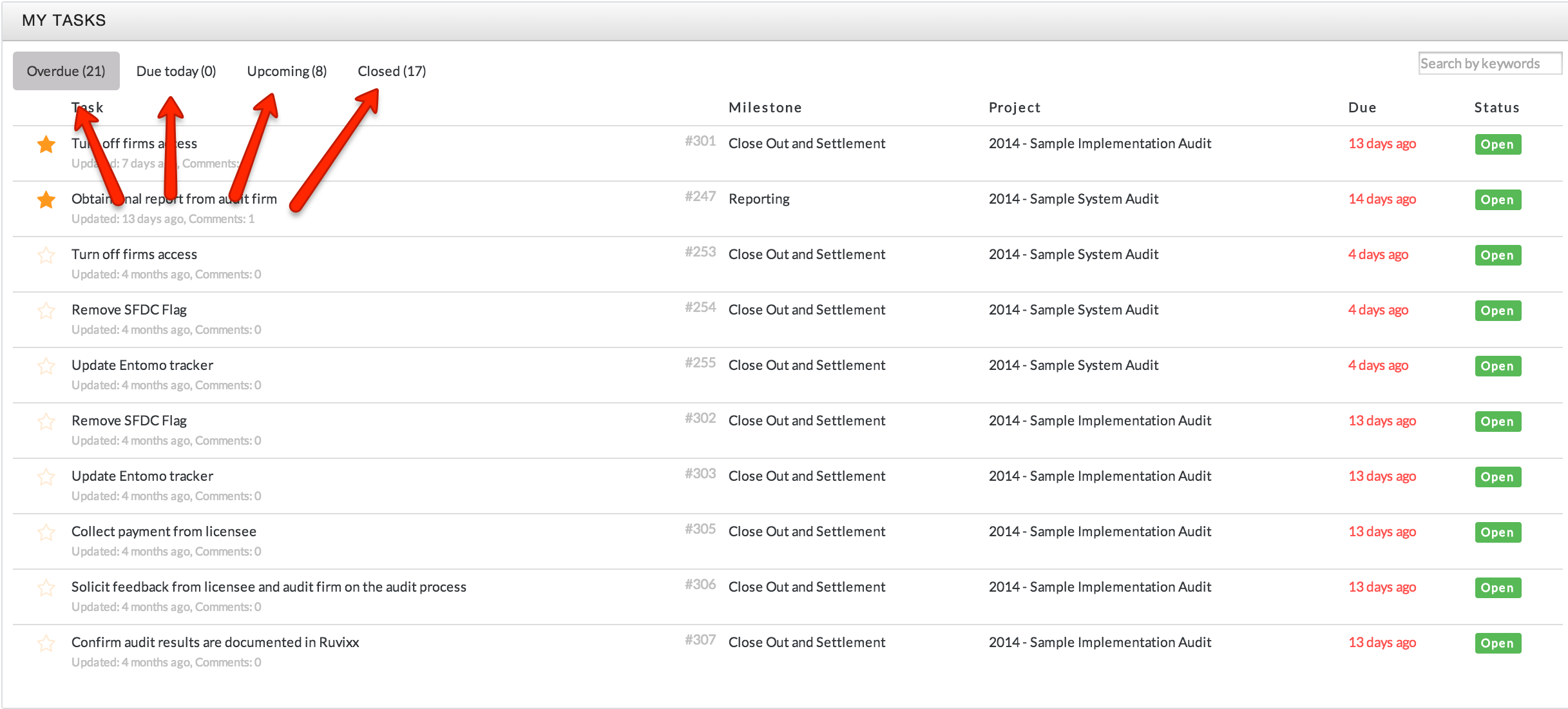
- In My Tasks you can view tasks that have been assigned to you in four categories:
- Overdue
- Due Today
- Upcoming
- Closed
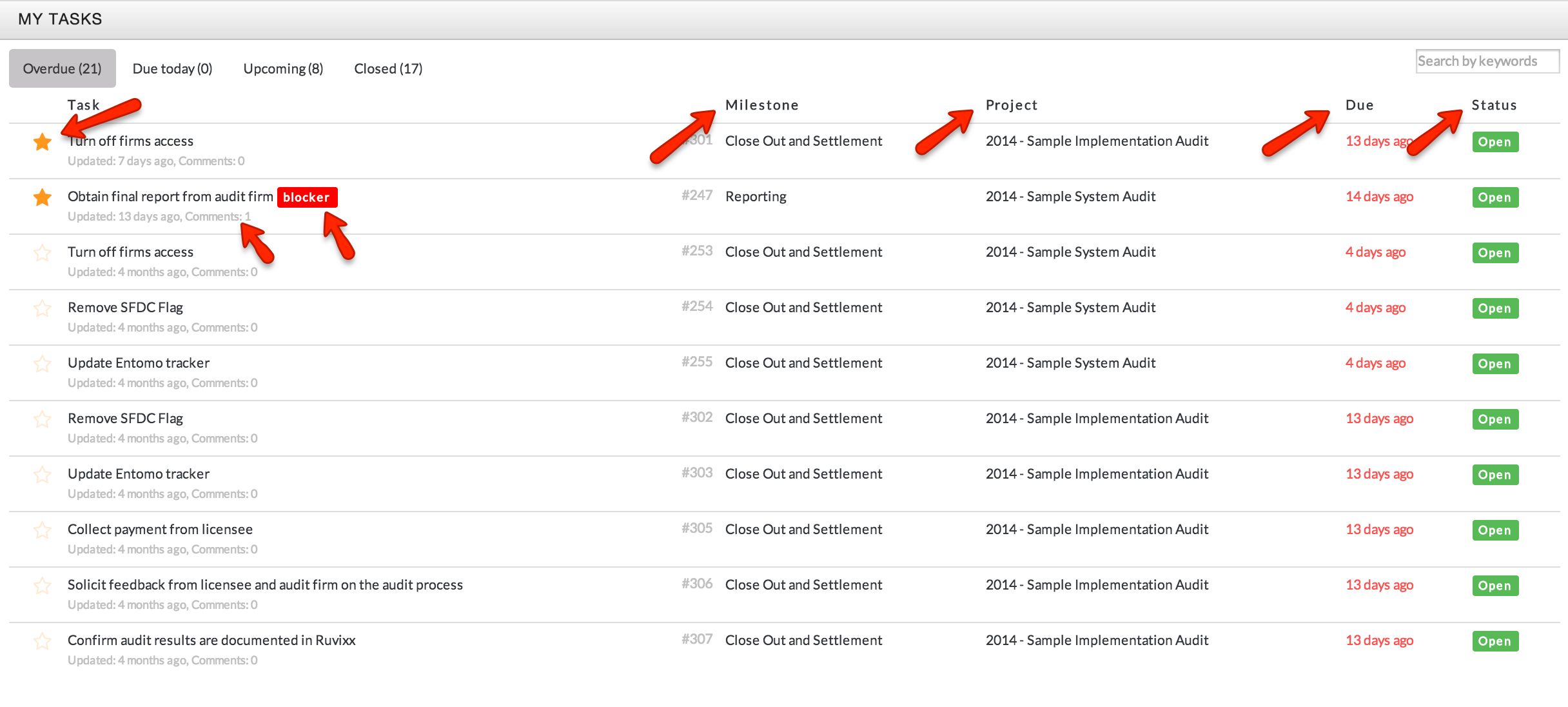
- In My Tasks you can also view the following information about the tasks that have been assigned to you:
- The project and milestone each task is associated to
- The due date and status of a task
- The number of comments and timing of the most recent comment
- Tasks identified as blockers will display the ‘blocker’ tag
- Tasks identified as high priority will have a gold star
Comments