- Select the task to which you want to subscribe
- Click the orange Subscribe button located in the task tool bar on right hand side
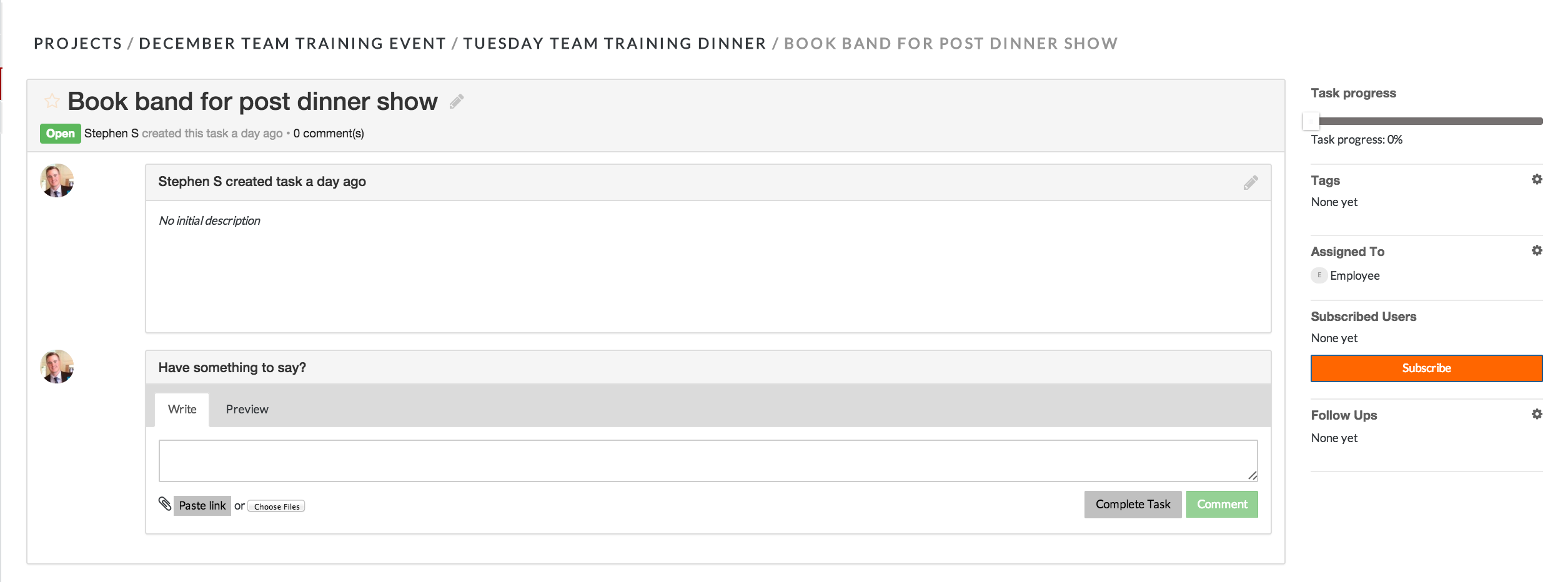
*You can view recent comments from tasks that you are subscribed to in the MyWork dashboard. You will also receive email notifications when someone comments in a task to which you are subscribed.
Comments