- Select the task for which you want to create a follow-up
- Click on the gear icon next to Follow Ups
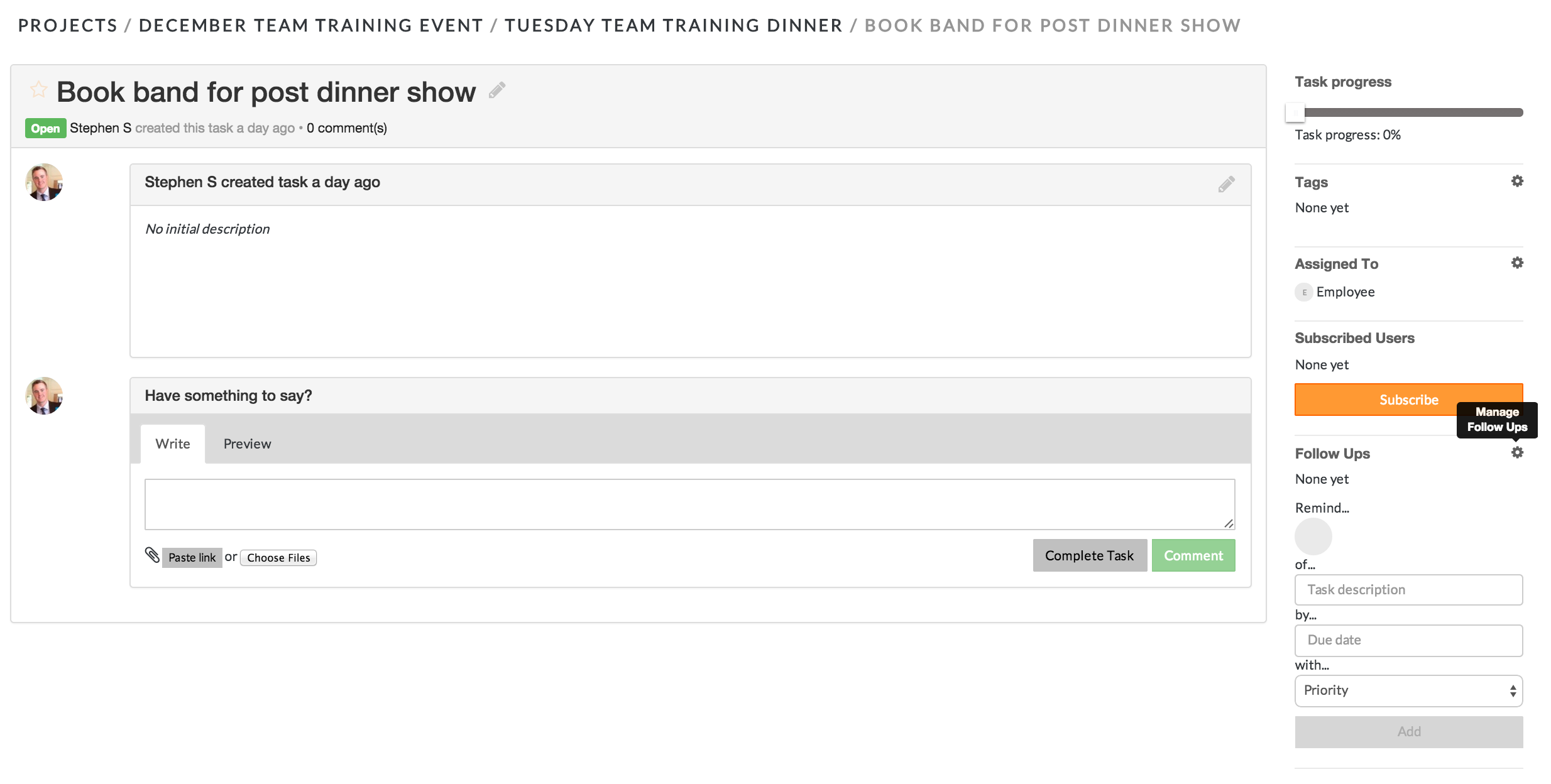
- Click on the empty circle to select the team member to whom you would like to assign the follow up
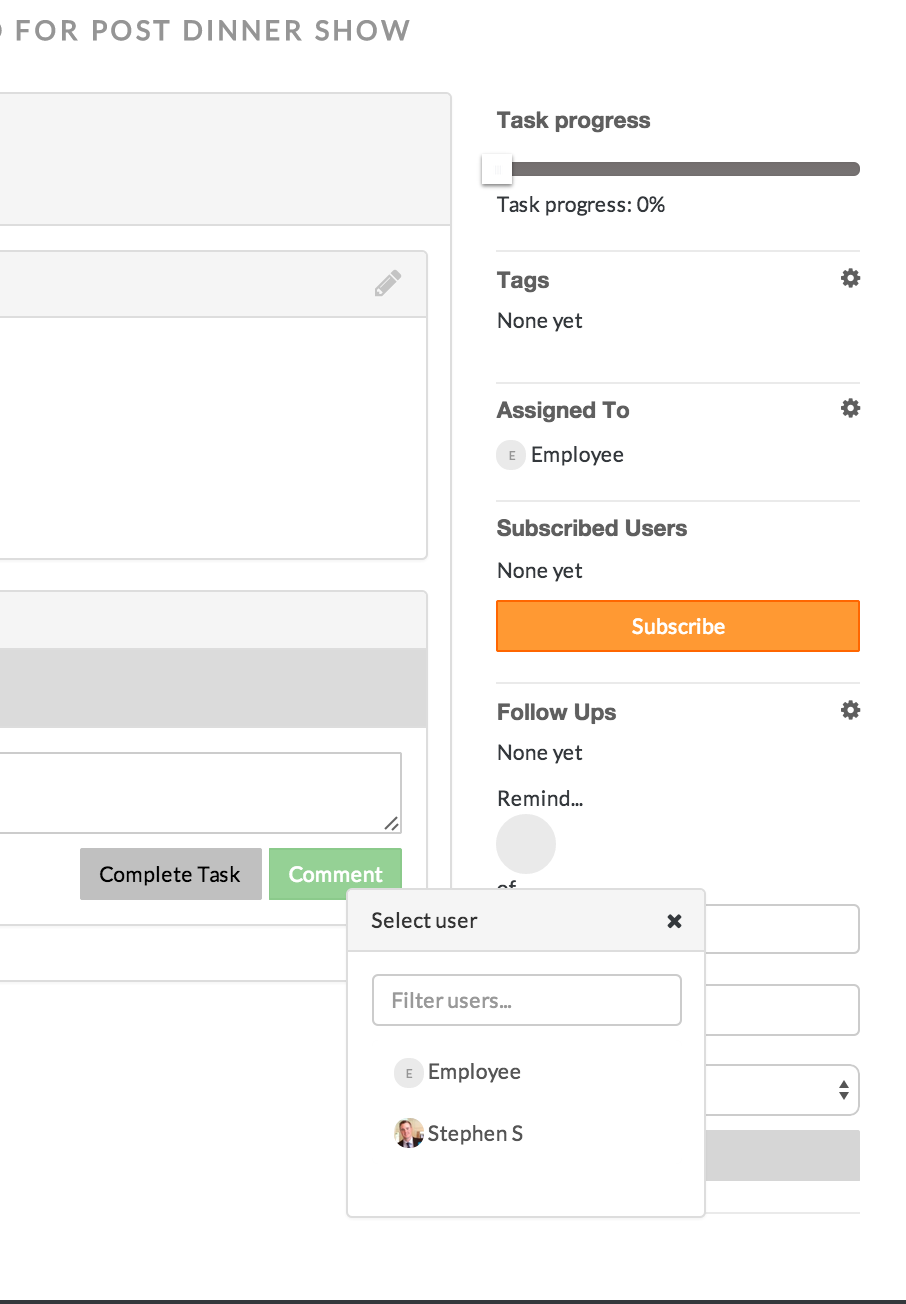
- Click the team members name to whom you would like to assign the follow up
- In the task description text box, type a description of the follow up item for the team member
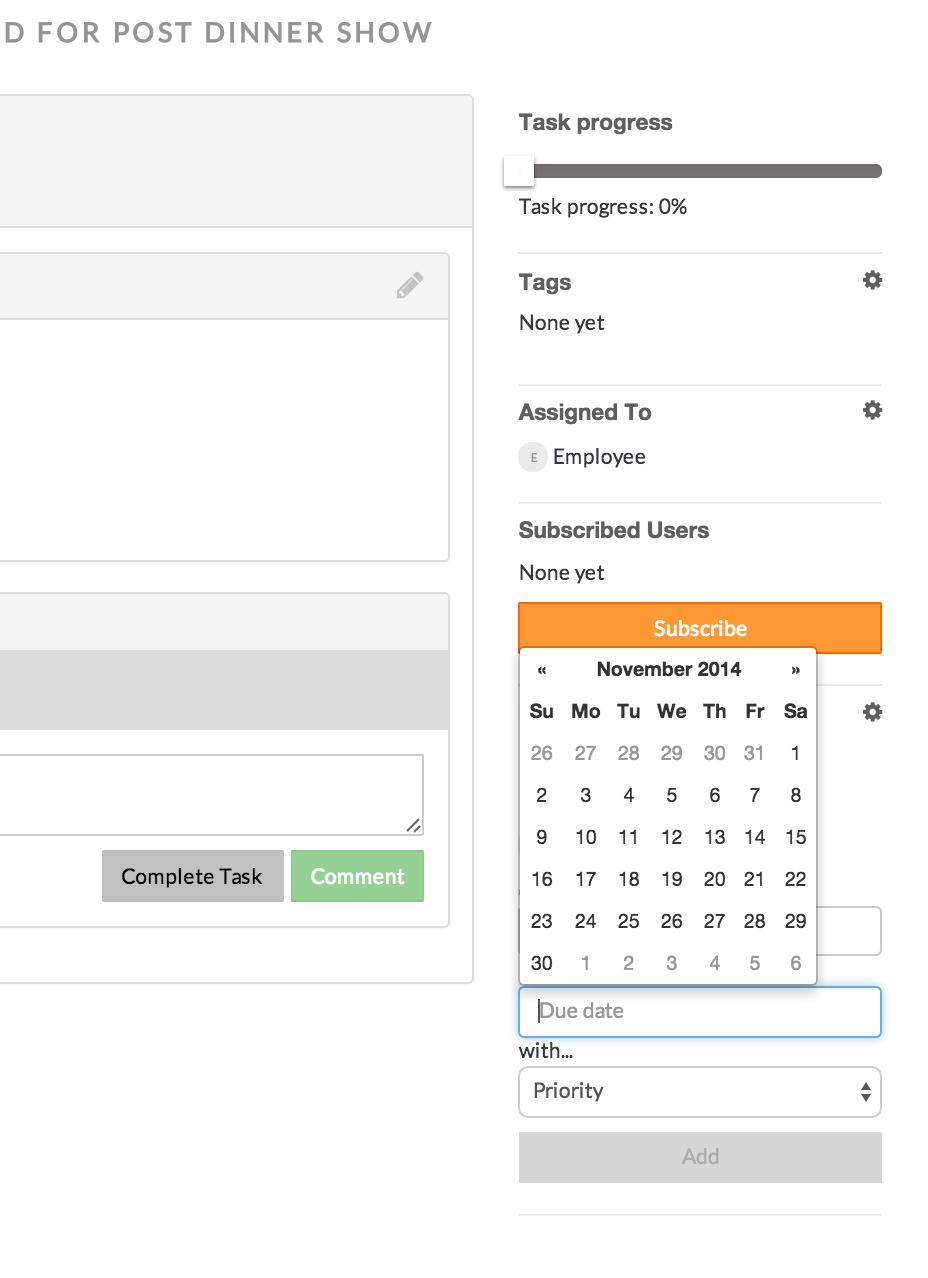
- Click the due date text box. A calendar will display, from which you can select the due date for the follow up
- Click on the priority box to assign a priority for the follow up item
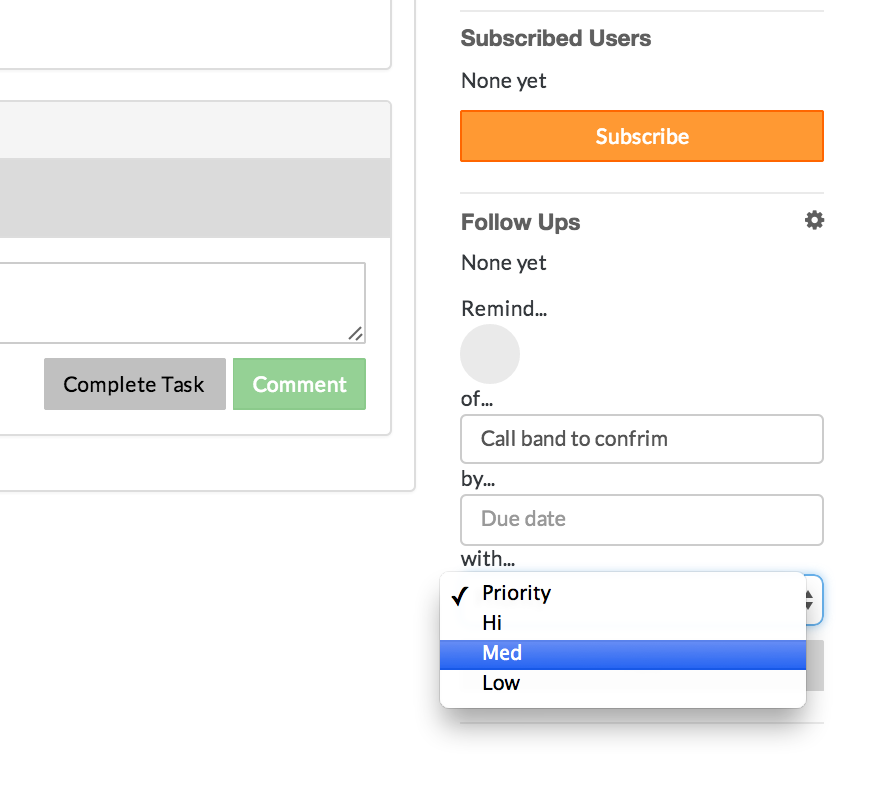
- Click the Add button to send the follow up to the team member
*The follow up item will be displayed on the project dashboard and on the MyWork landing page of the assigned team member.
Comments