Ruvixx provides transparent collaboration with entities/external partners (i.e. clients, consultants, lawyers, etc.) for seamless project management.
To add an entity:
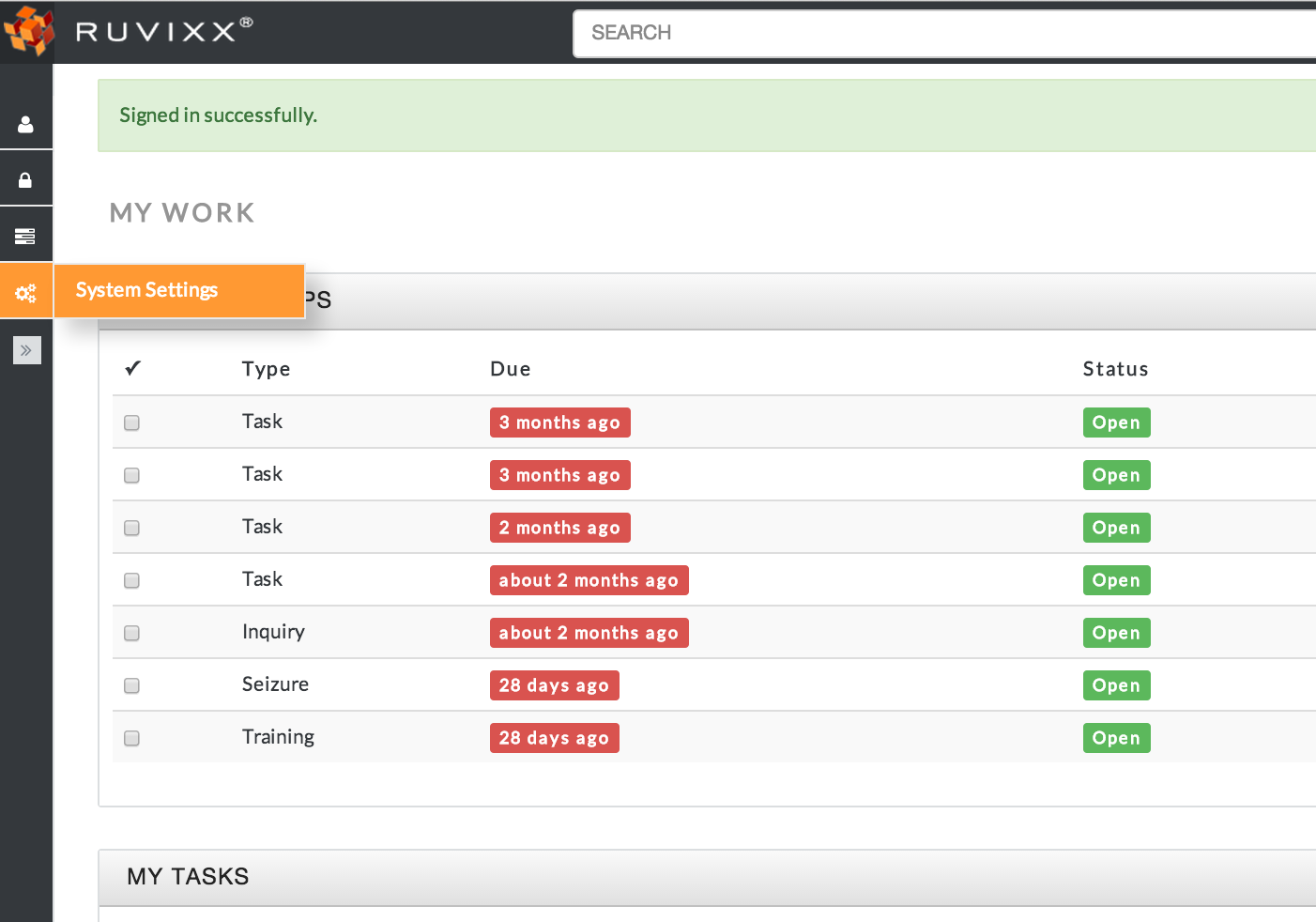
- Click the System Settings button in the left pane
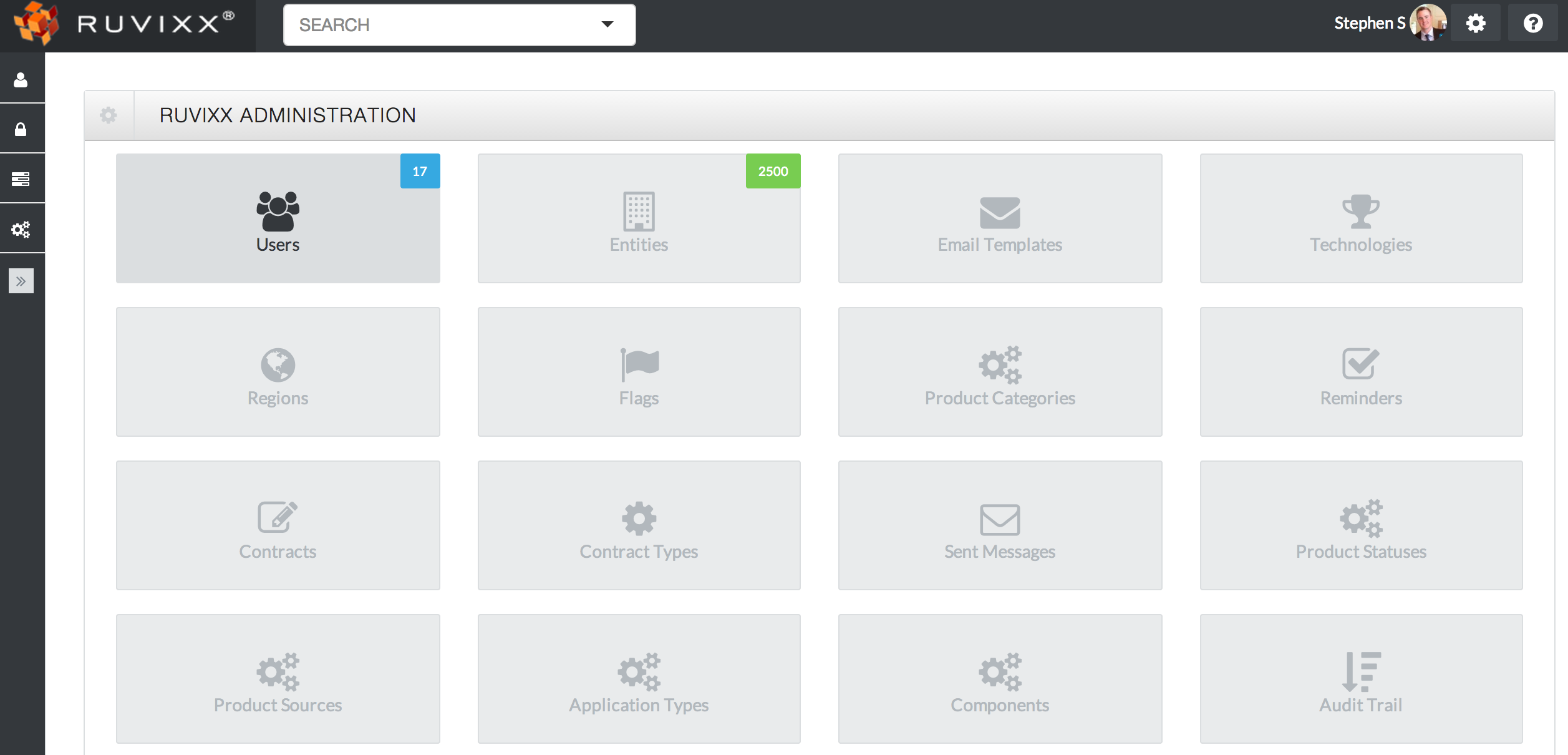
- Click Entities located to the right of Users on top left hand side of the dashboard
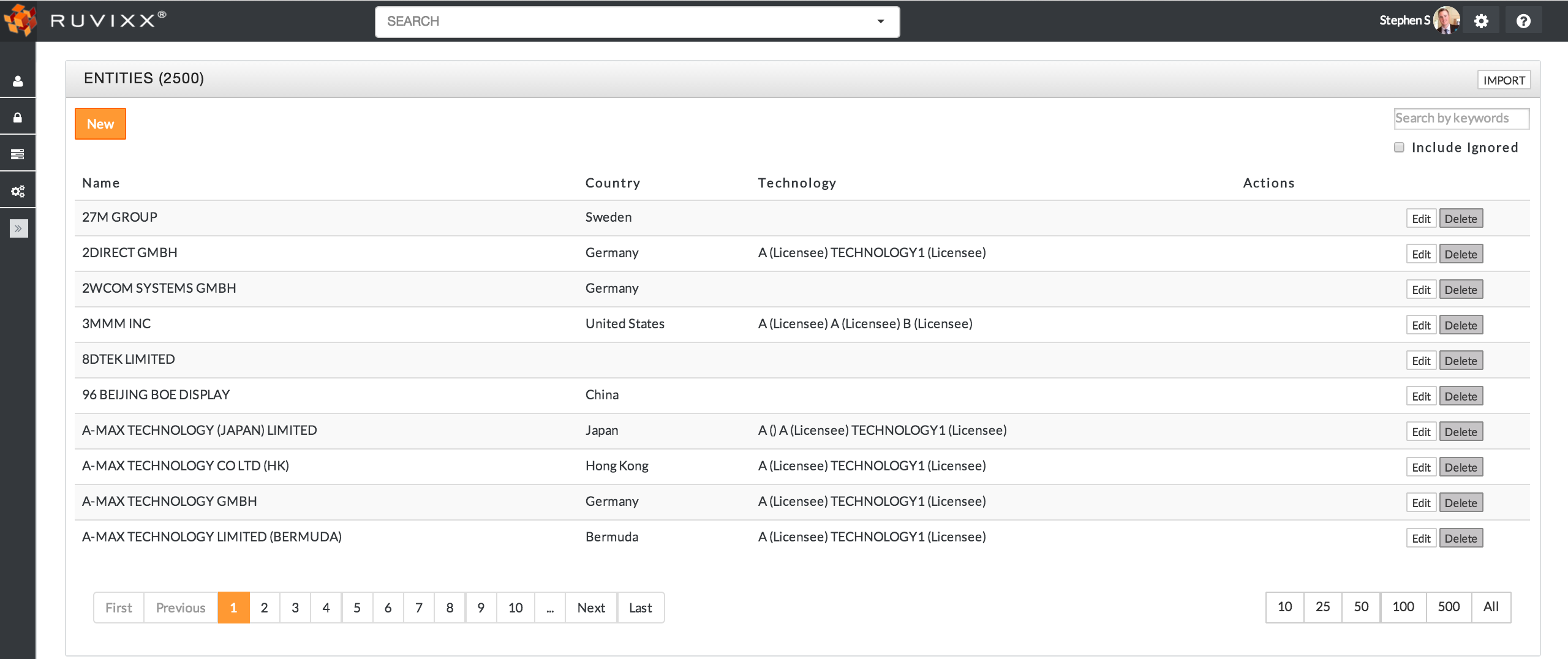
- Click the orange New button on top left hand corner to create a new Entity
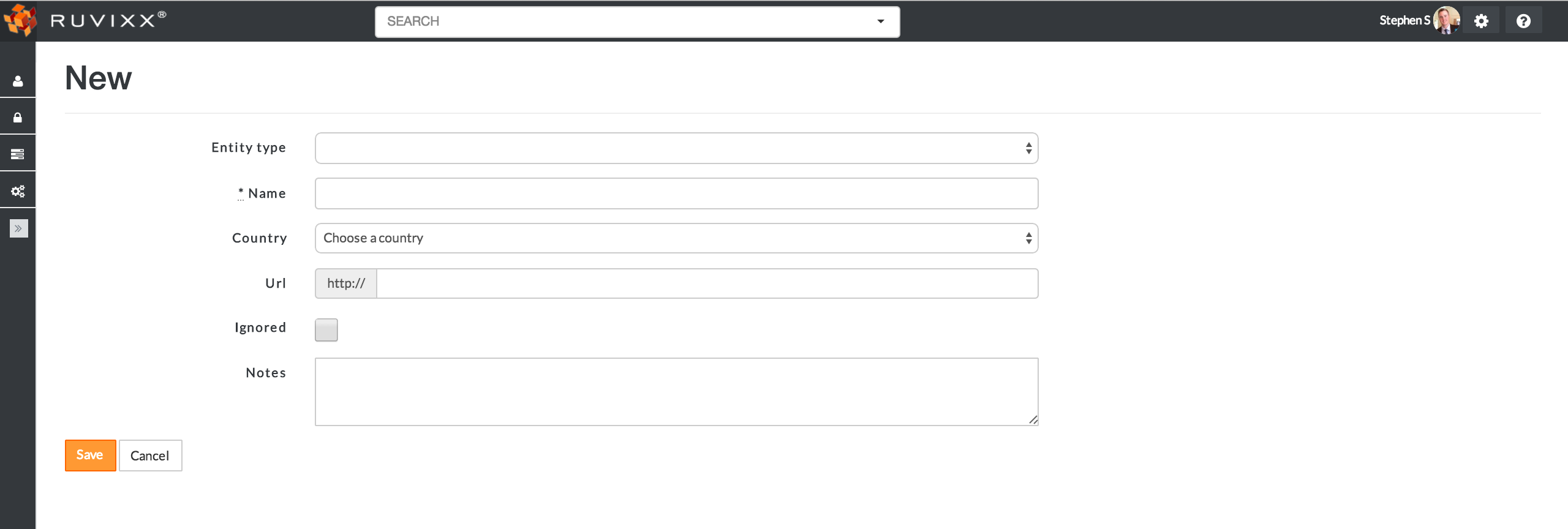
- Fill out the create new entity page and click the orange Save button to create
Comments