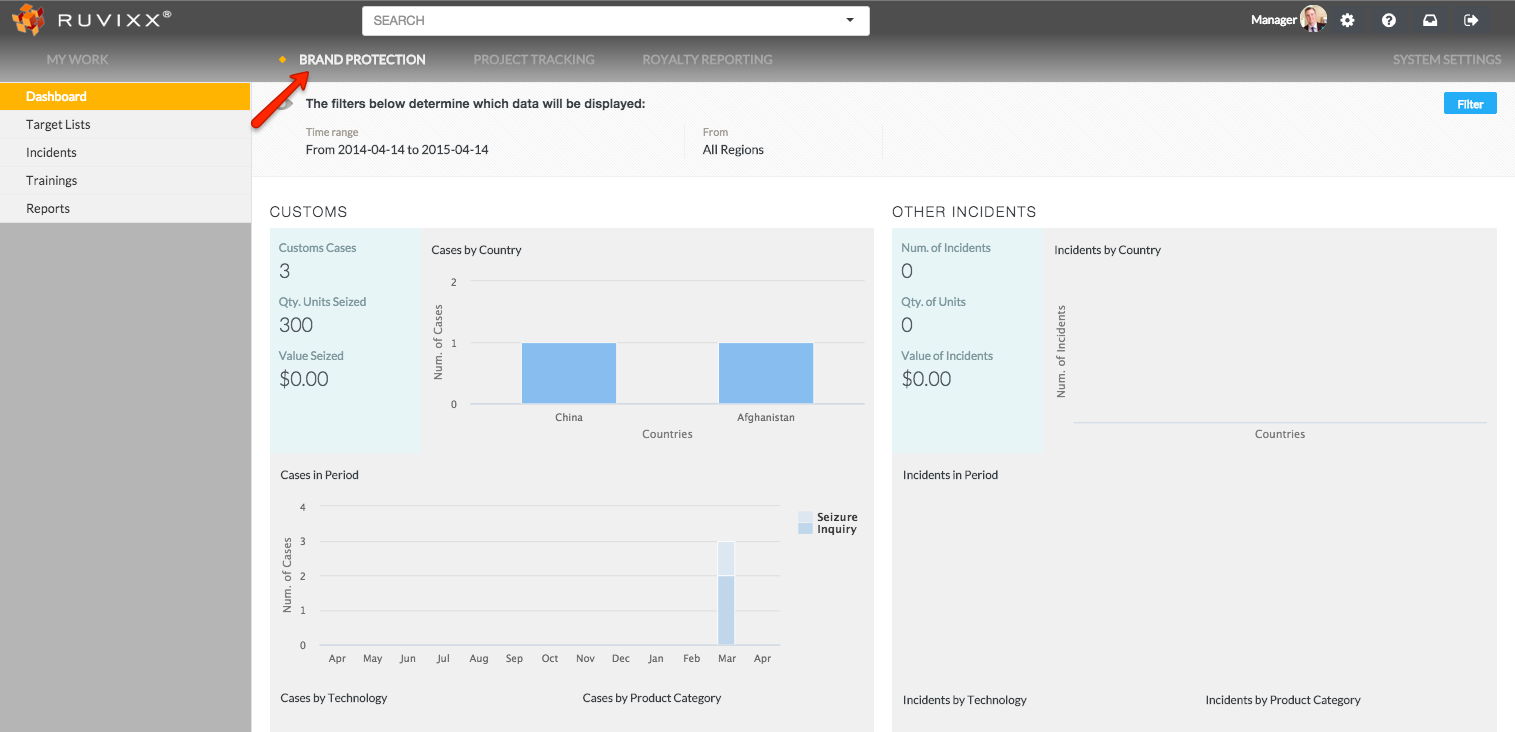
- Click the Brand Protection button on top menu bar
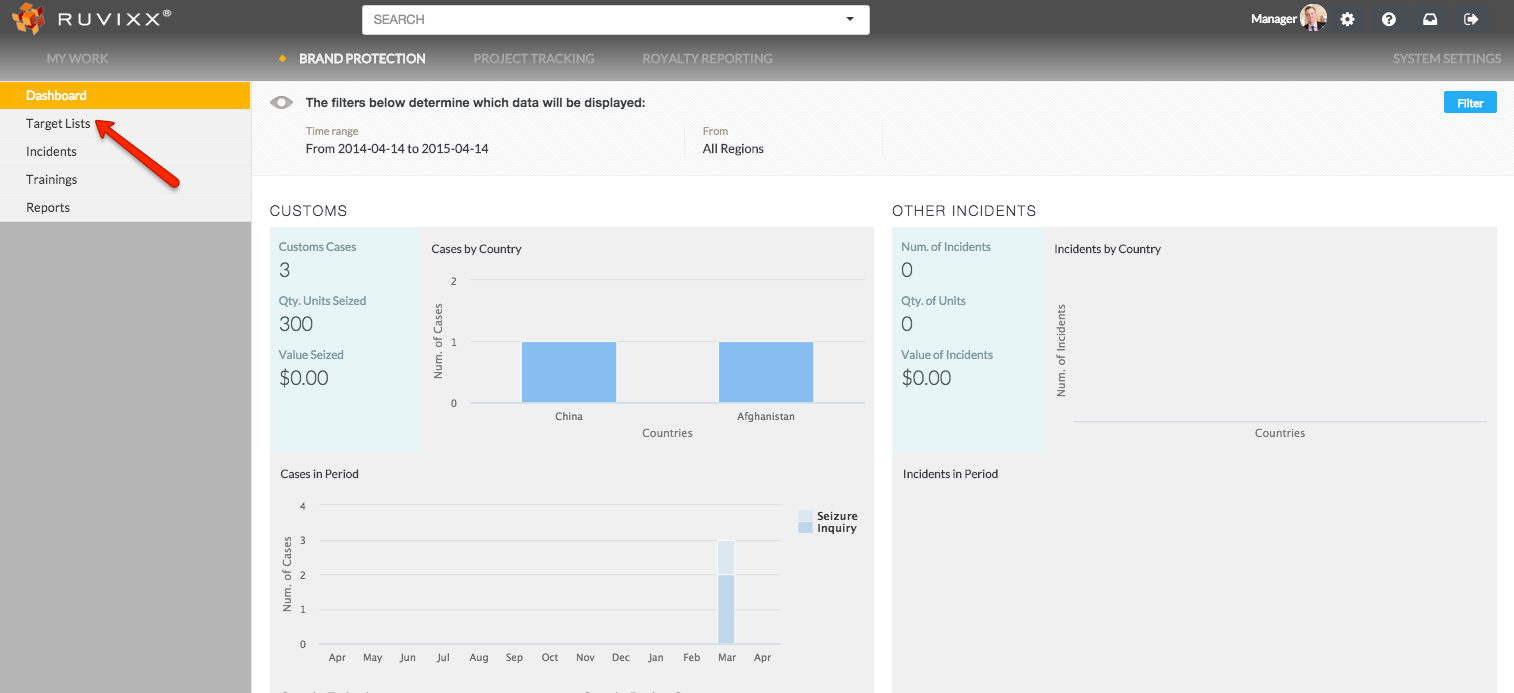
- Click on Target Lists on the left hand navigation pane
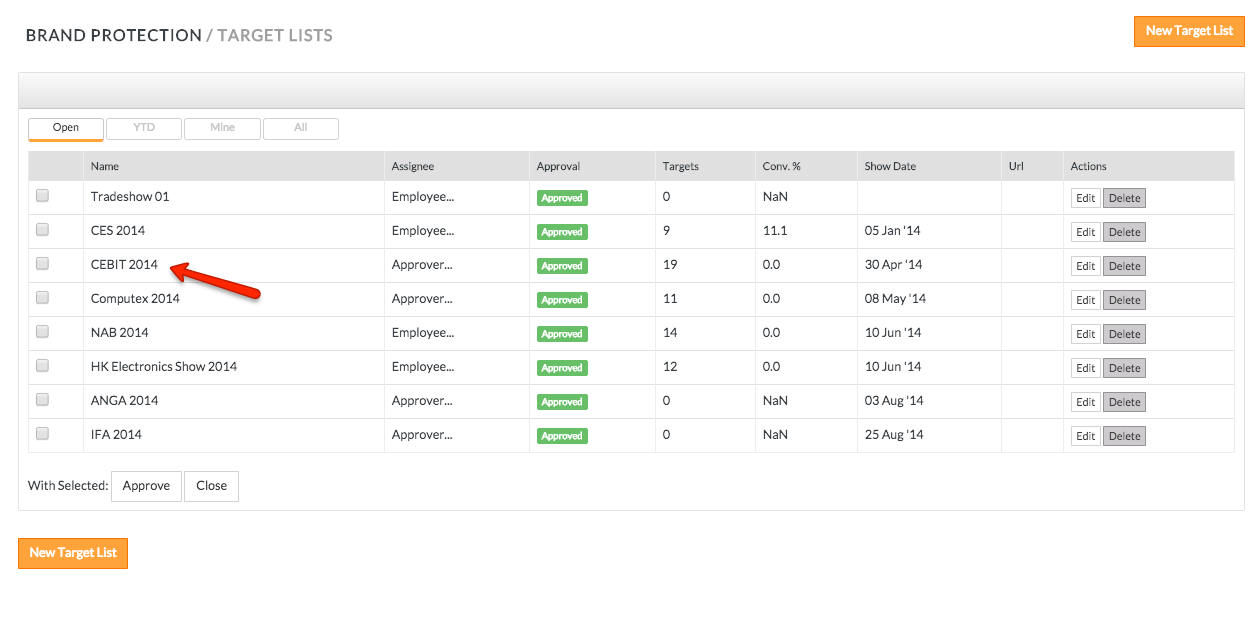
- Click on an existing target list record
- Click Entities on the top line menu
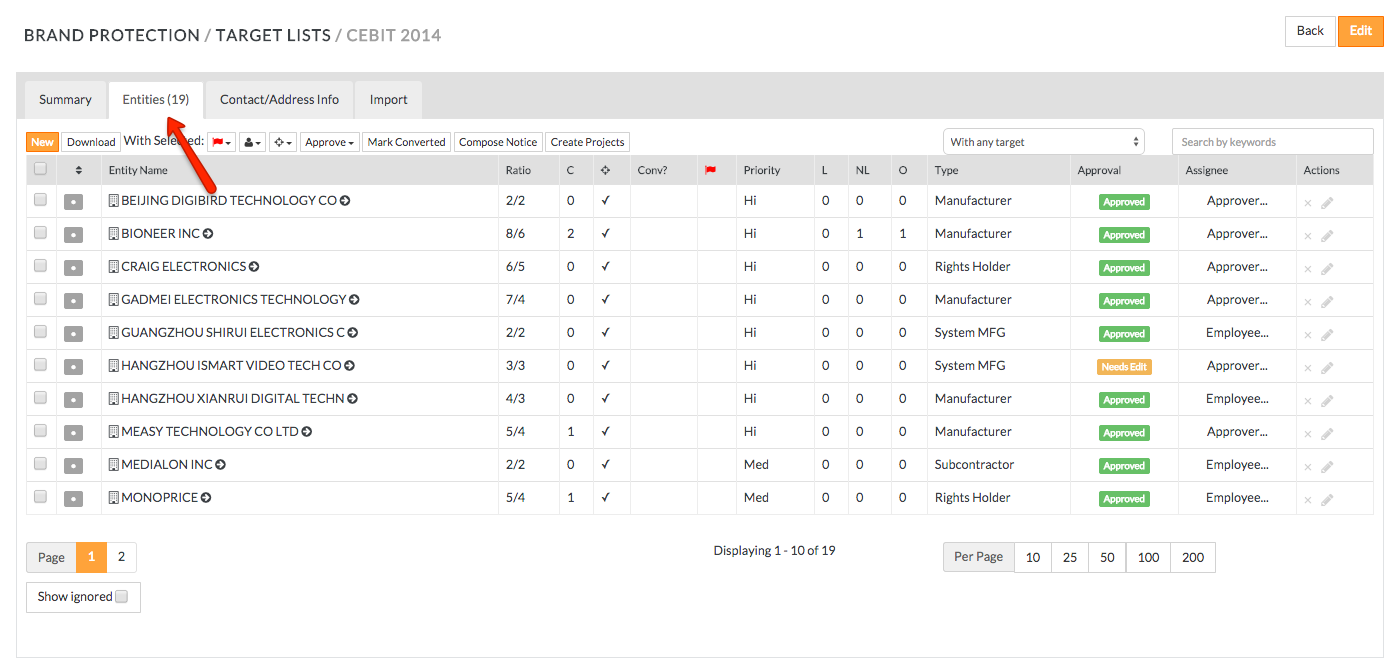
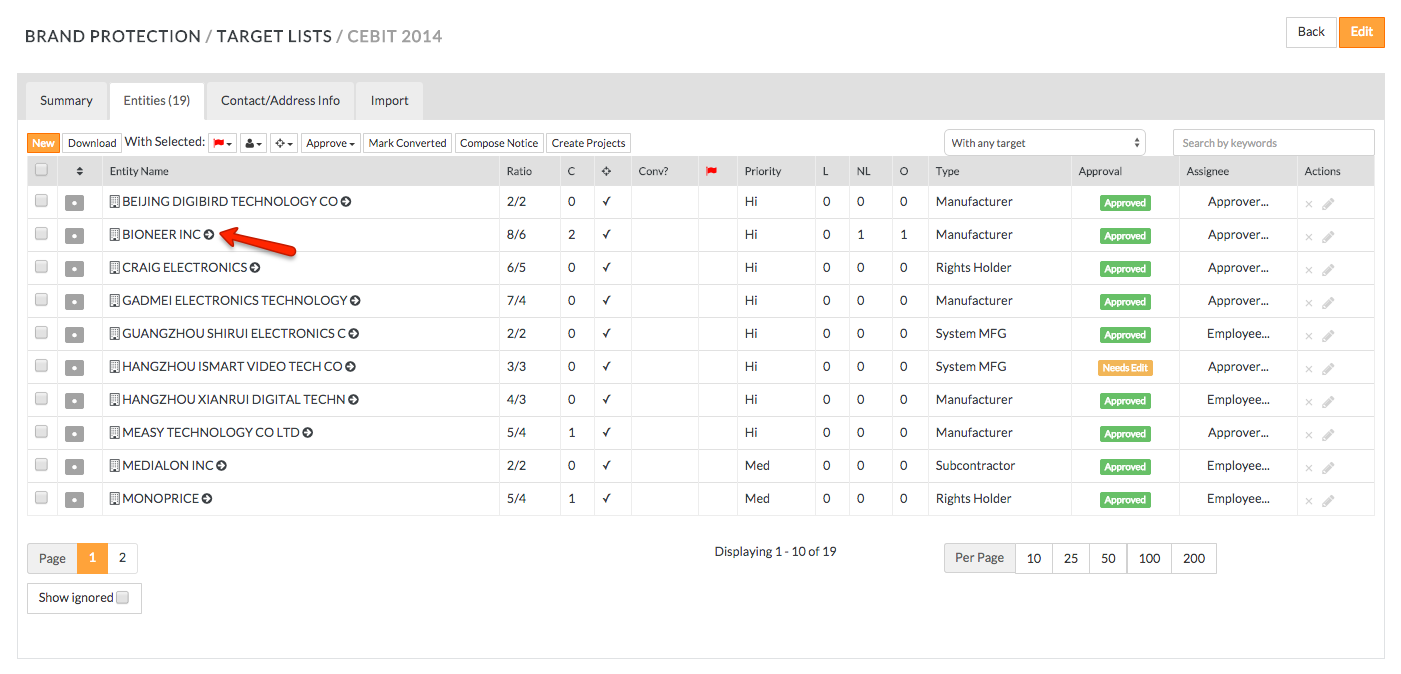
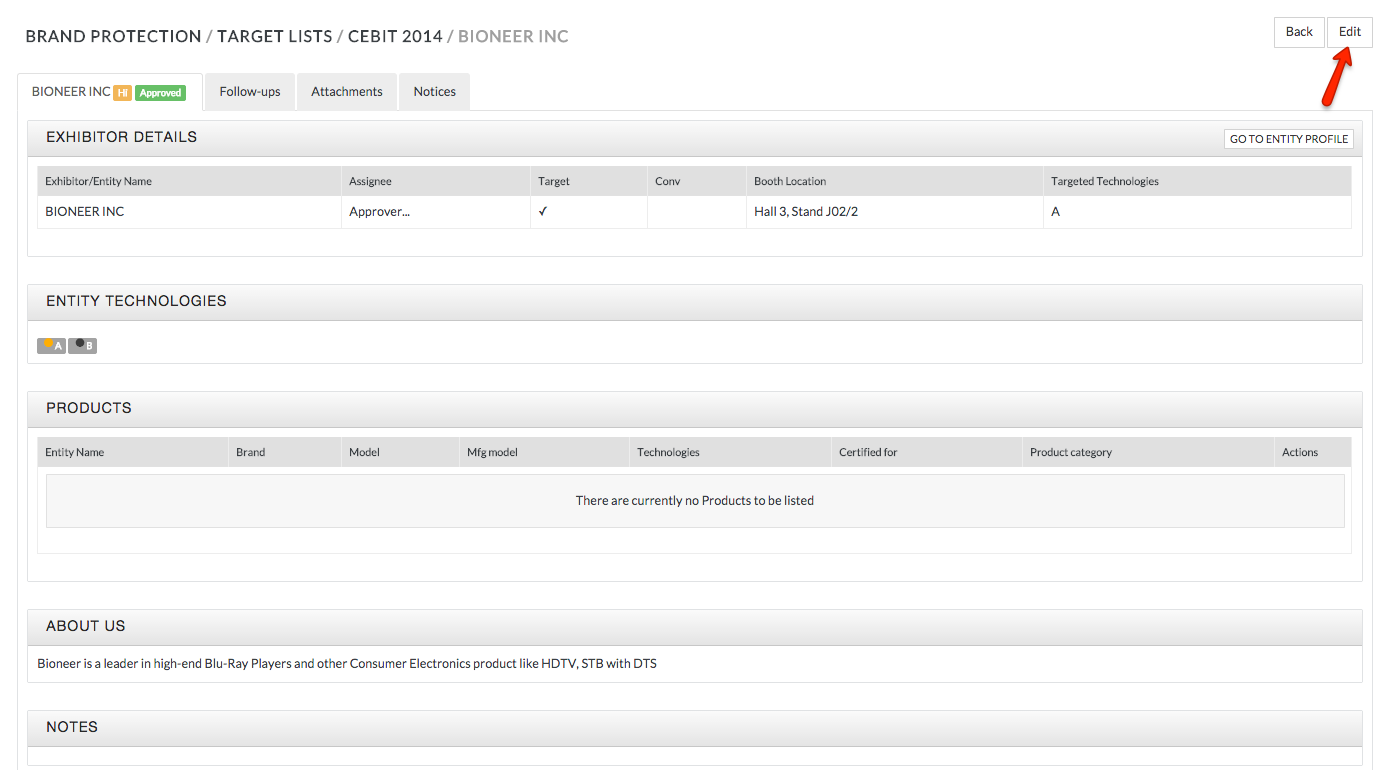
- Editing existing entities can be done in two ways. Click on existing entity name and click Edit button in the top right corner on the following screen
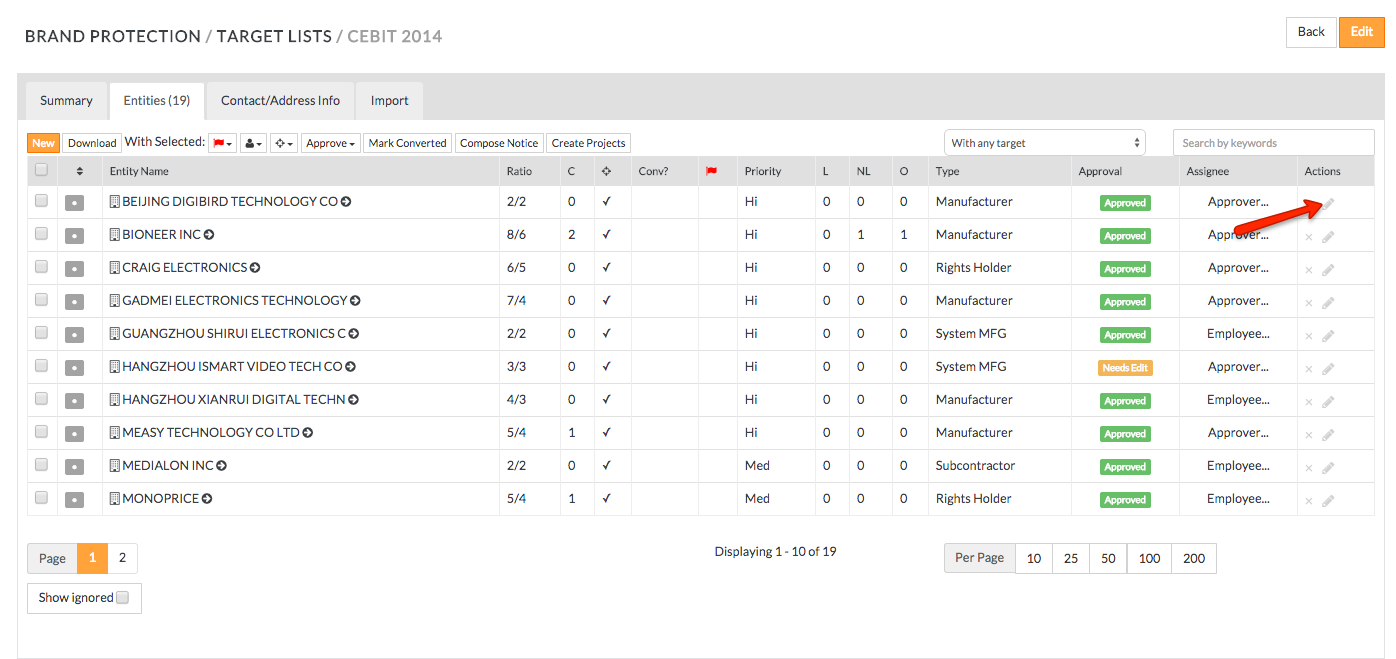
- Or click Edit icon (pencil shaped) on the right hand side of the target list entity to edit
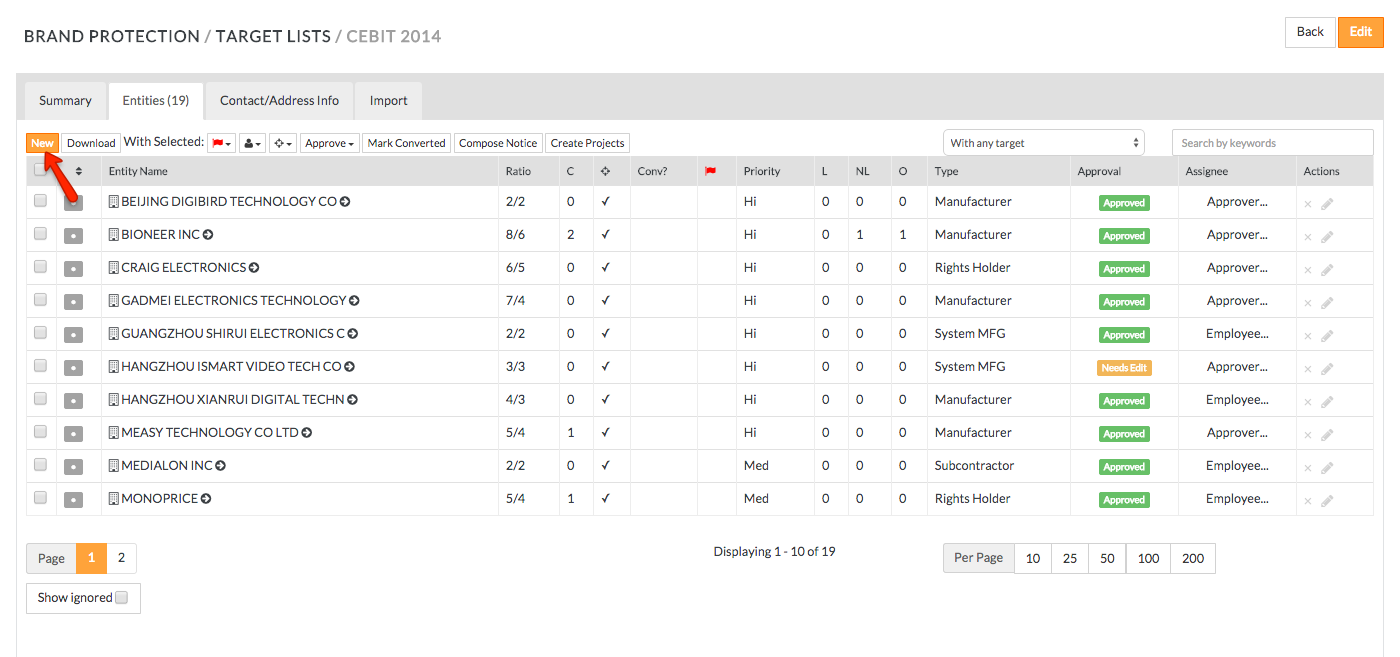
- To add a new target list entity, click New button on the top left hand side
- Fill out all required fields
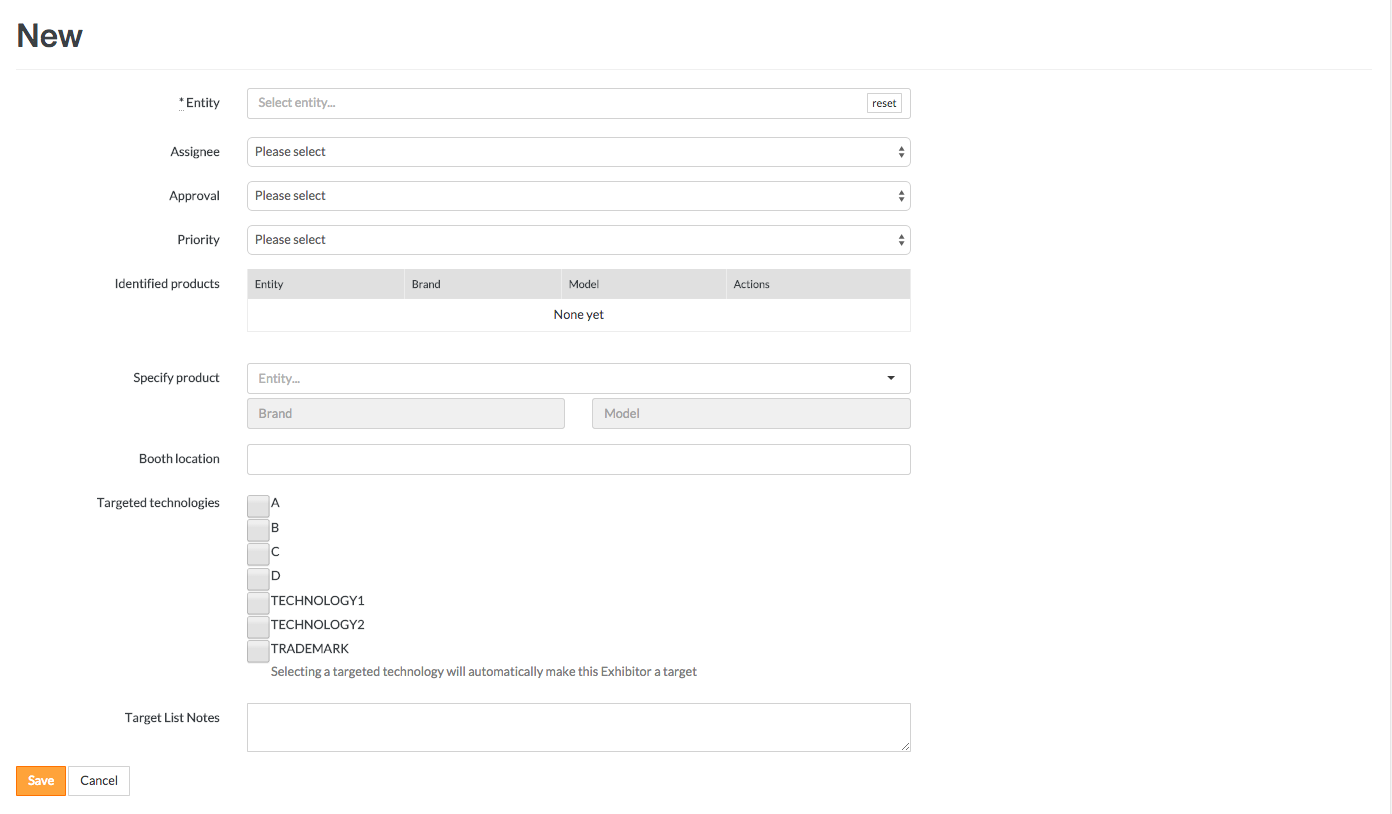
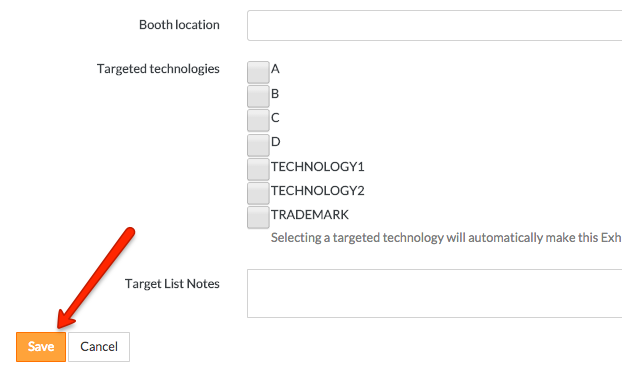
- Click Save to capture the edits or Cancel to void the edits
Have more questions? Submit a request
Comments