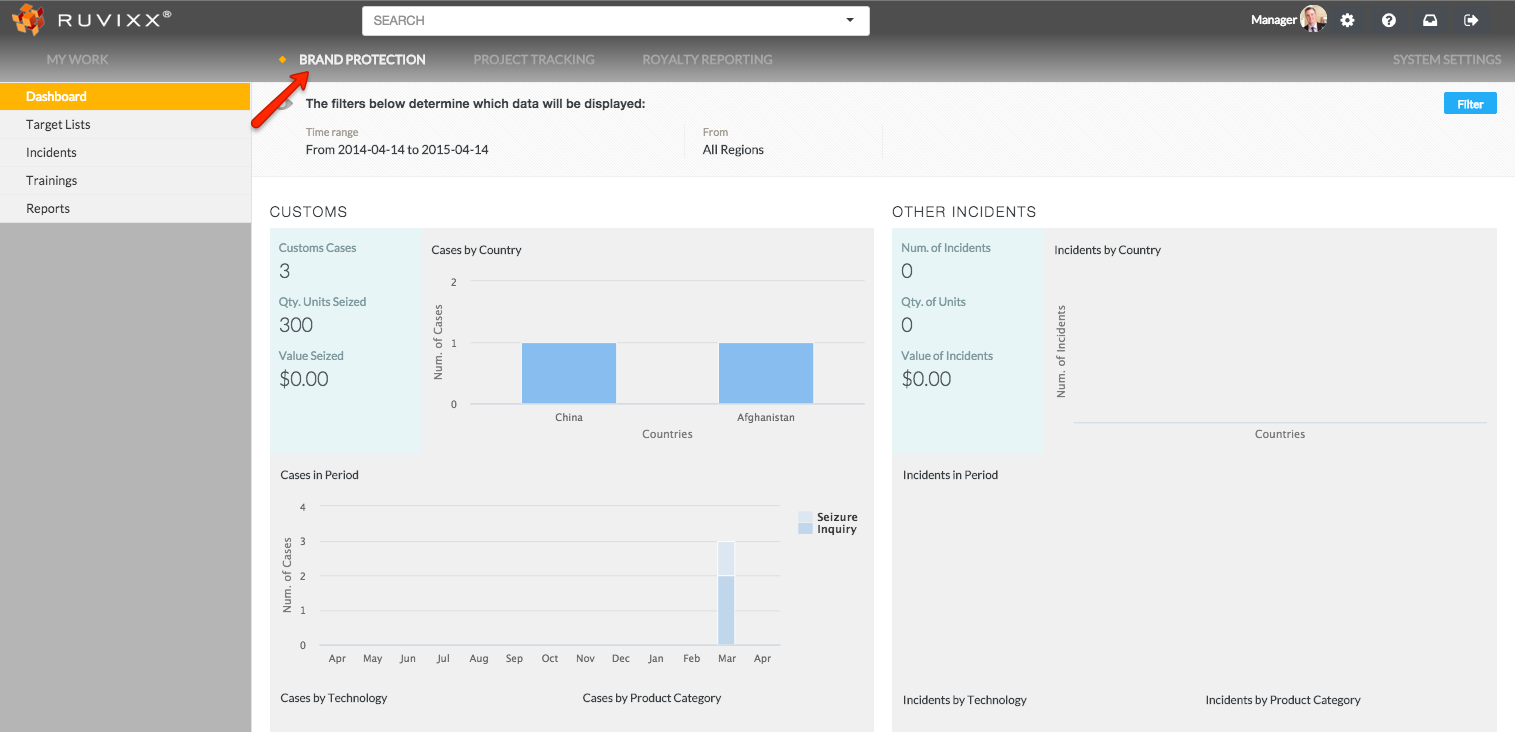
- Click the Brand Protection button on top menu bar
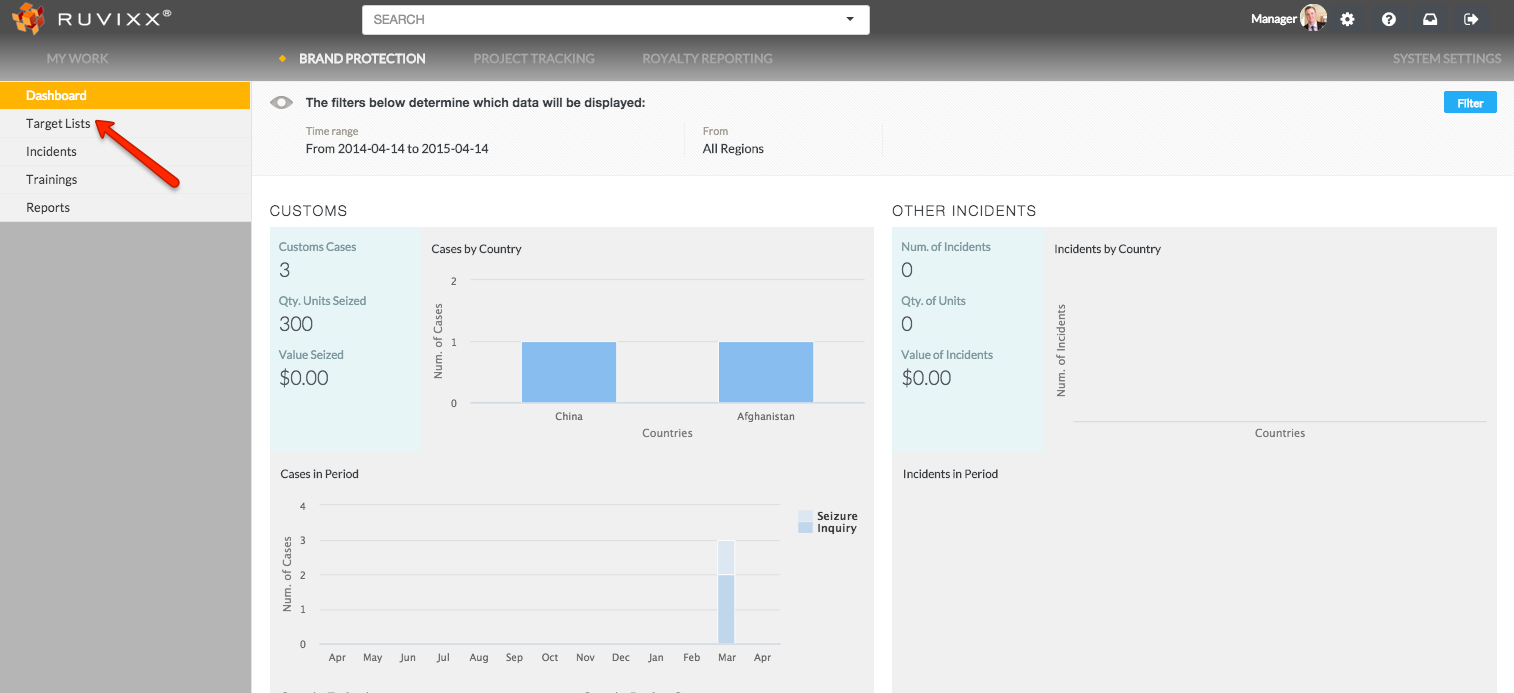
- Click on Target Lists on the left hand navigation pane
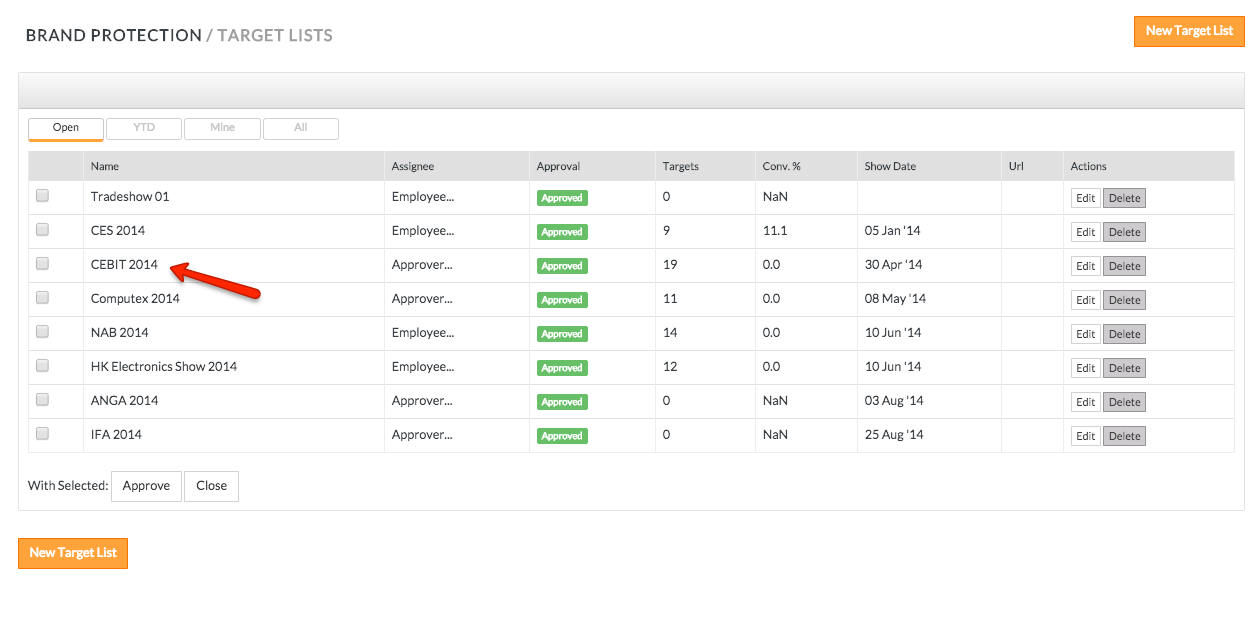
- Click on an existing target list record
- Click Entities on the top line menu
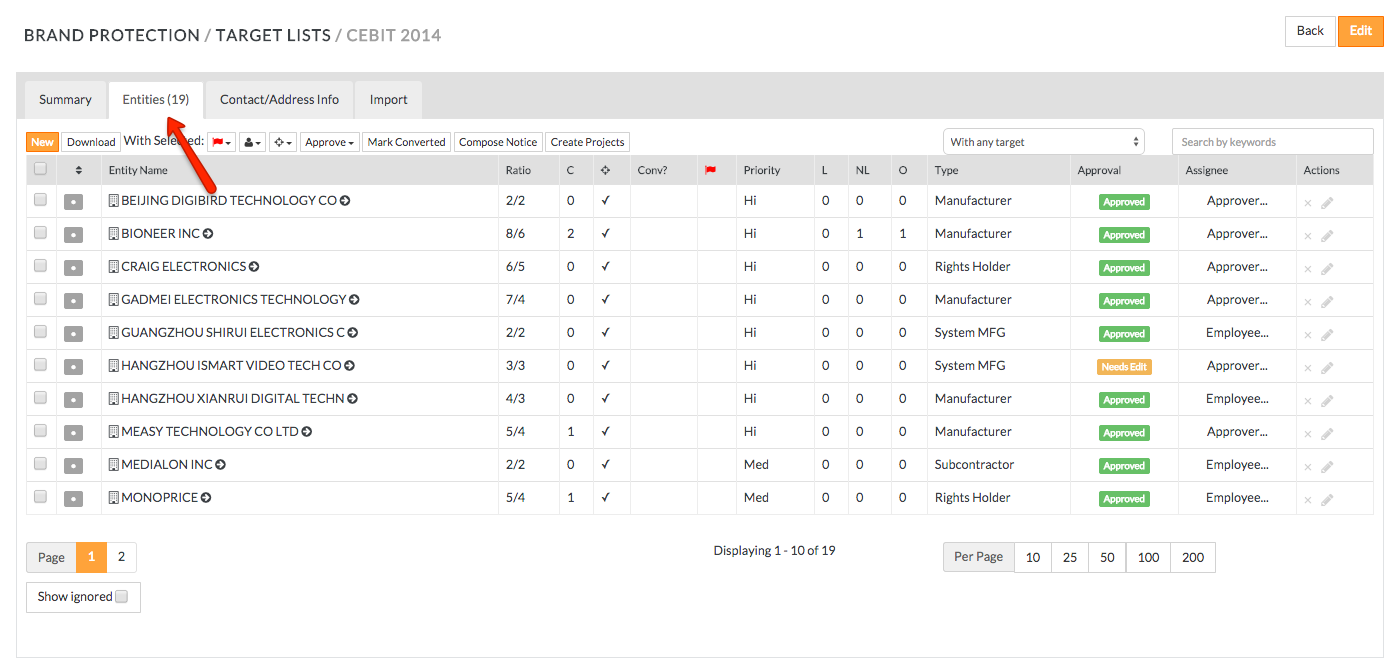
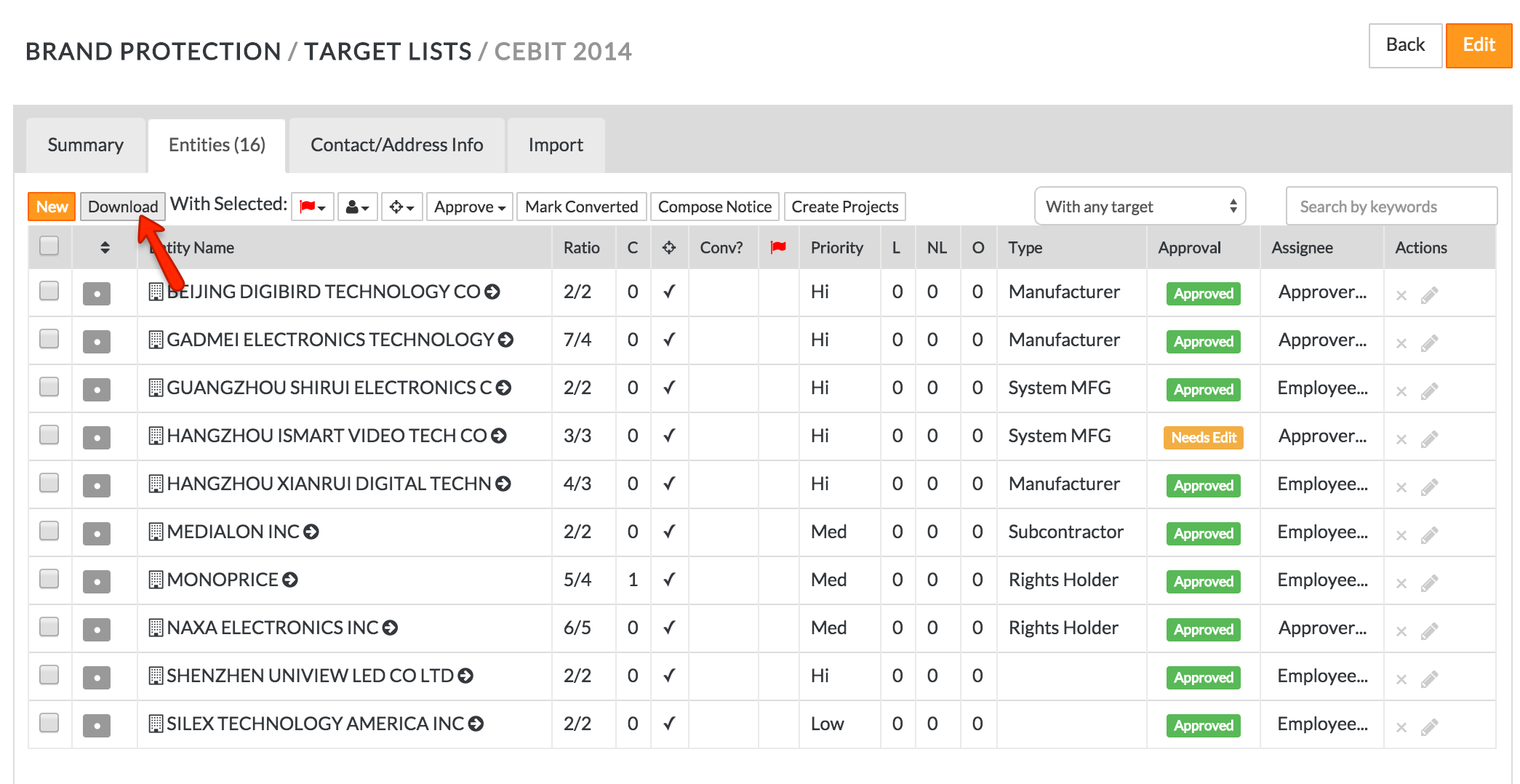
- To download the existing list of exhibitors click Download button in the top left corner
Have more questions? Submit a request
Comments