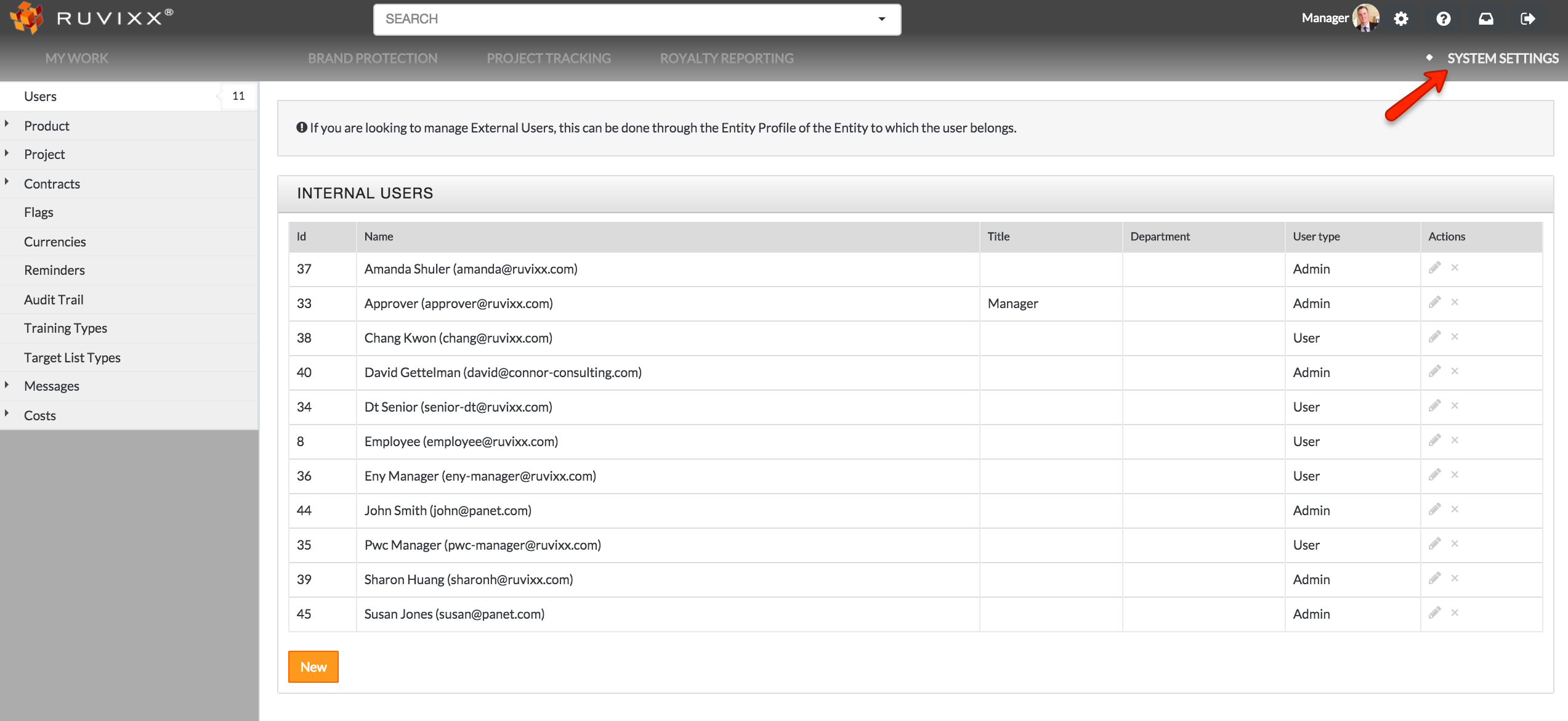
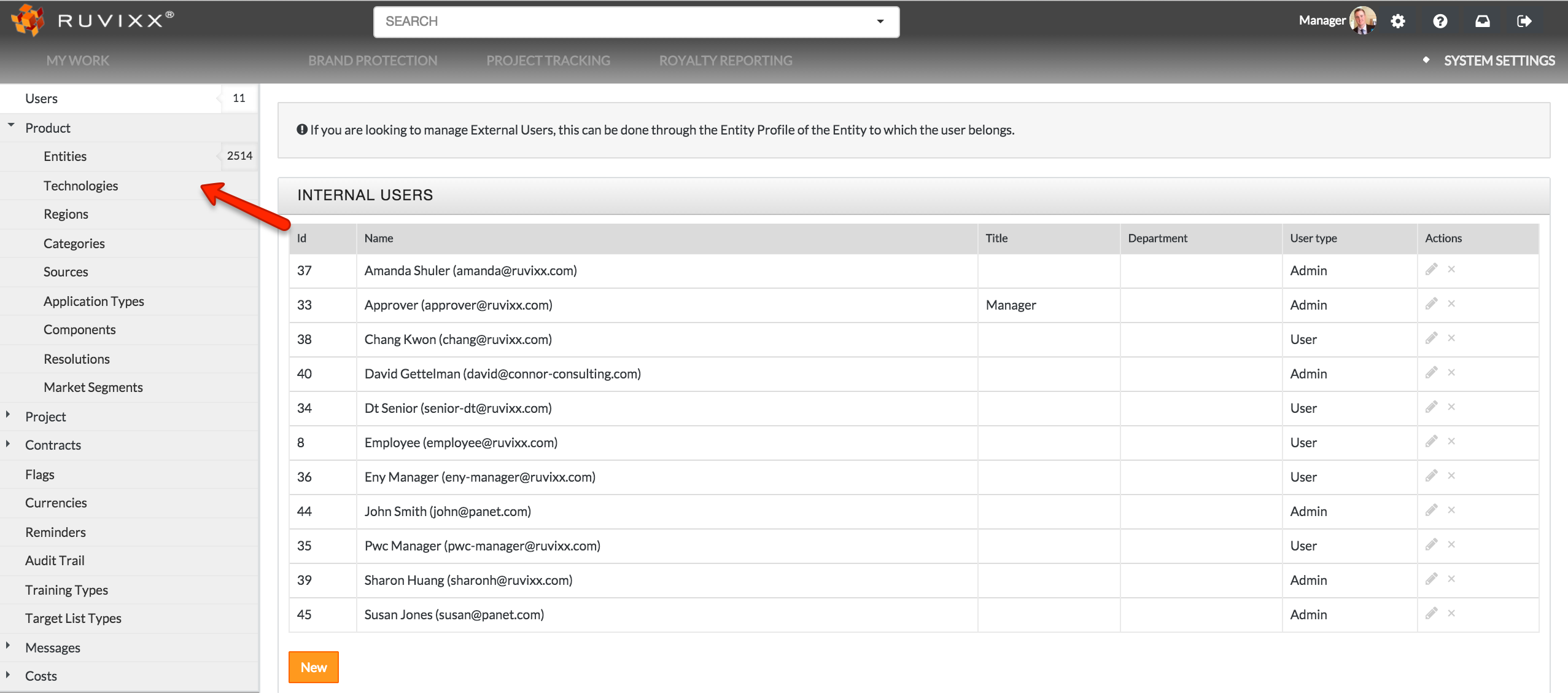
- Click the System Settings on the top right hand corner and select Technologies located under the 'Product' category on left hand side
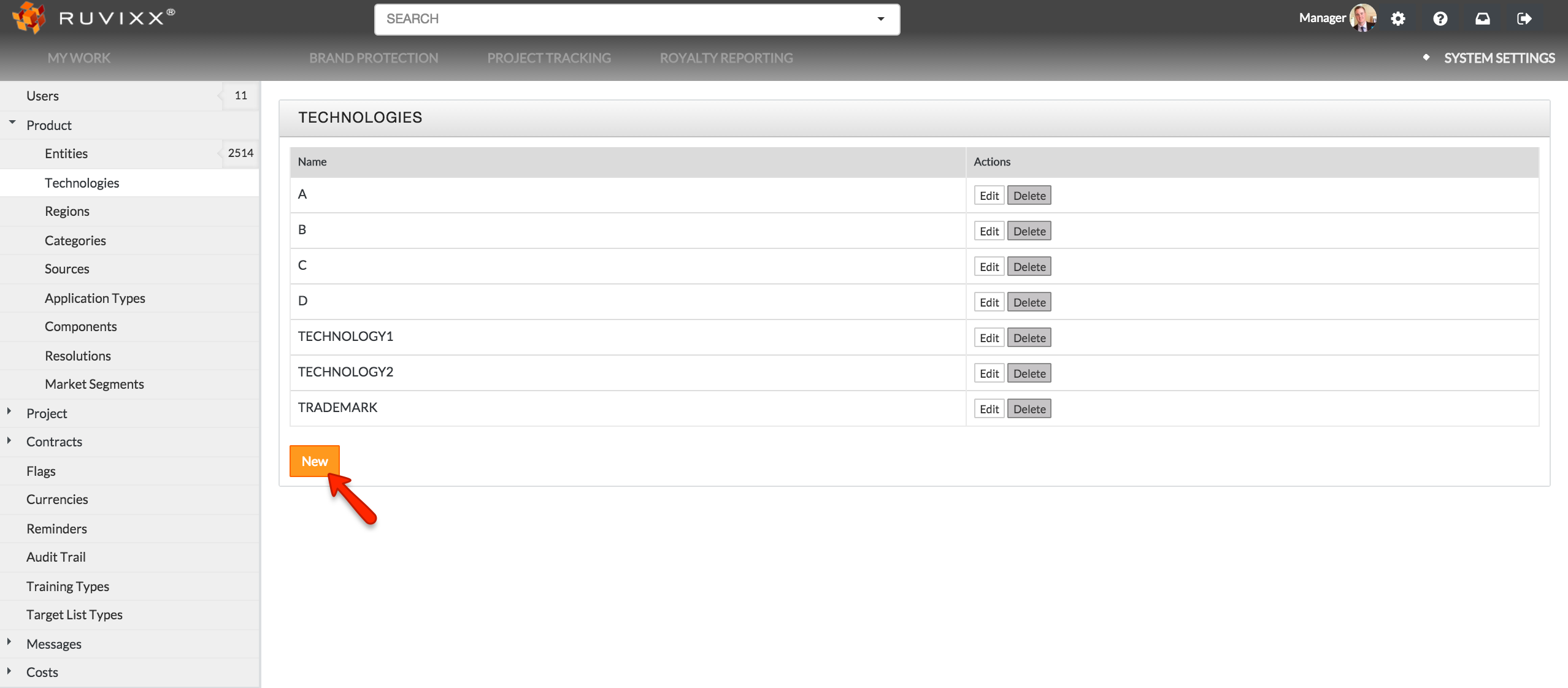
- Click on the New button
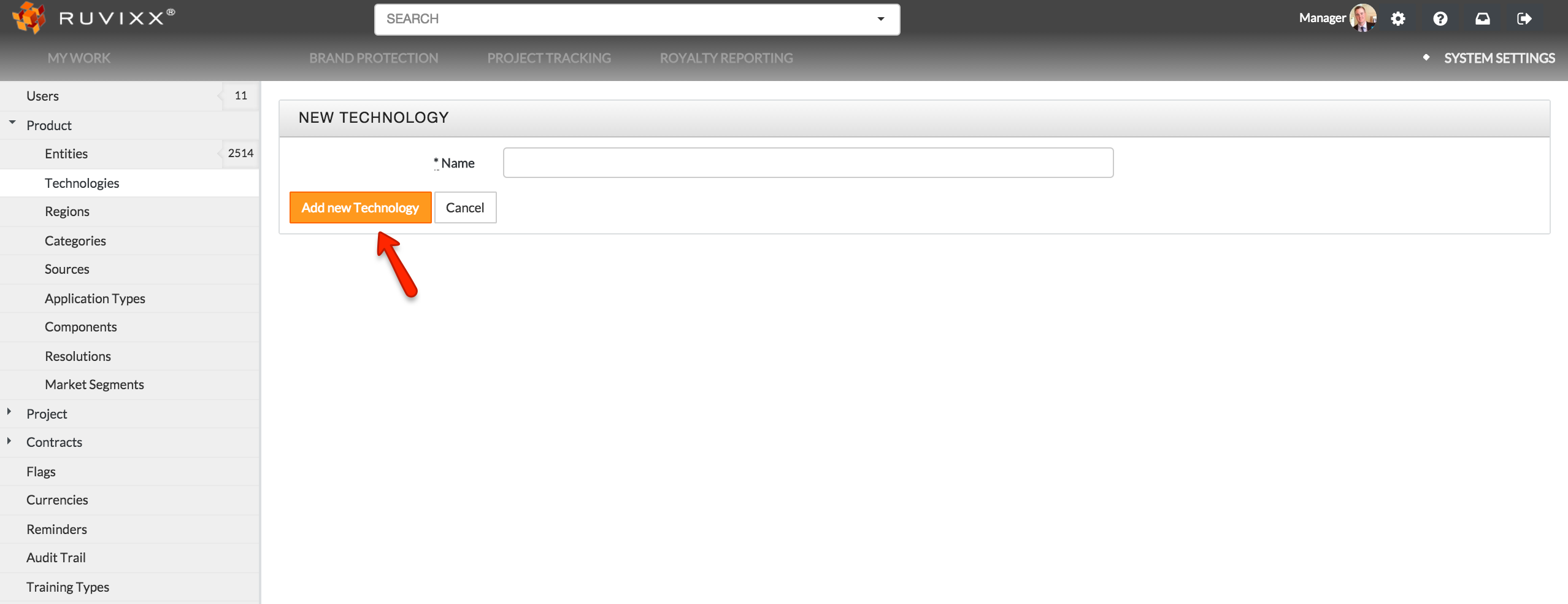
- Click Add New Technology to save
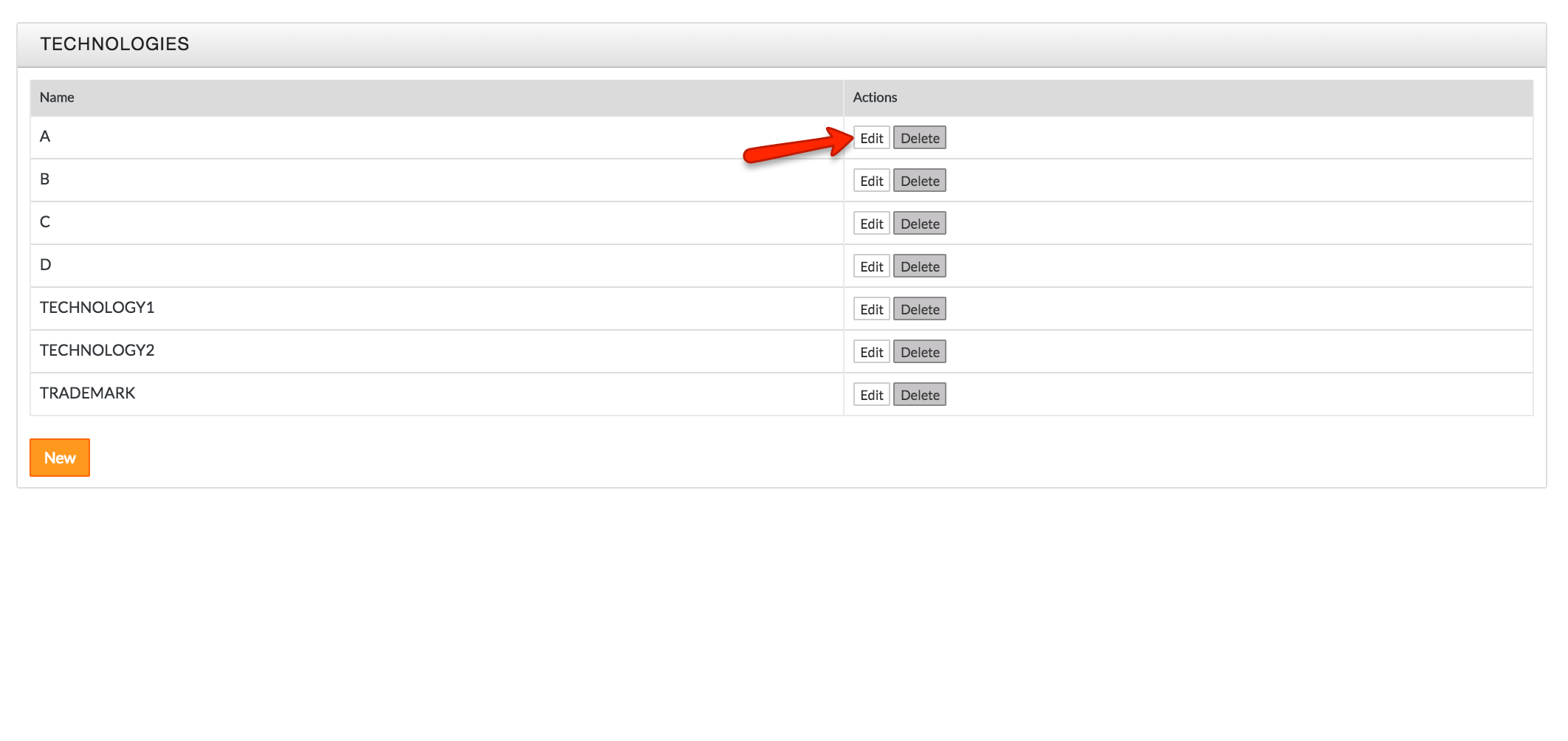
- Click Edit button to the right of the corresponding technology to edit
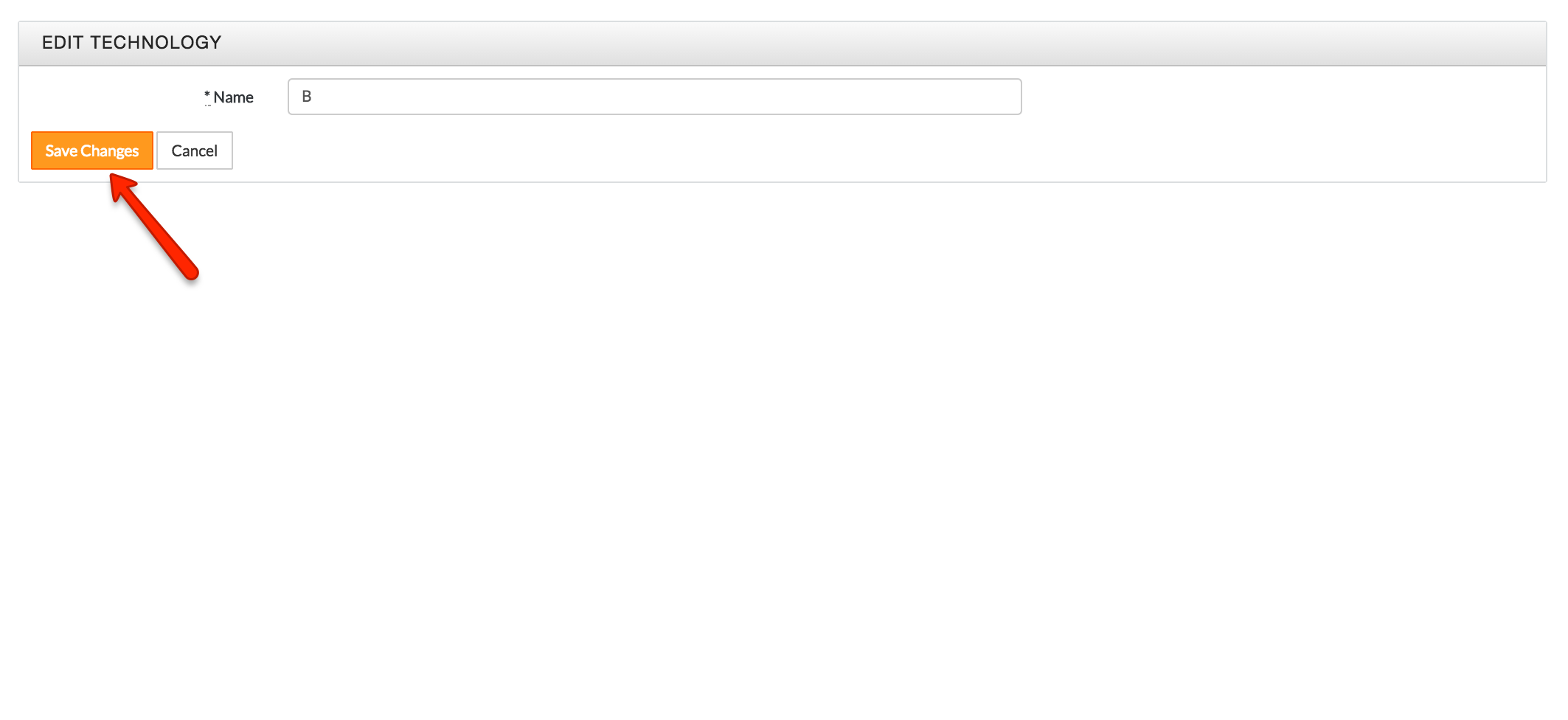
- Click the Save Changes button on left of screen to save changes
Note: New technologies are automatically added via entities import (see “How To Import Multiple Entities”)
Comments