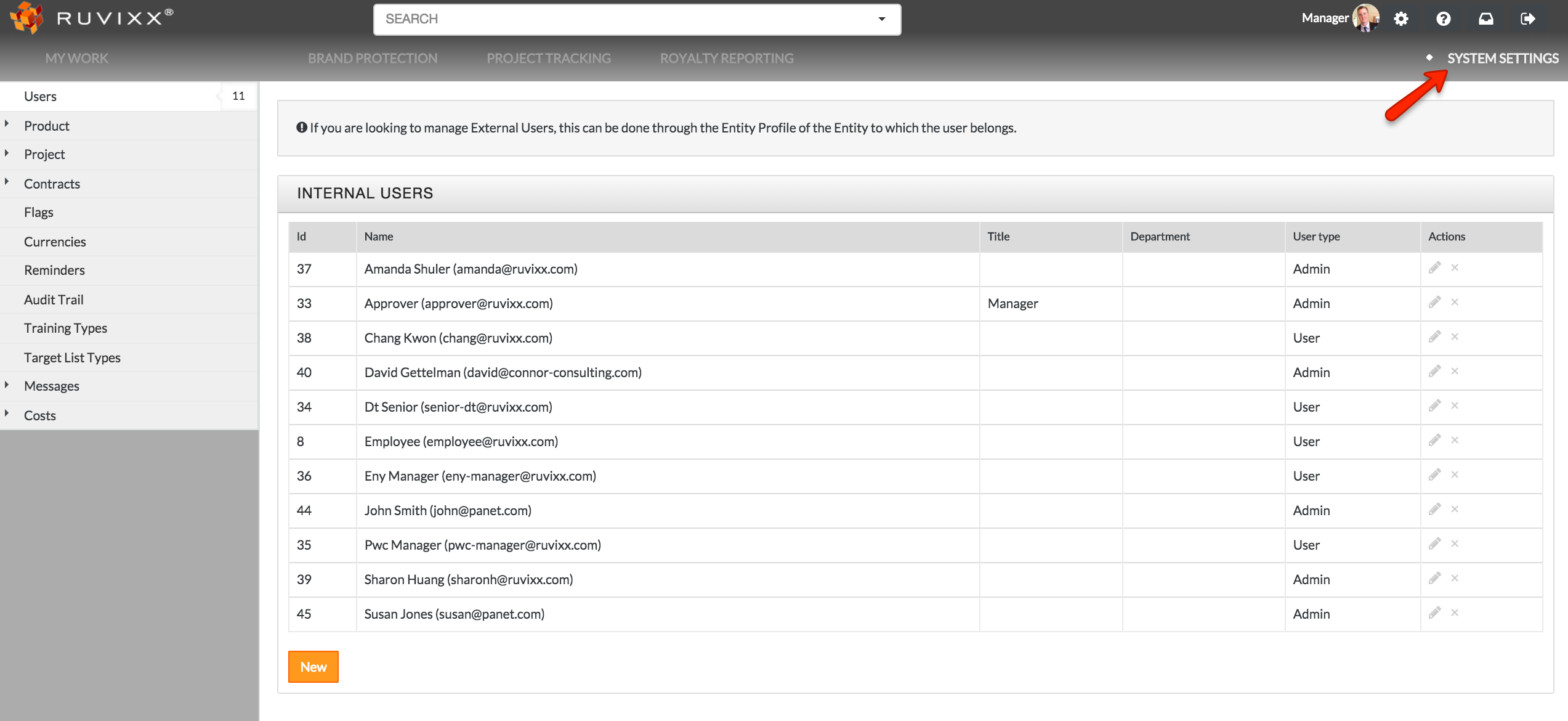
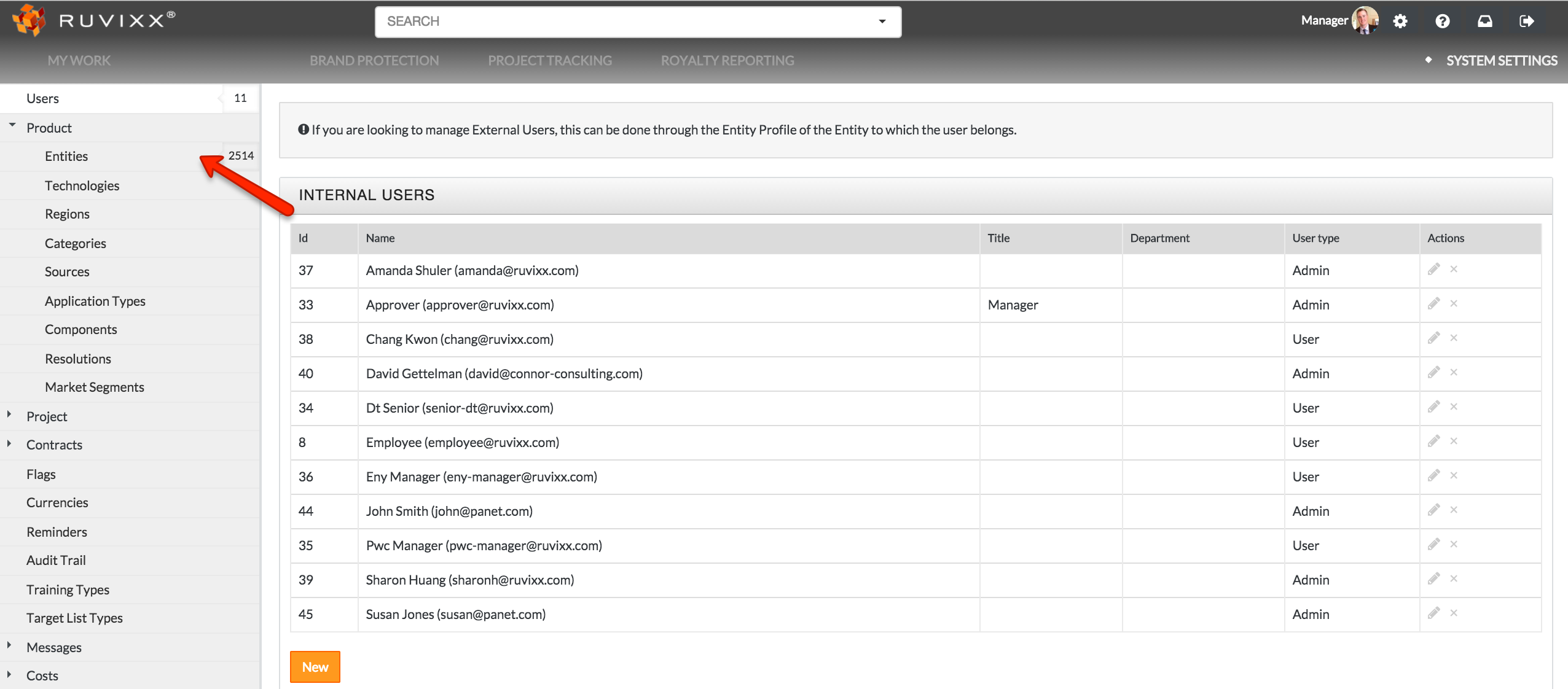
- Click the System Settings on the top right hand corner and select Entities located under the Product category on left hand side
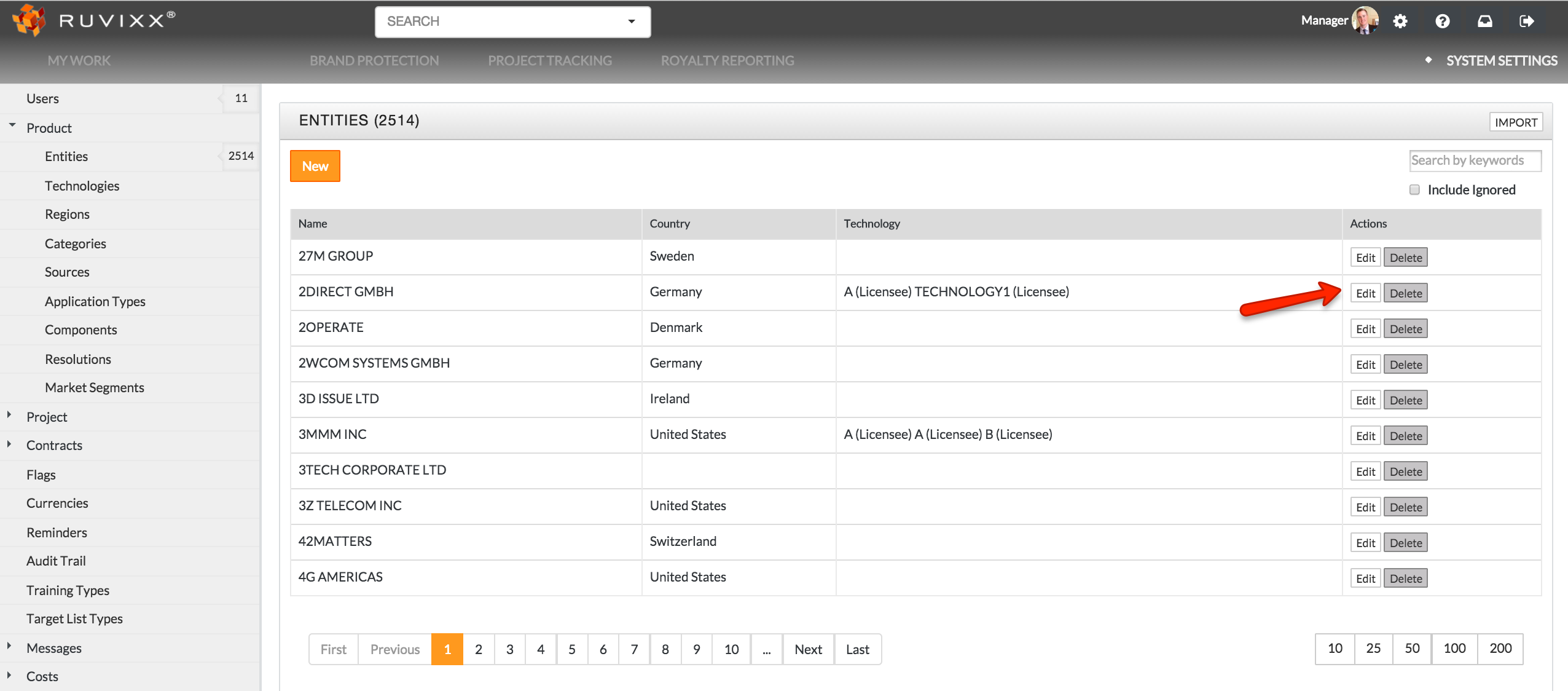
- Click Edit button to the right of corresponding entity to edit basic entity info
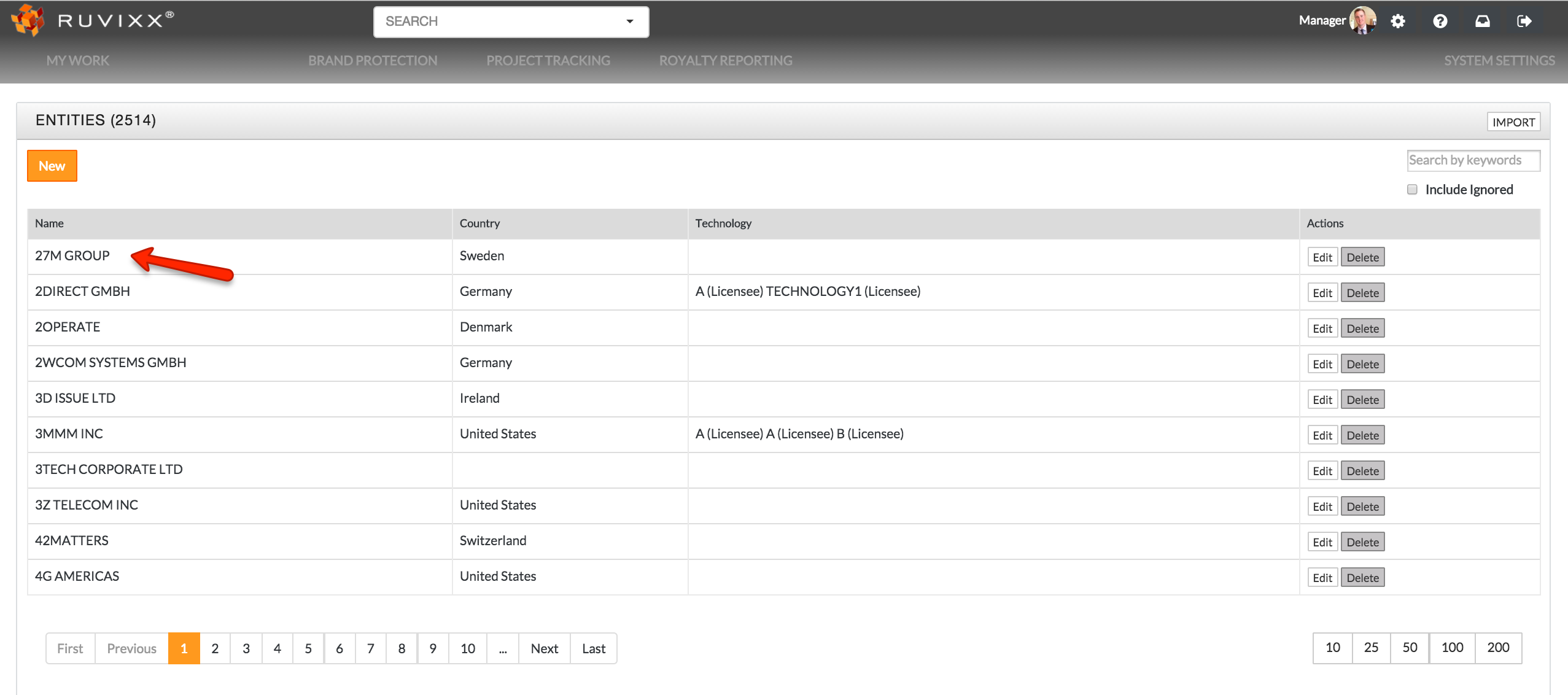
- Click on a specific entity to view and edit all entity related data
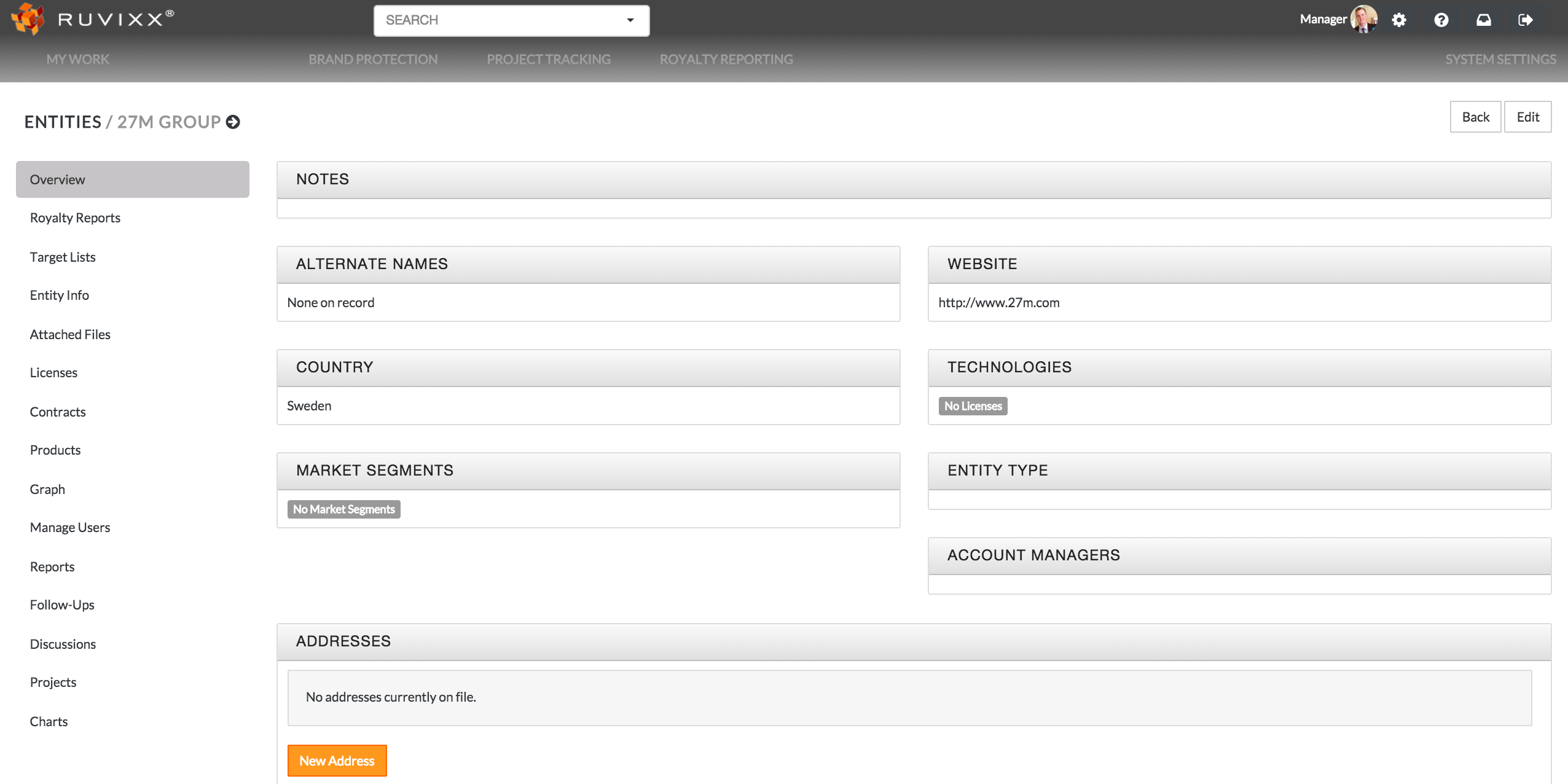
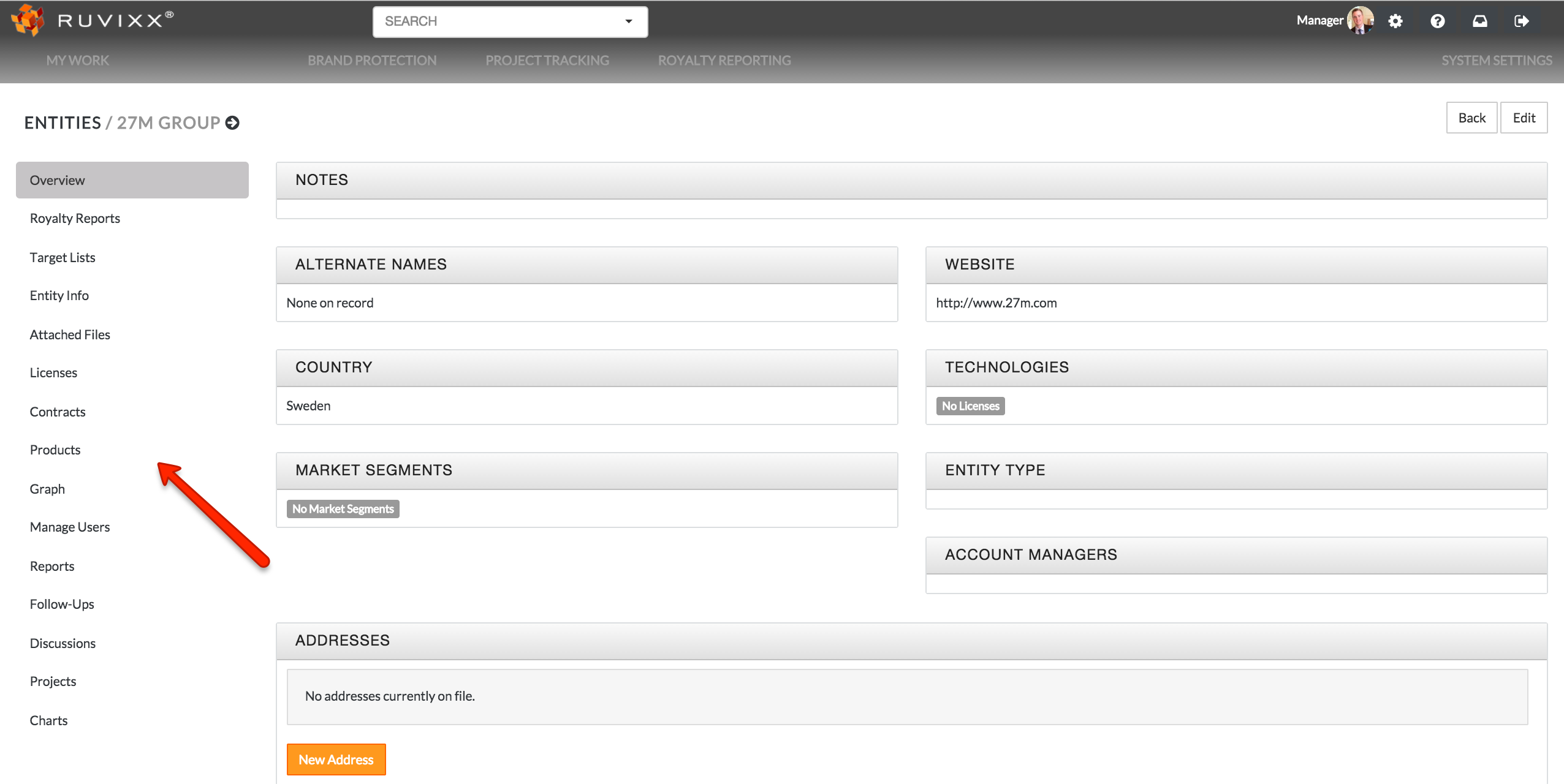
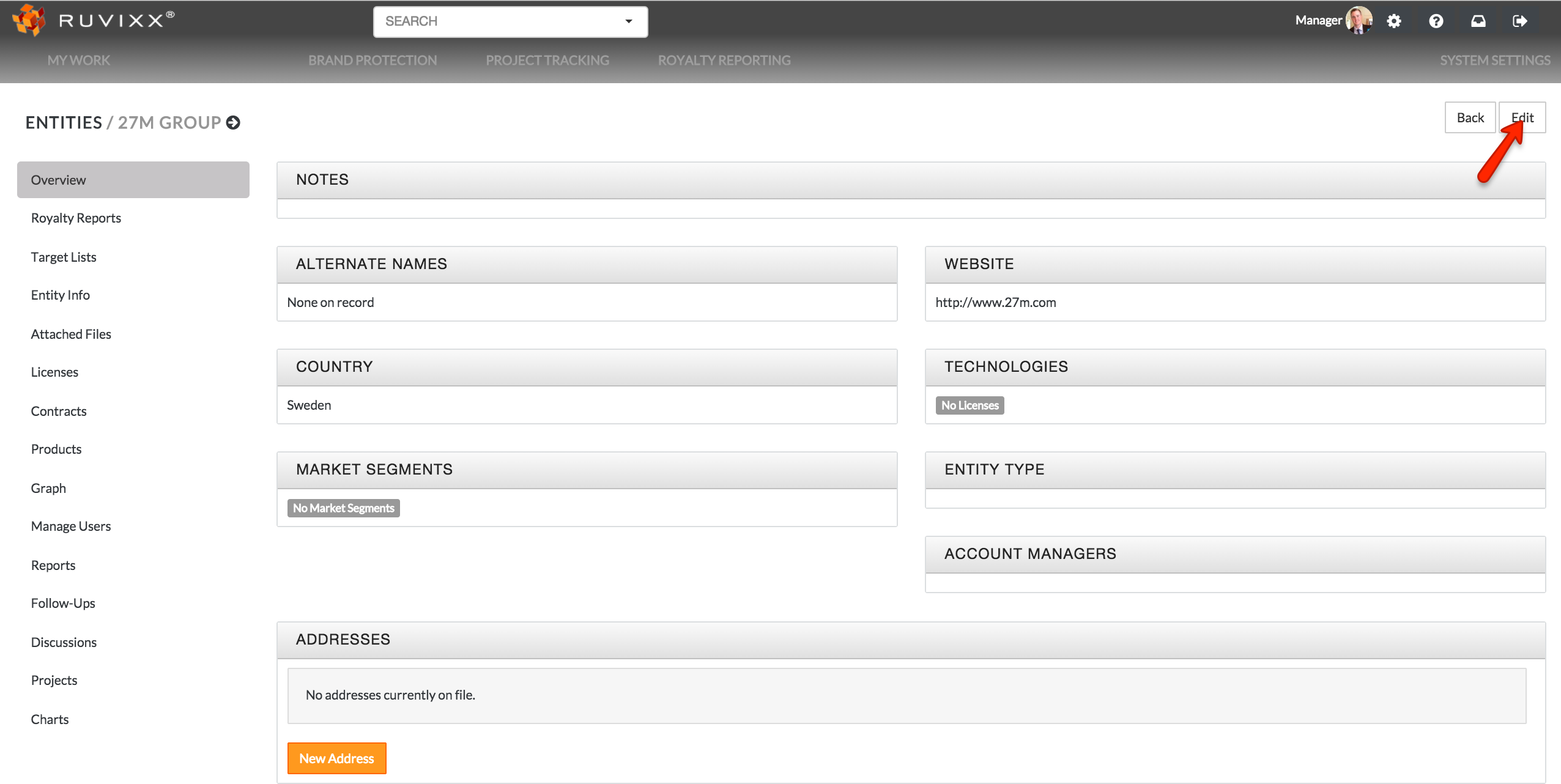
- Click any category on left hand side you wish to edit. You can also edit entity info by clicking Edit button on the top right hand corner
-
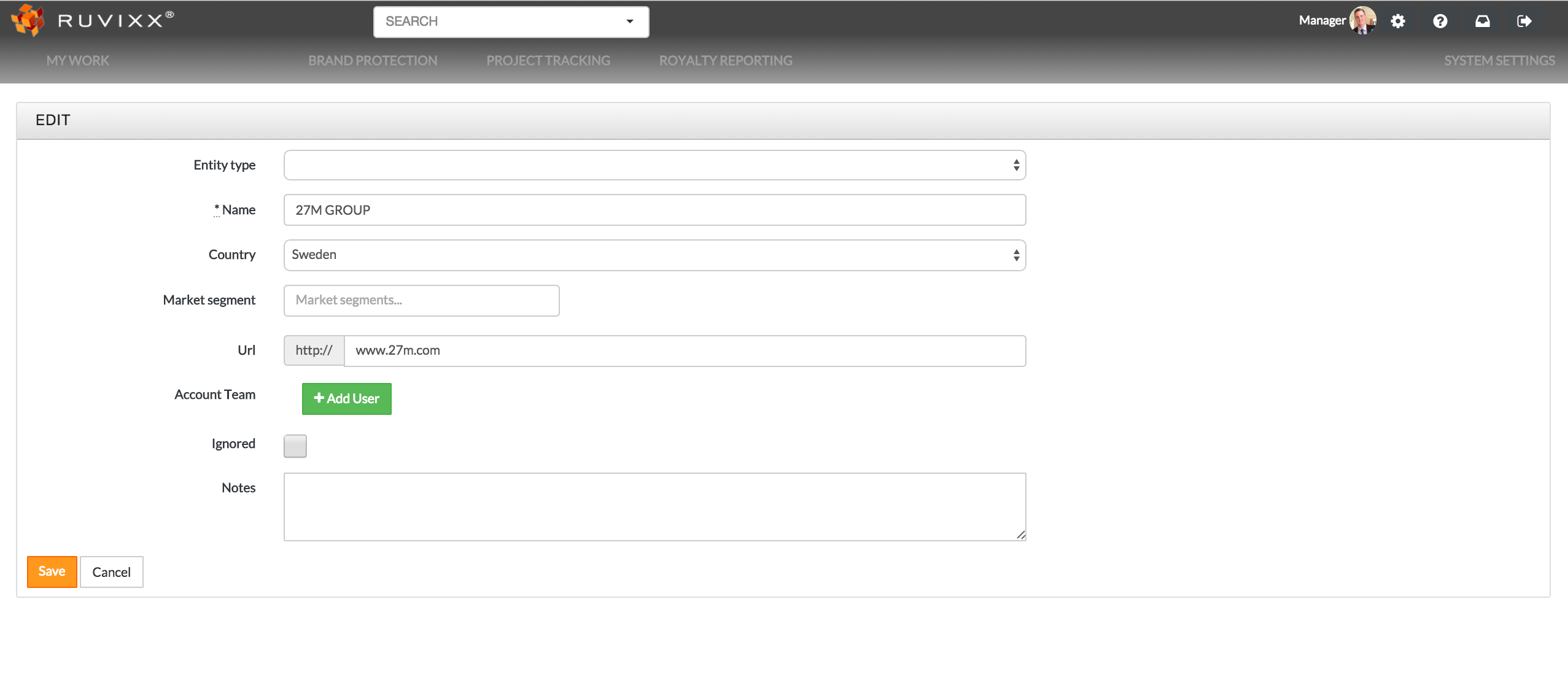
Click the Save button on bottom left of screen after all changes have been made
Have more questions? Submit a request
Comments