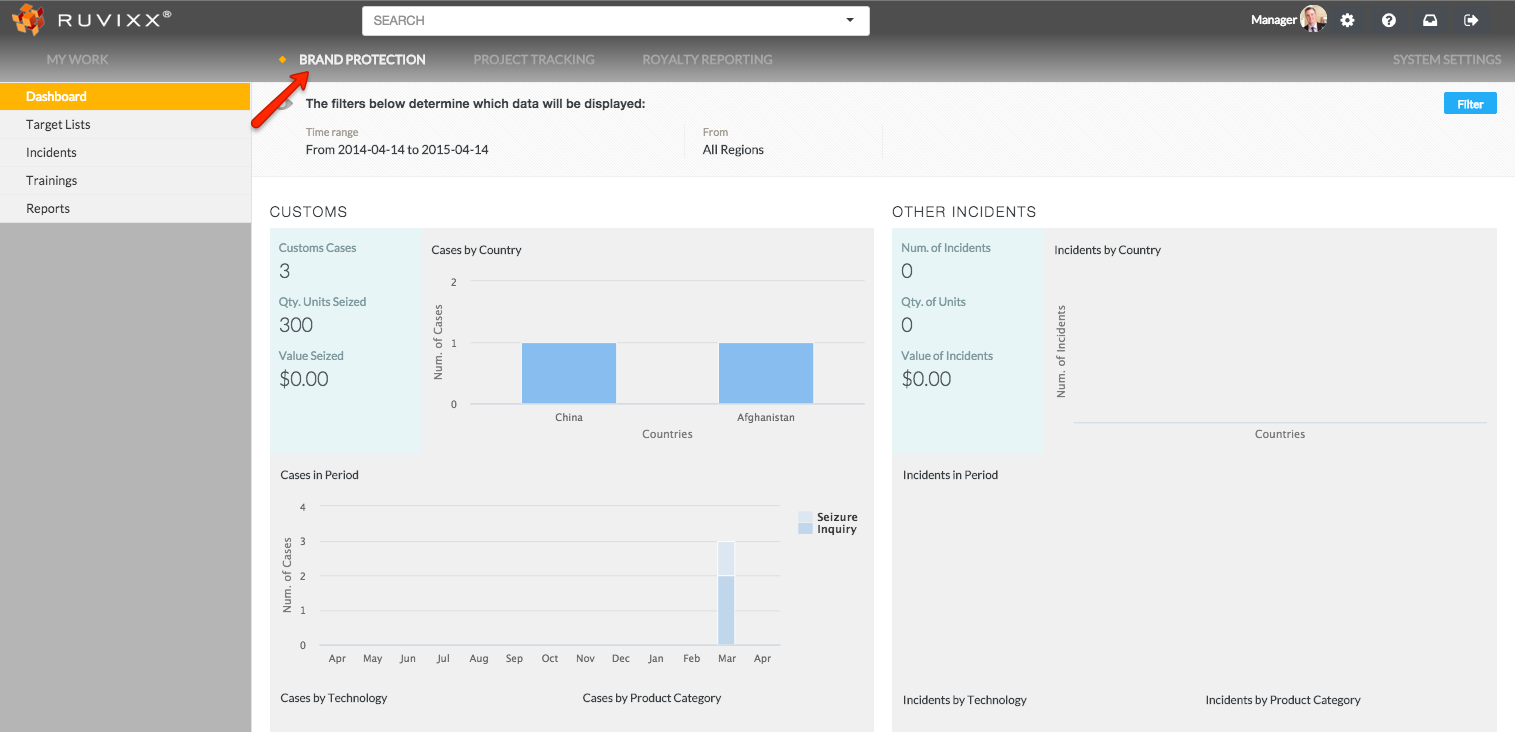
- Click the Brand Protection button on top menu bar
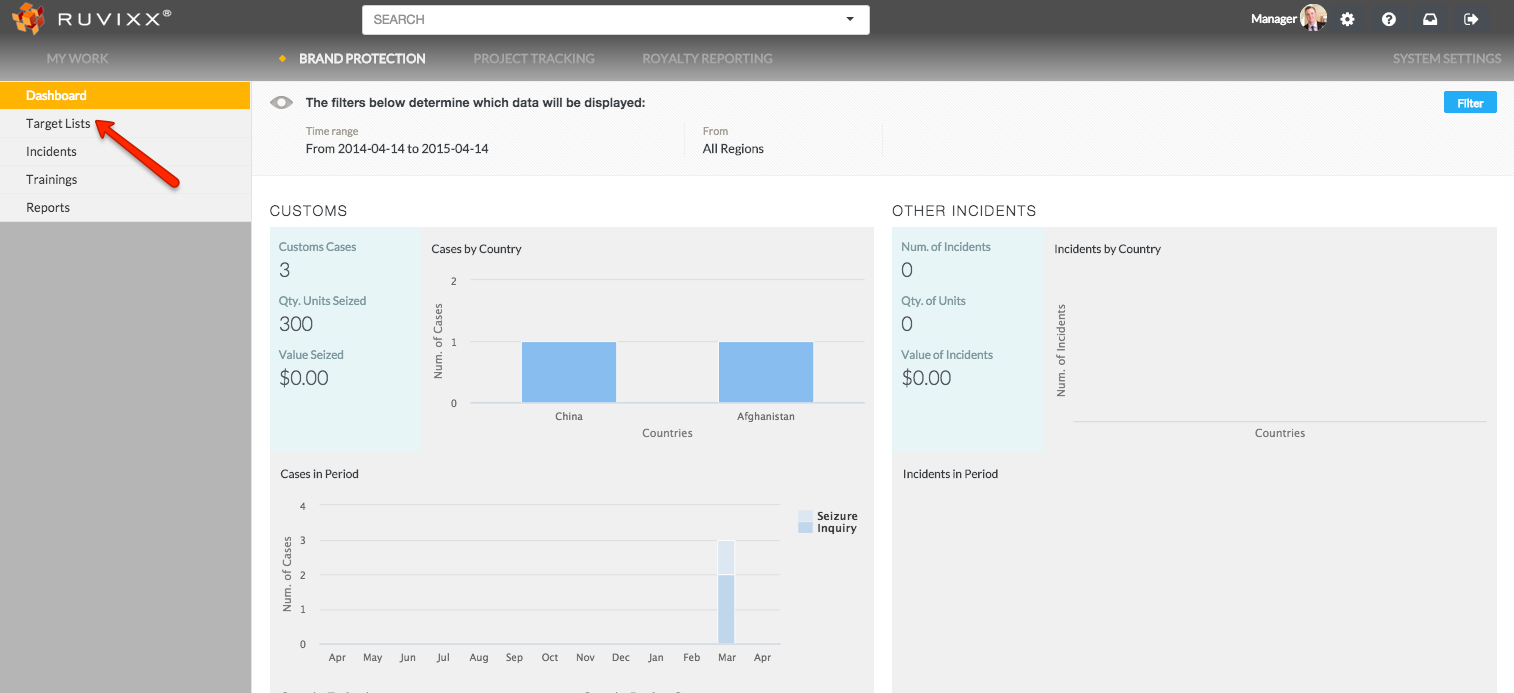
- Click on Target Lists on the left hand navigation pane
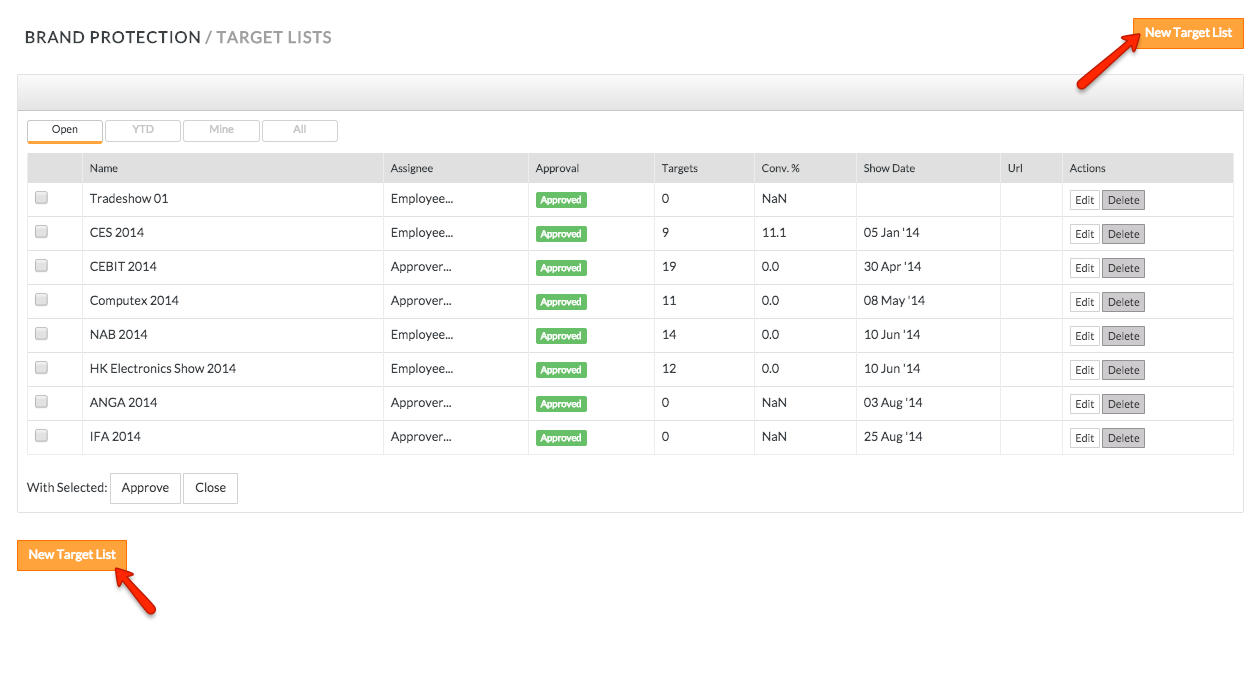
- Add new Target List by clicking the New Target List button on the top right or bottom left of page
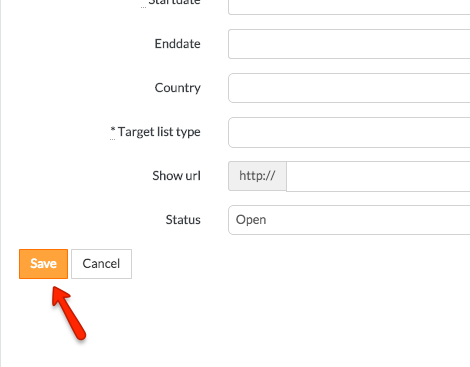
- Entries highlighted by “*” must be entered for the record to be created
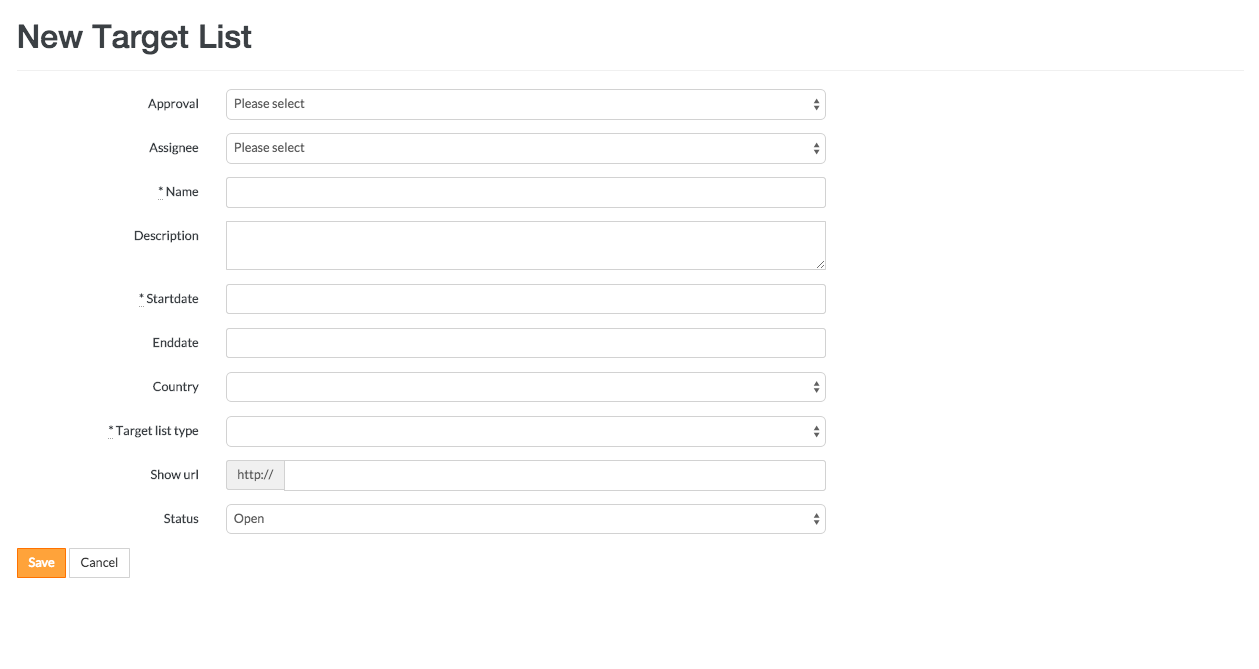
- Click the Save button
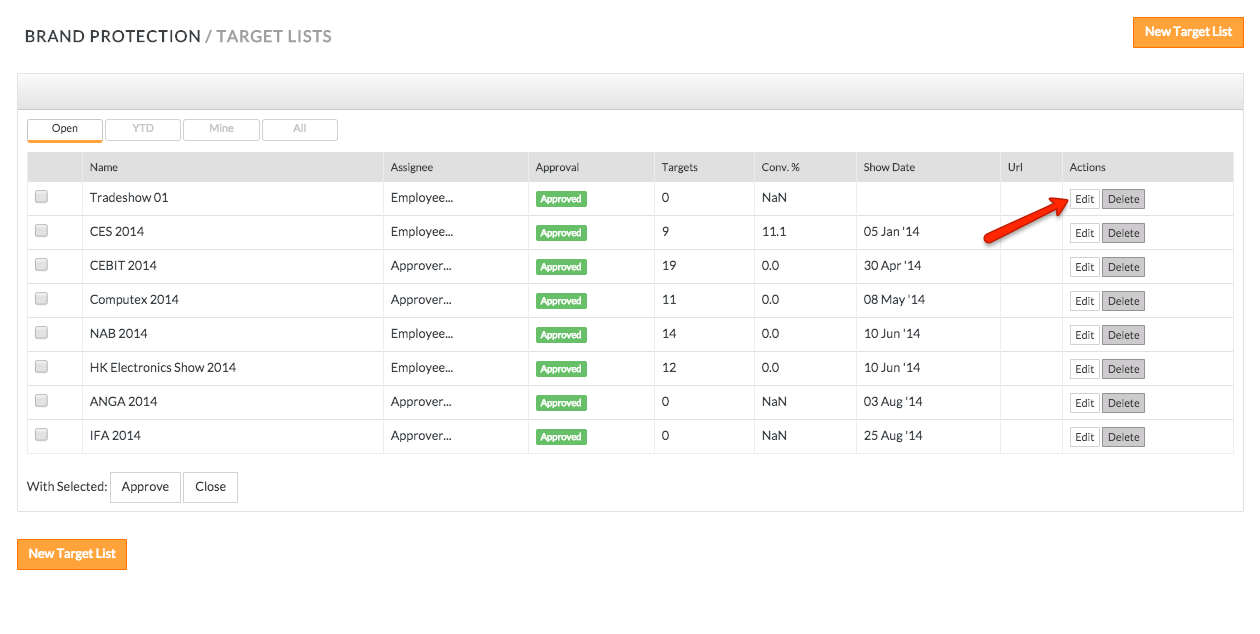
- To edit an existing target list, click the EDIT button to the right of the corresponding target list
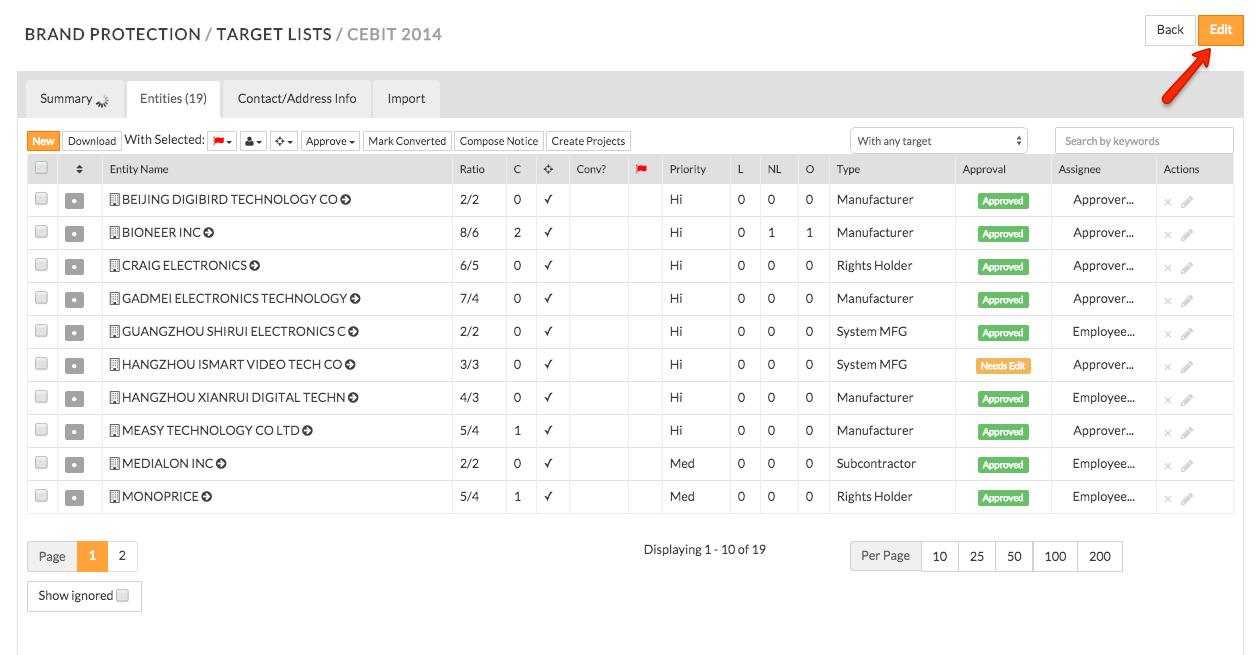
- You can also edit target lists by clicking the existing record and clicking Edit in the top right corner
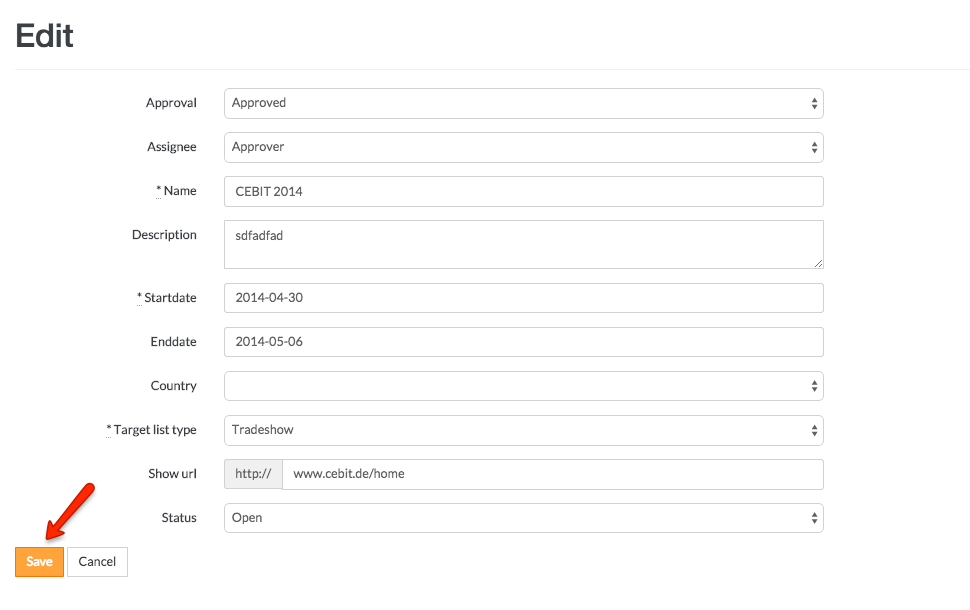
- Click the SAVE button
Comments