Add a Contact and Address for your Target List trade shows. For example, for CES 2014 trade show you would be adding the organizer's contact information
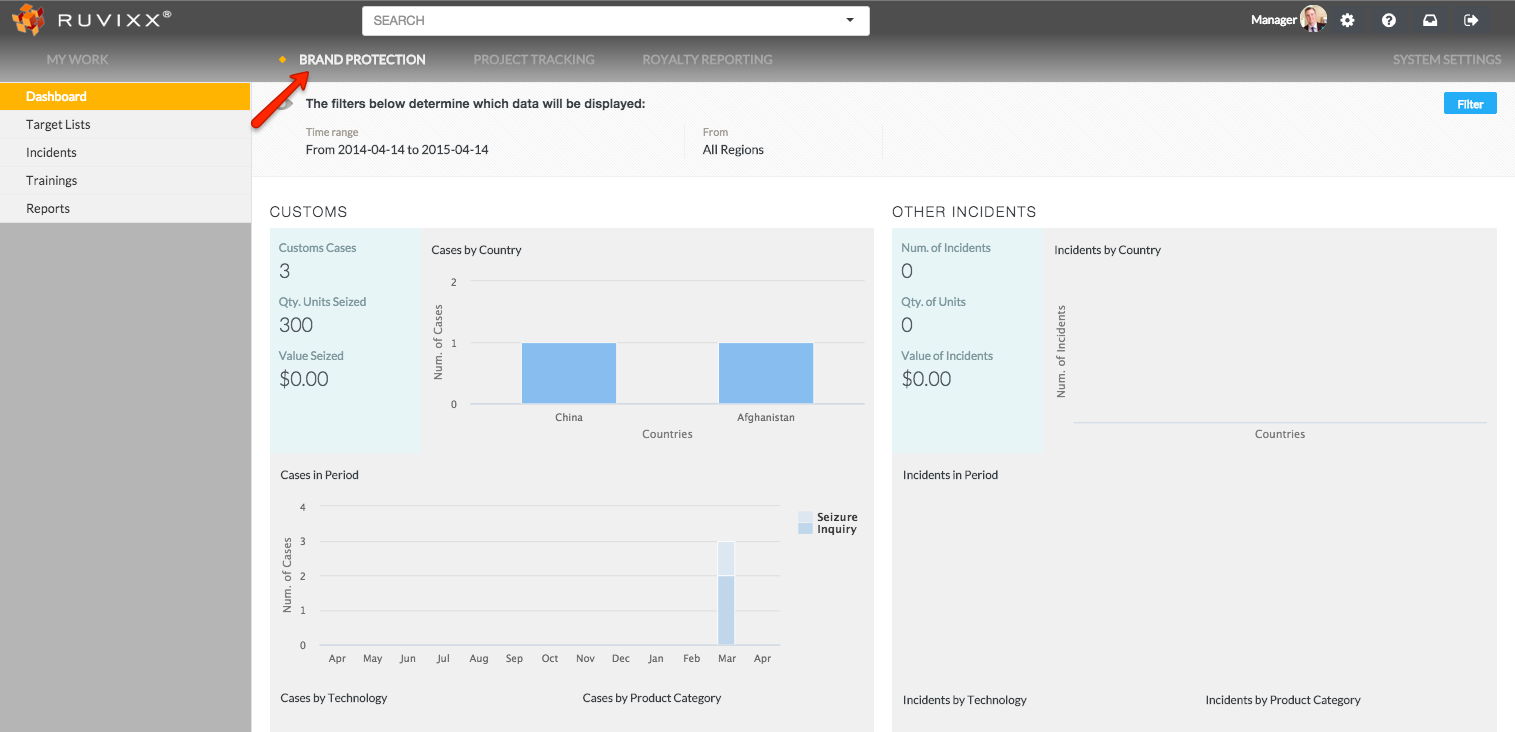
- Click the Brand Protection button on top menu bar
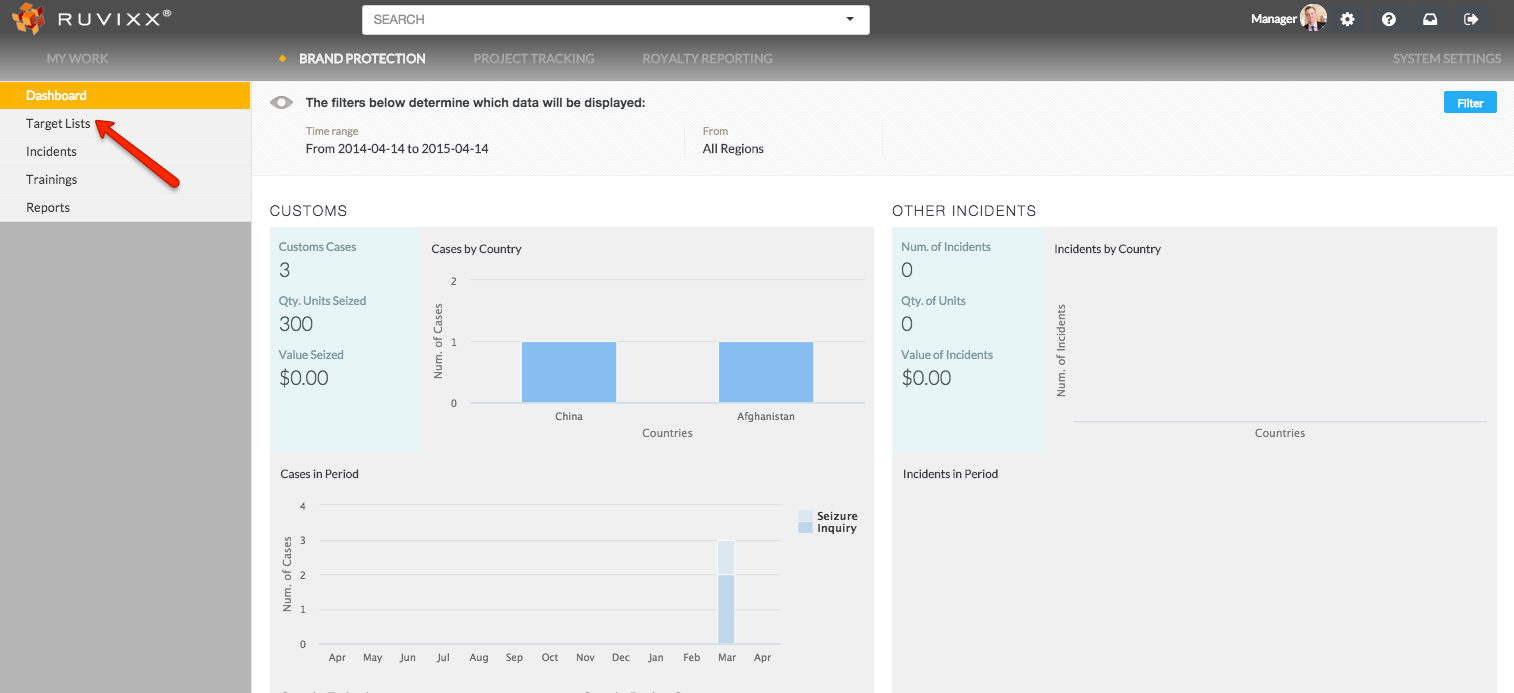
- Click on Target Lists on the left hand navigation pane
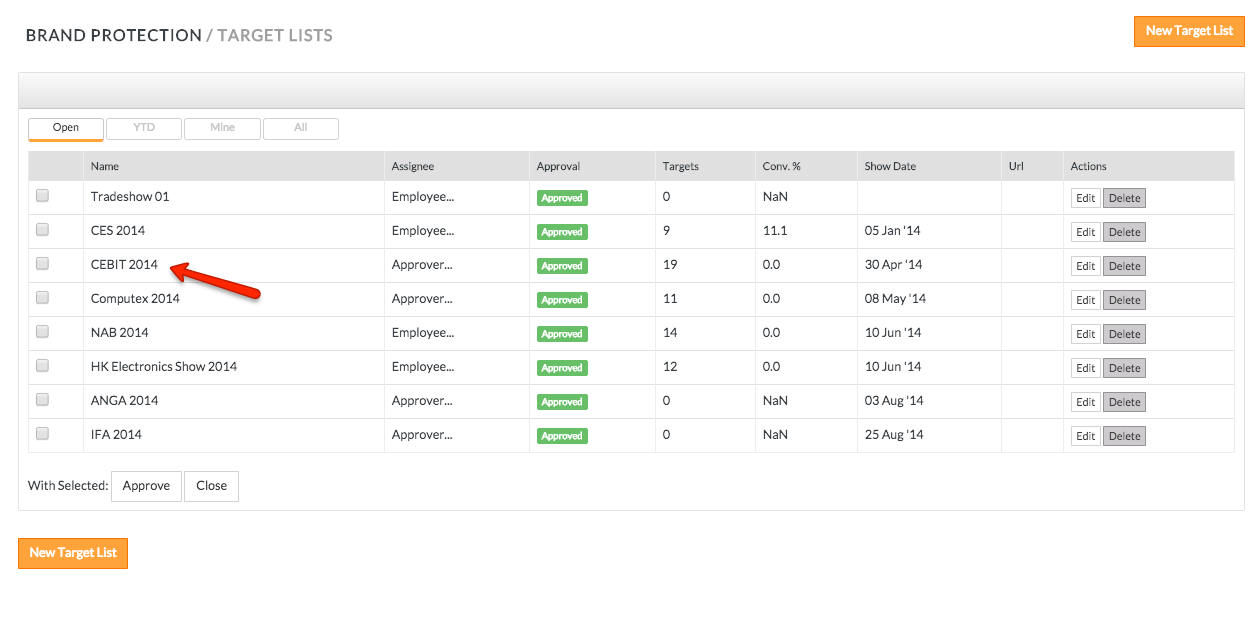
- Click on an existing target list record
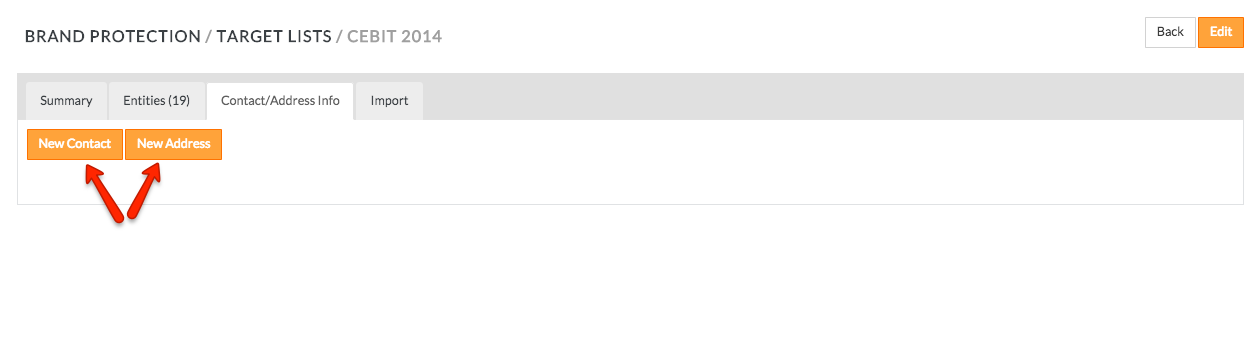
- Click Contact/Address Info on the top line menu
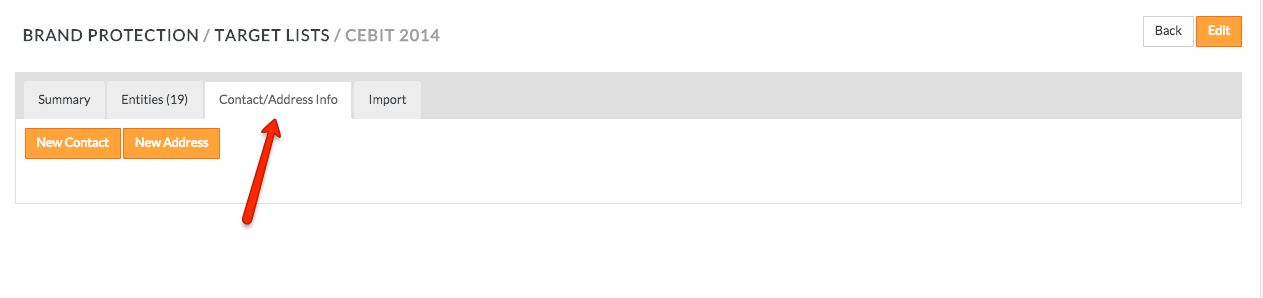
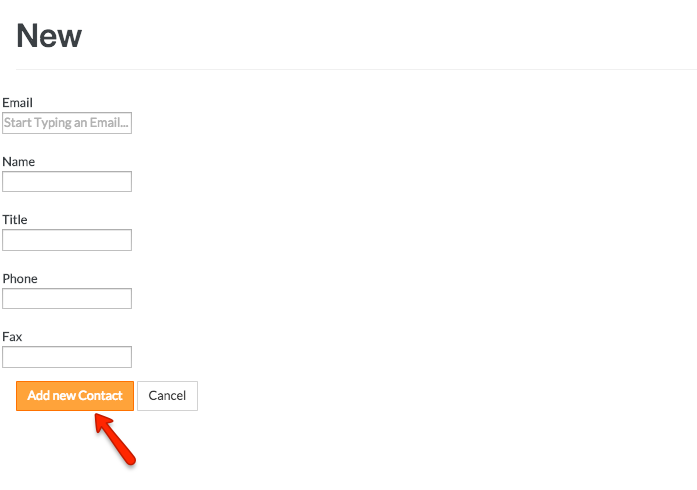
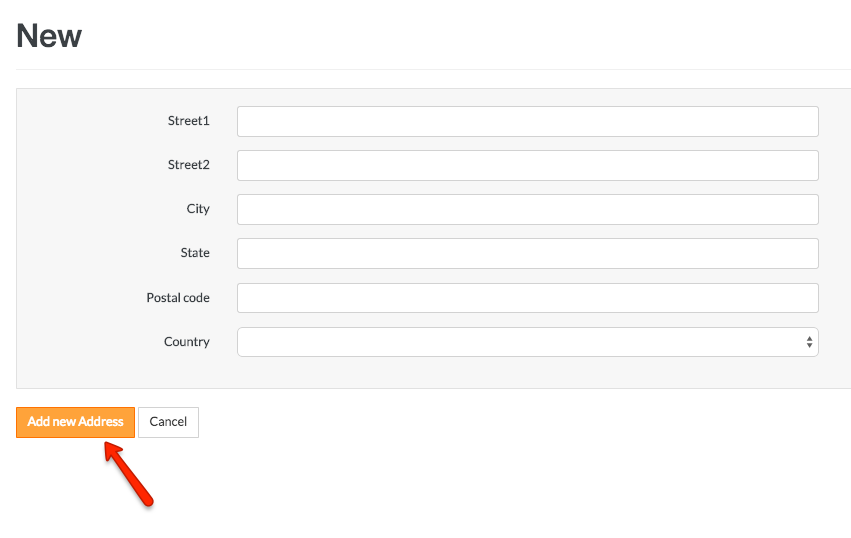
- Add new contact by clicking New Contact or add new address by clicking New Address button
- Click Add New Contact or Add New Address to save the entered data
Comments