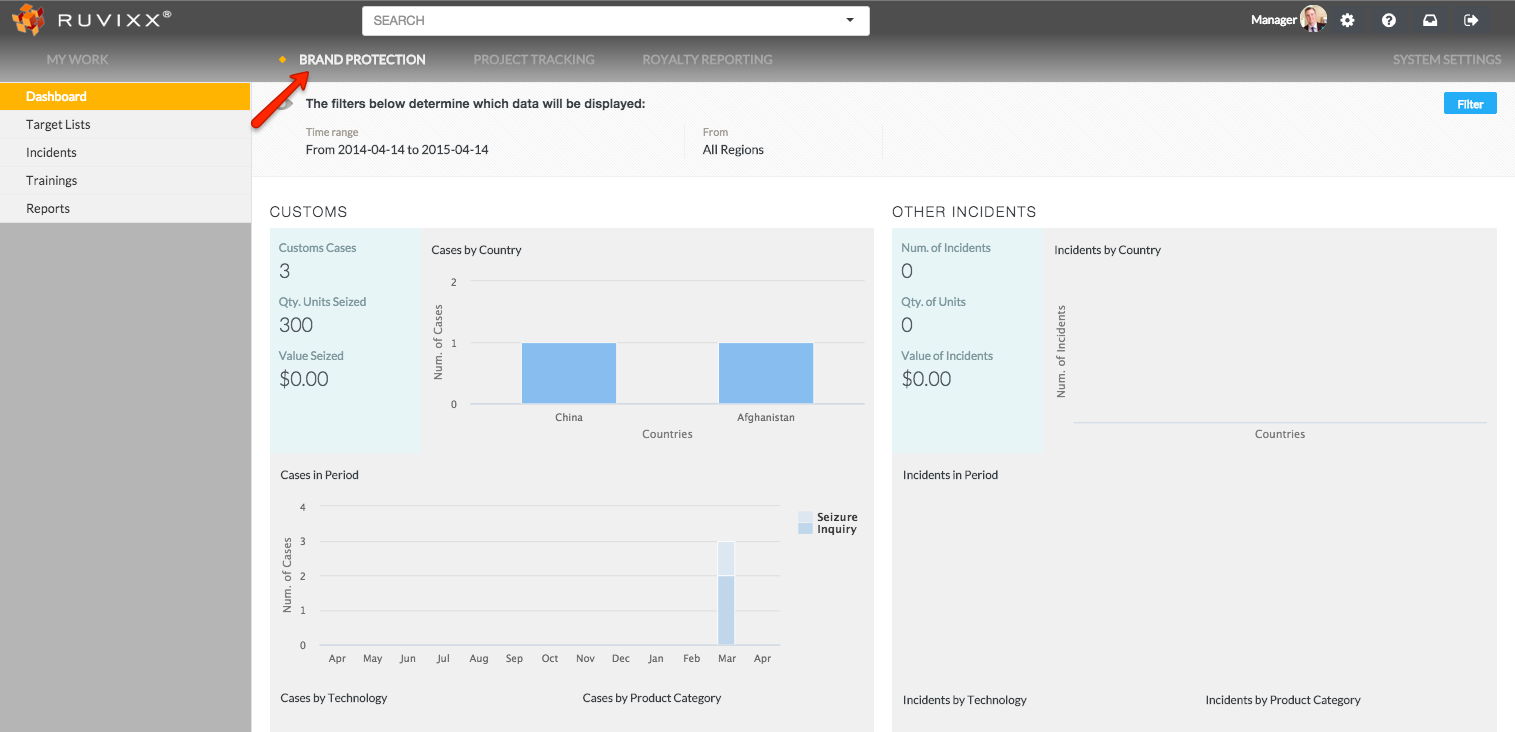
- Click the Brand Protection button on top menu bar
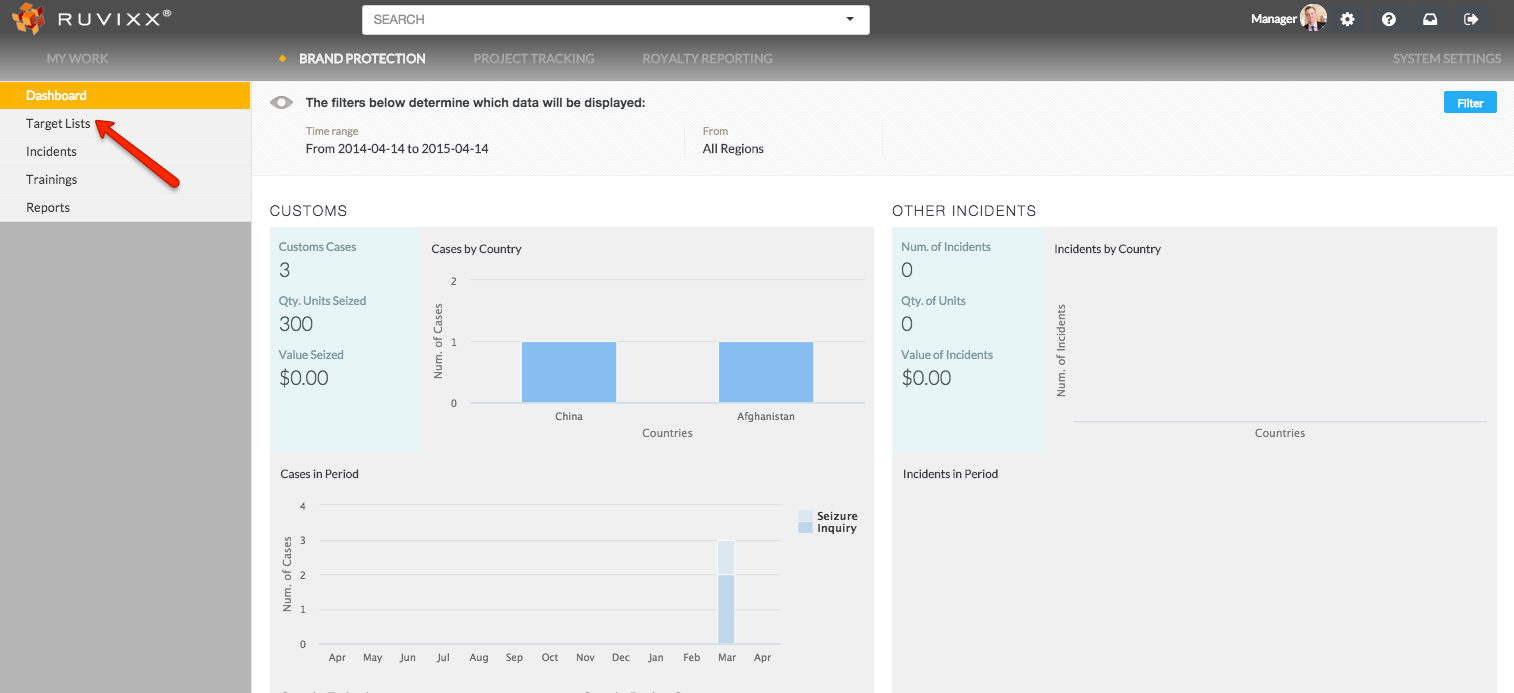
- Click on Target Lists on the left hand navigation pane
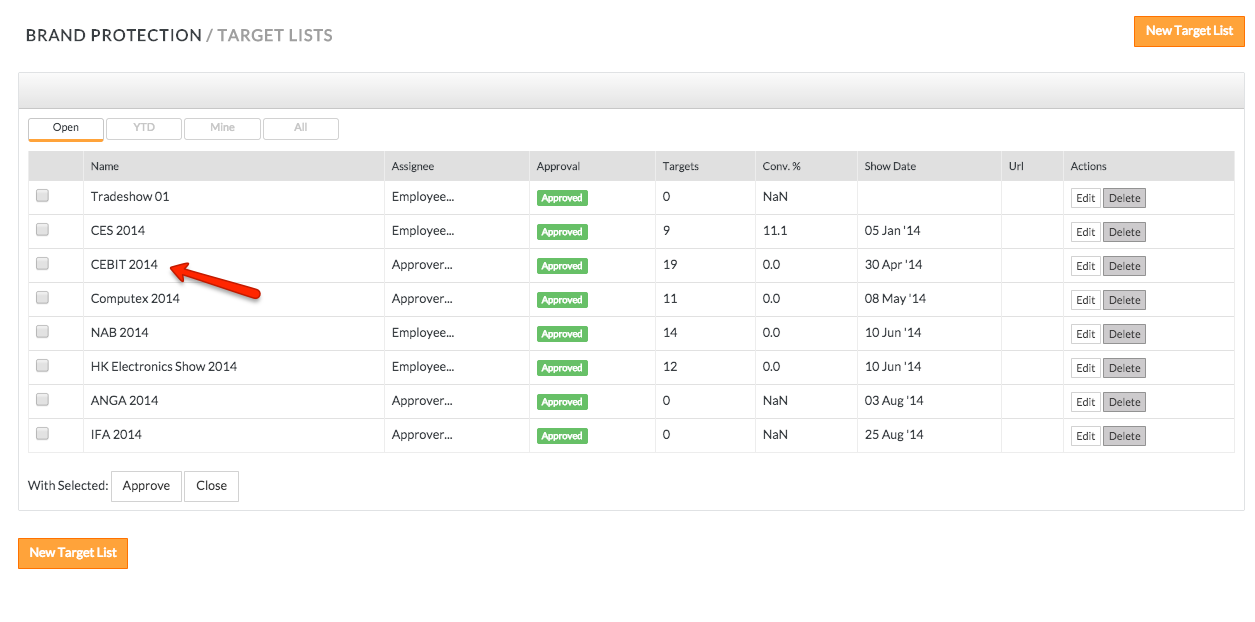
- Click on an existing Target List (trade show for example) record
- Click Import on the top line menu
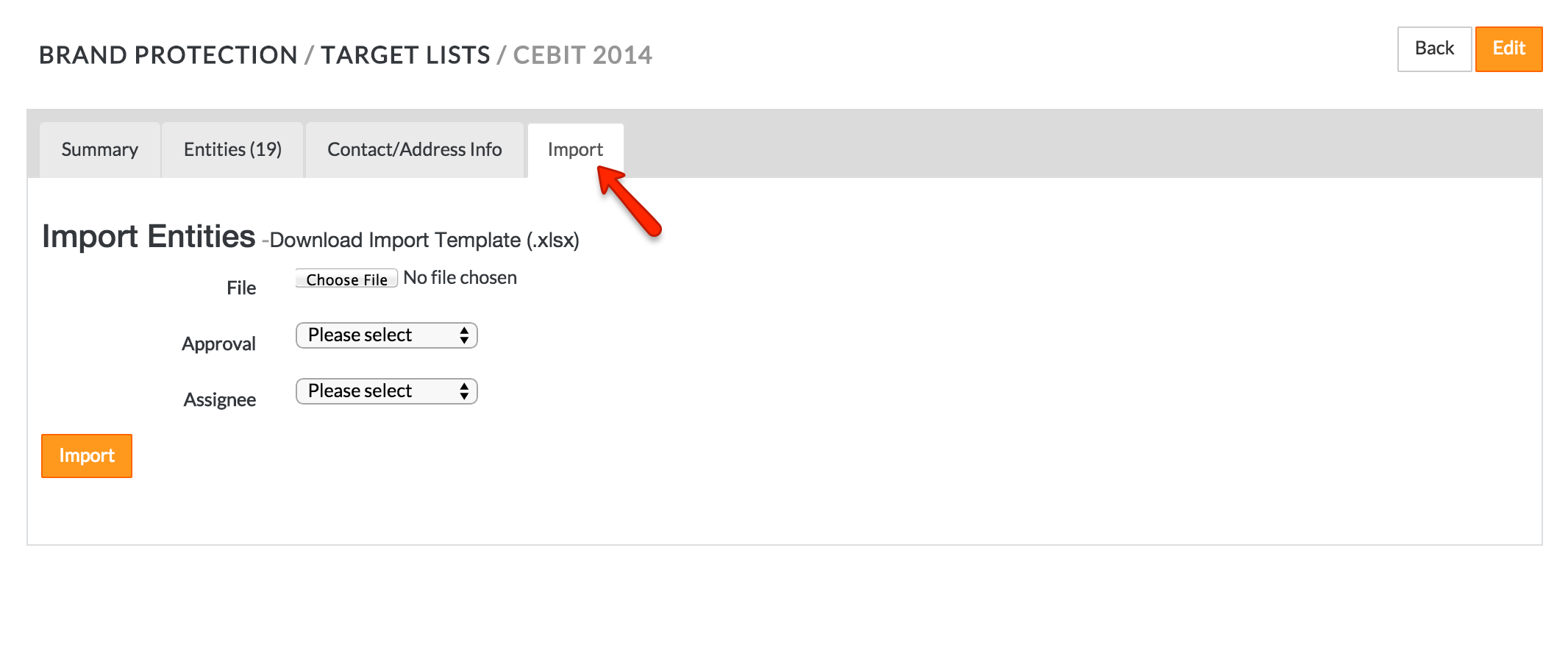
- Click Choose File and select the trade show scrape file (for import format– refer to article "Target List Import Guidelines") that you wish to import. *The Import Template can be downloaded by clicking above the choose file button
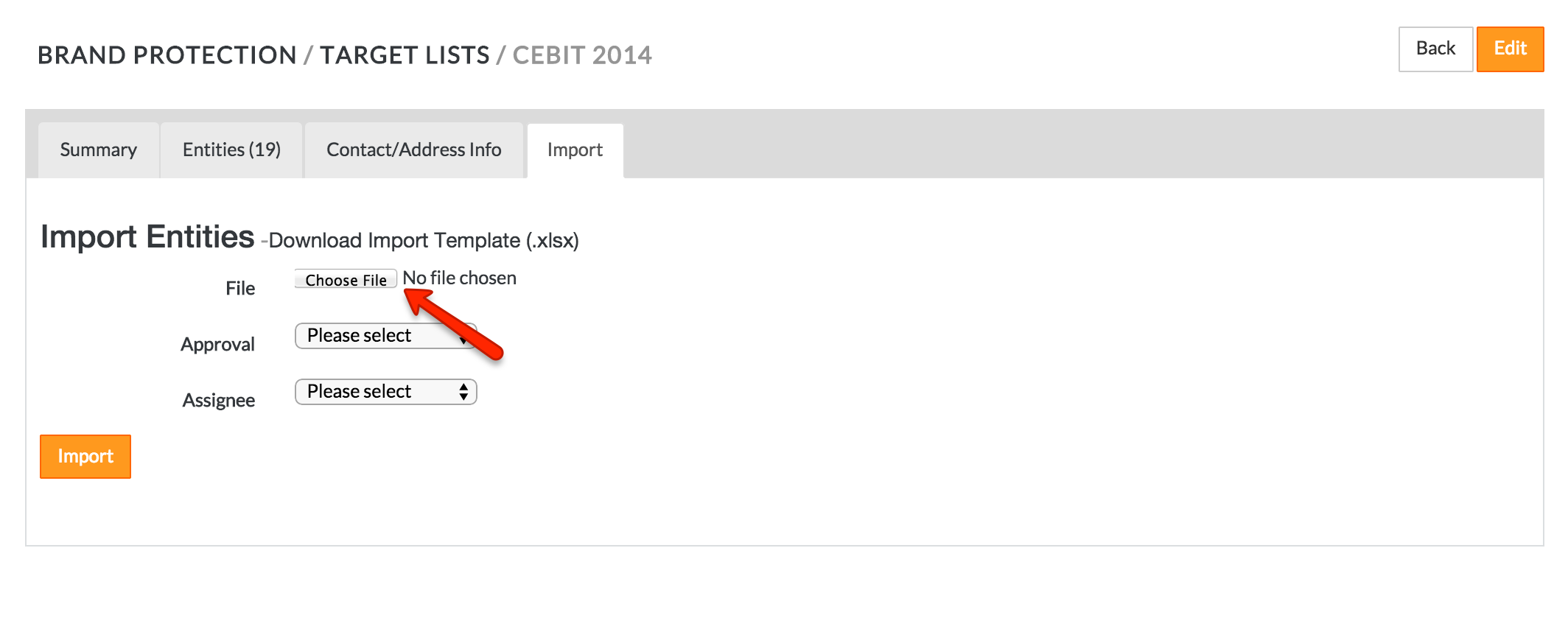
- Select Approval and Assignee designations
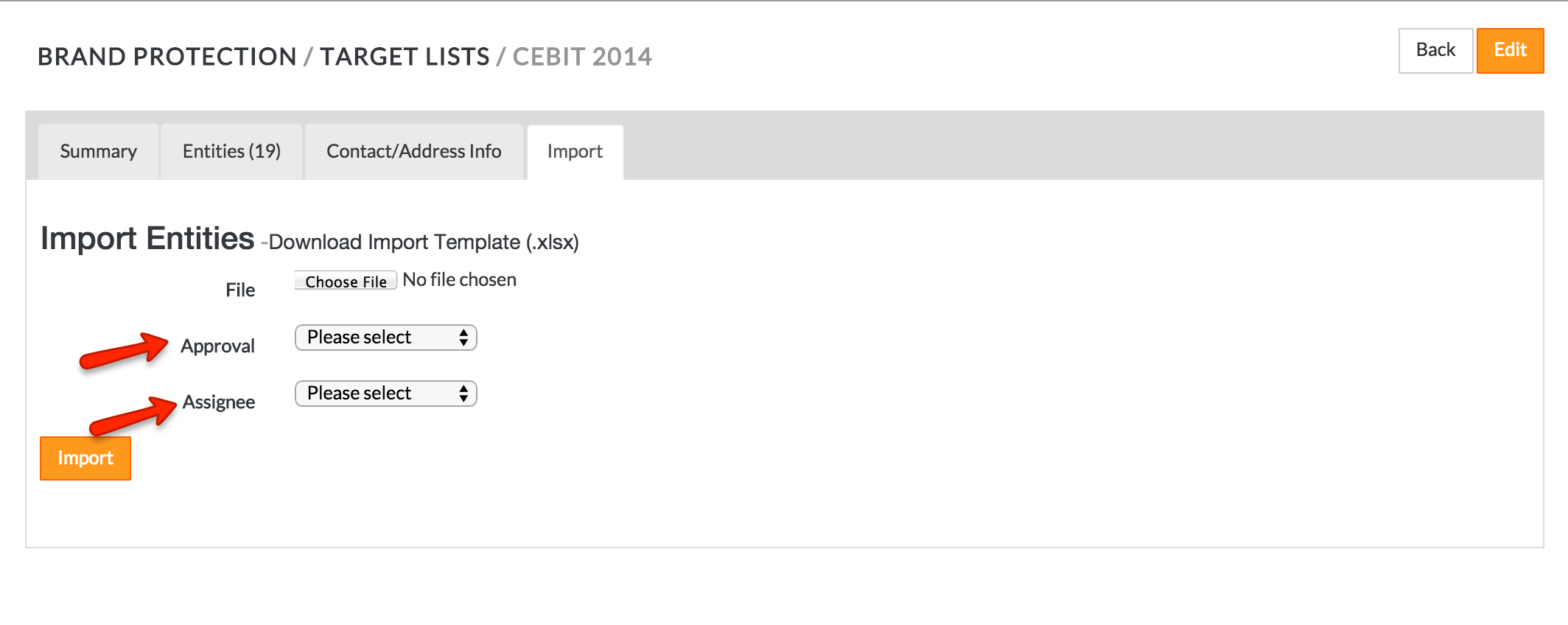
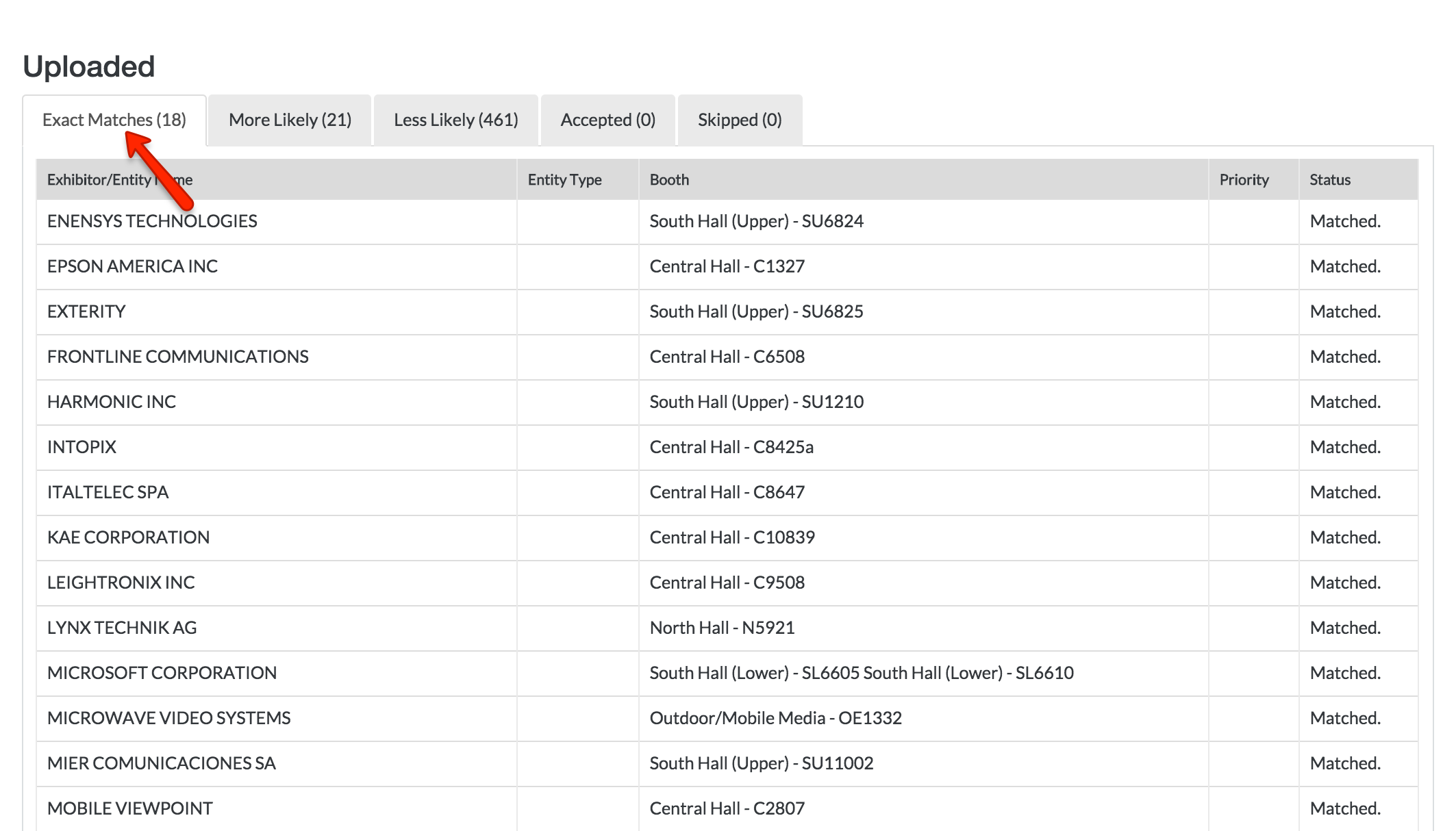
- Click Import which will run the fuzzy match. The first tab is called Exact Matches (#) indicating total number of exactly matched entities
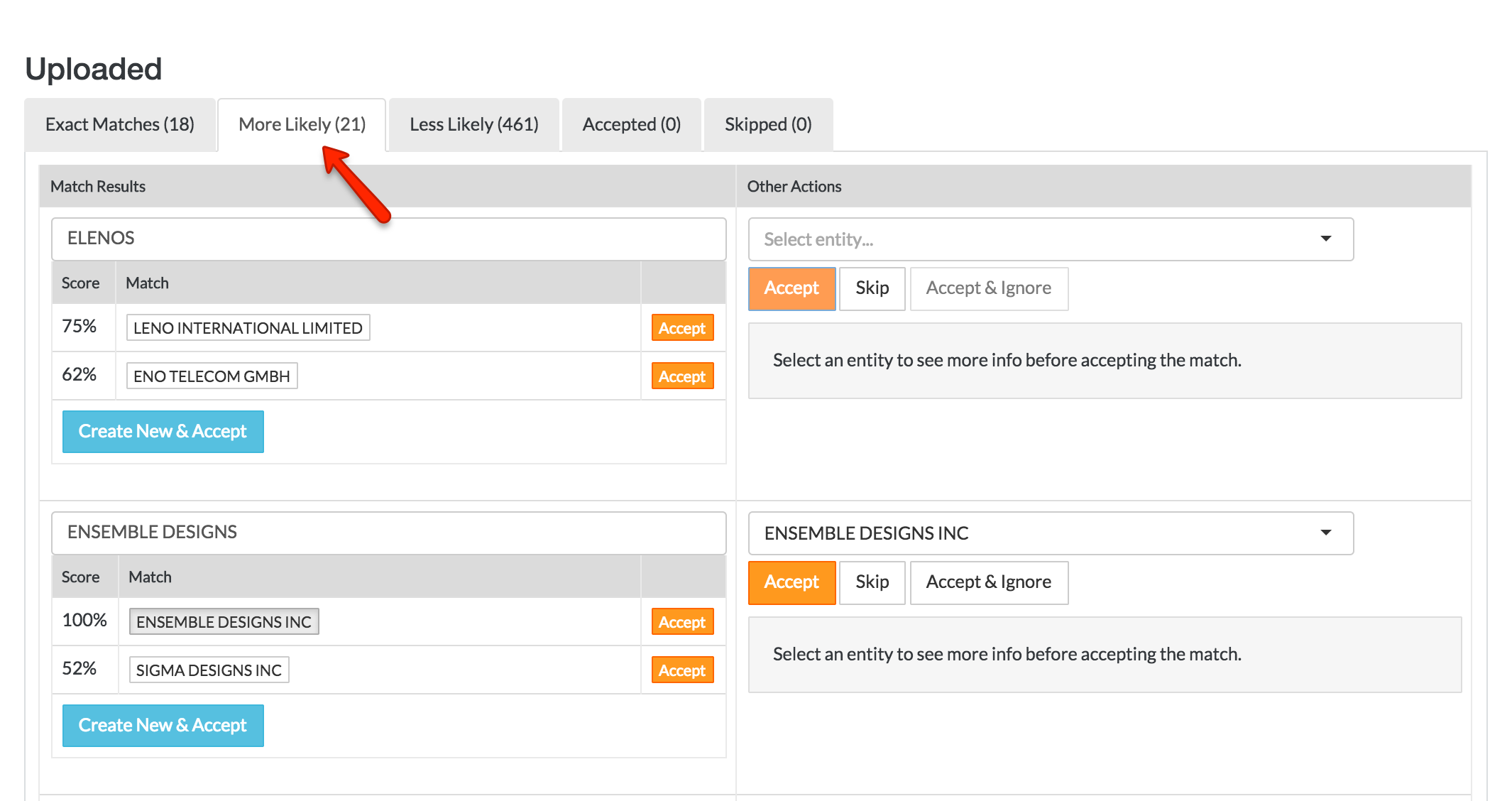
- The second tab, More Likely (#), indicates target names that are closely matched to what is in the system but not 100% matches. (Steps to validate are described in #9 below)
-
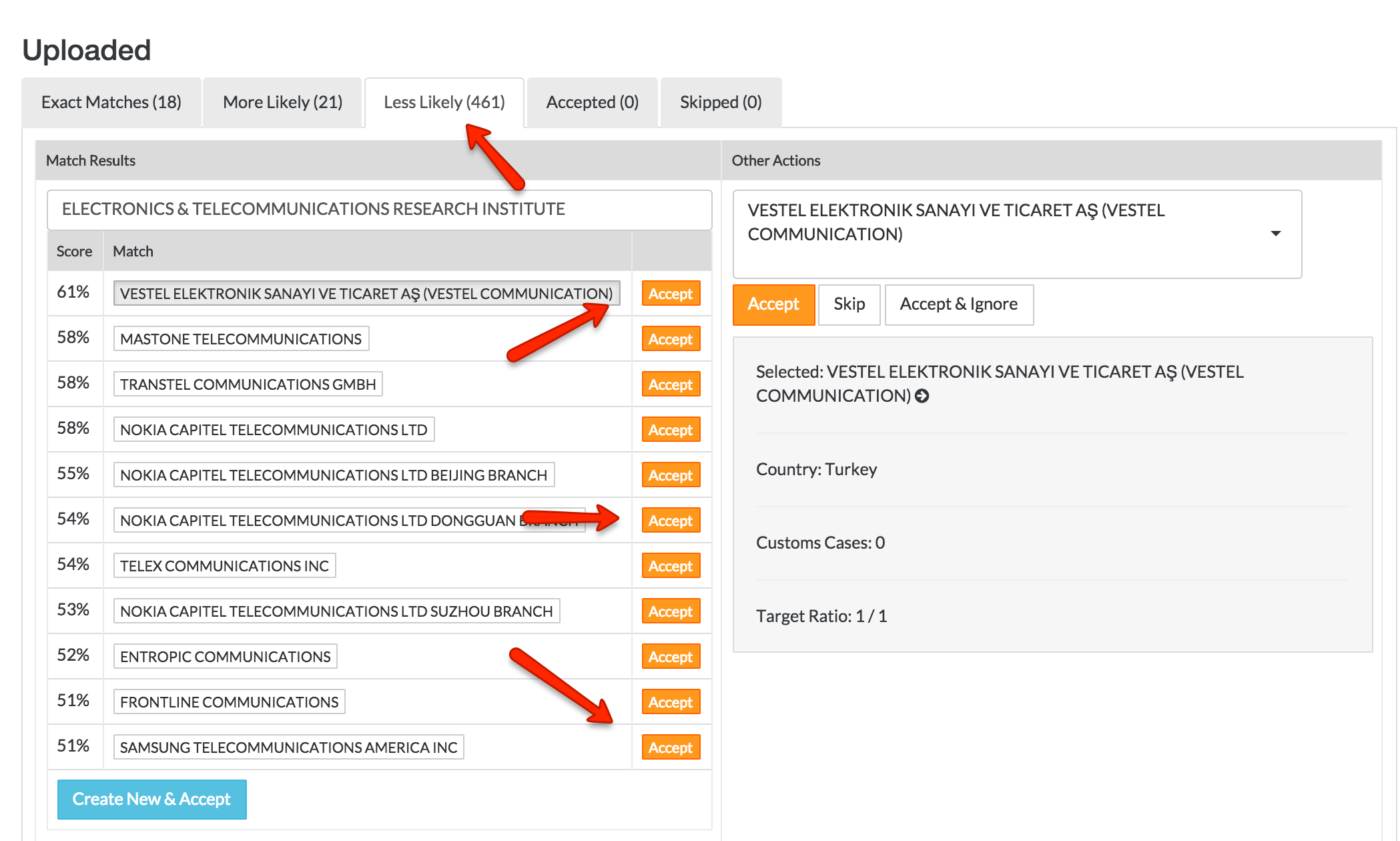
Click on the Less Likely (#) which is the list of fuzzy matches with lower match results than 'More Likely'. You will need to complete the fuzzy match process here as well.
- Below the target imported name will be a list of similar matches (percentage indicates how closely matched they are to original imported target name). If one of the entities from the list matches, click the orange Accept button next to the associated entity name
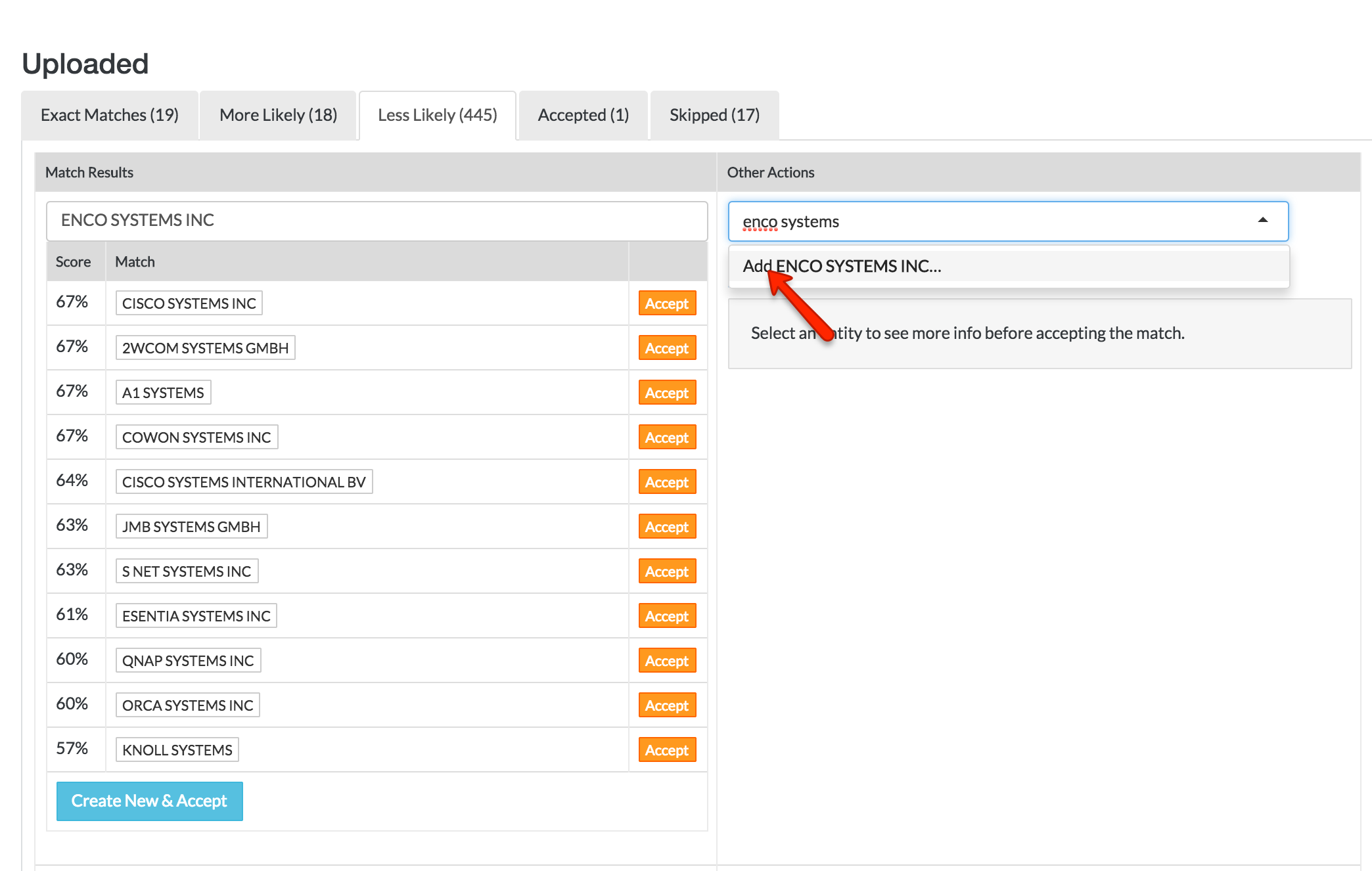
- If there is no matching entity, type in the unique entity name and click add then click the orange Accept button
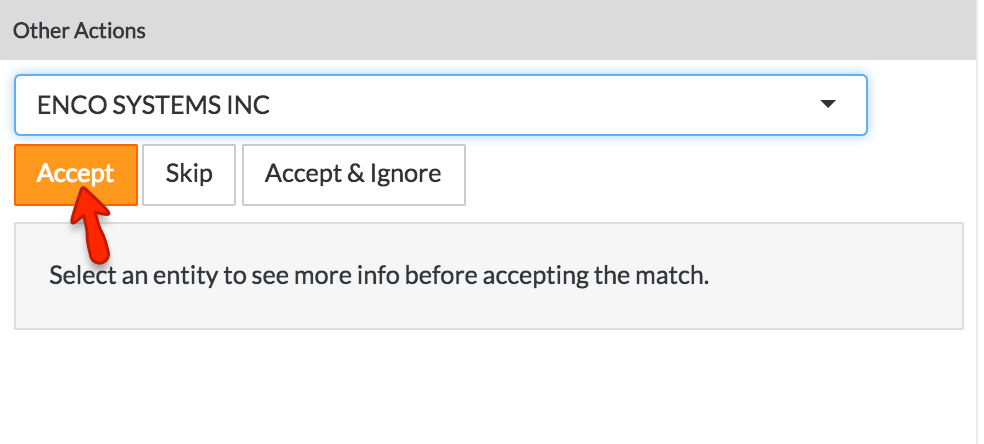
- If you want this entity to be ignored, add the entity name and click Accept & Ignore
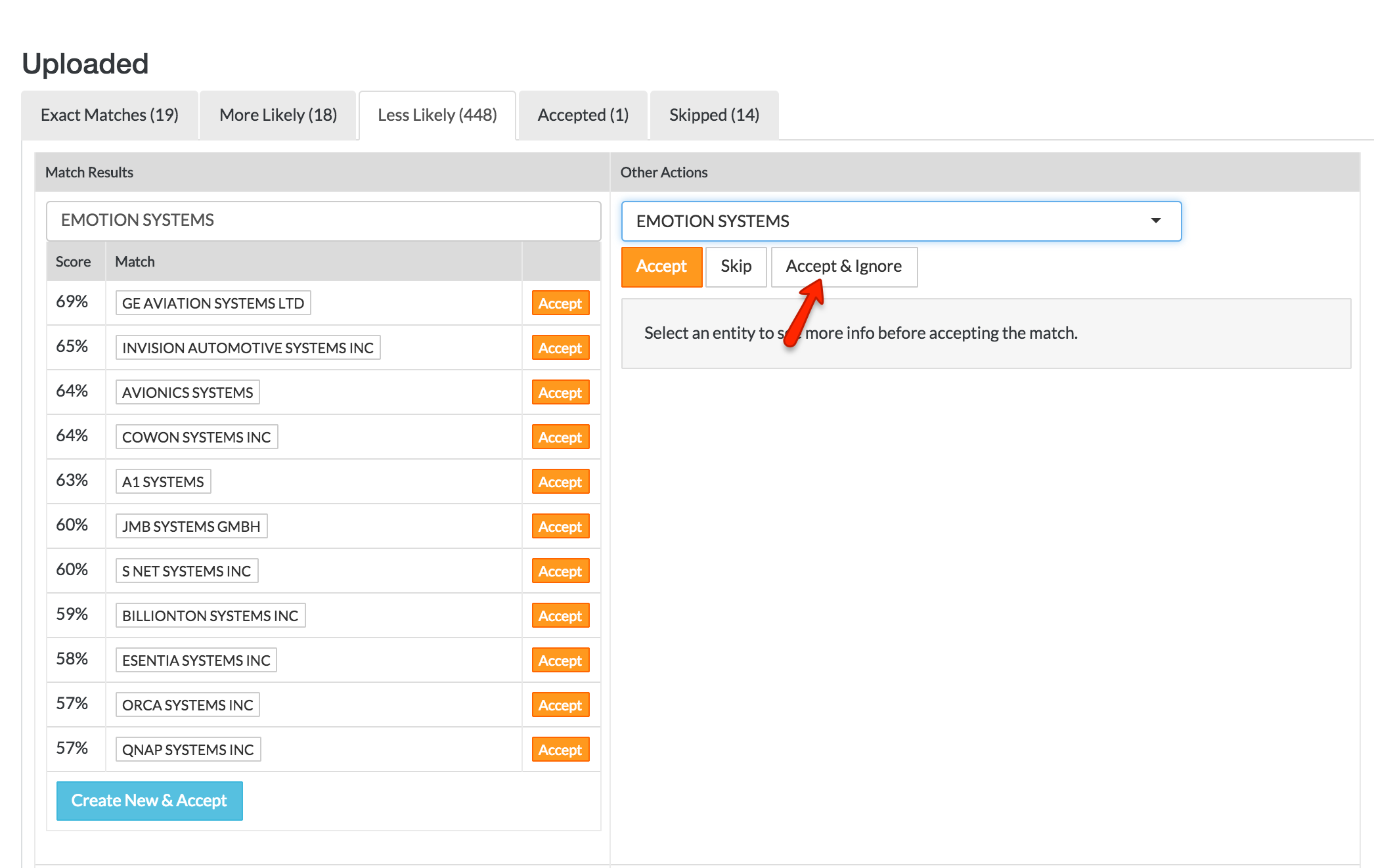
- If you are not ready to match the entity and need to come back later, click the Skip button which will exclude the entity
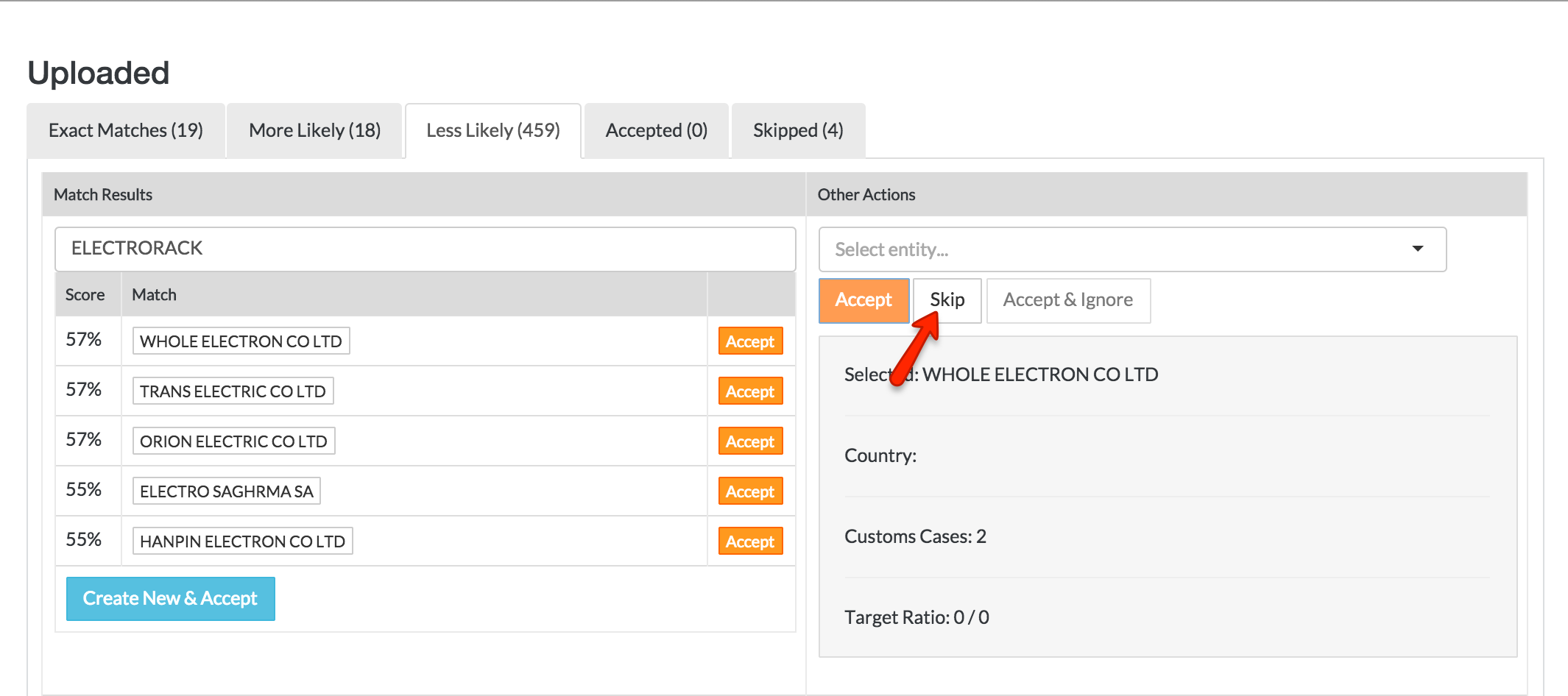
- Repeat these steps for all exhibitors
- Click the Accepted tab, which shows the list of all entities you fuzzy matched. Here you can still Skip if you are not sure about the match (so it will be excluded and not saved)
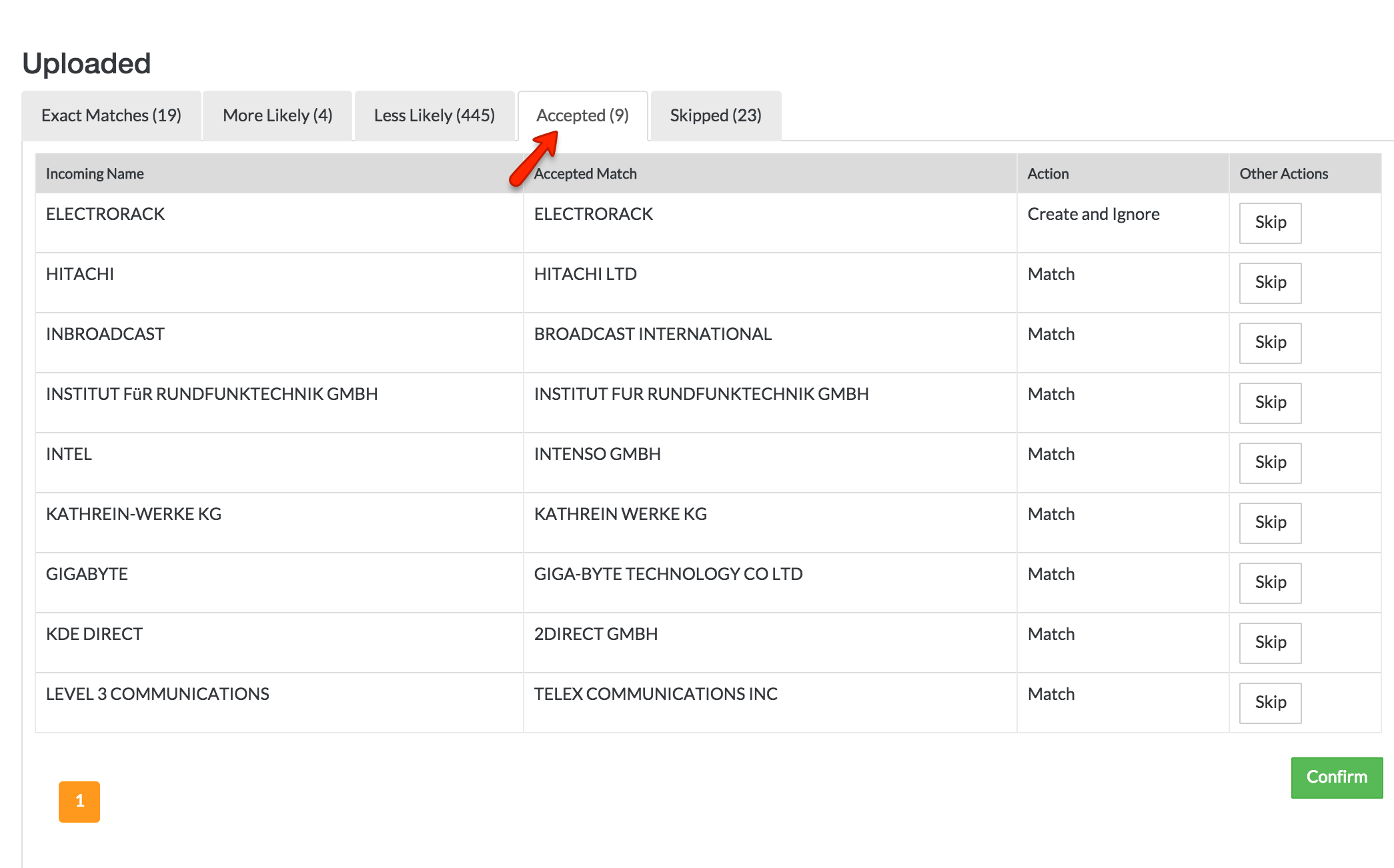
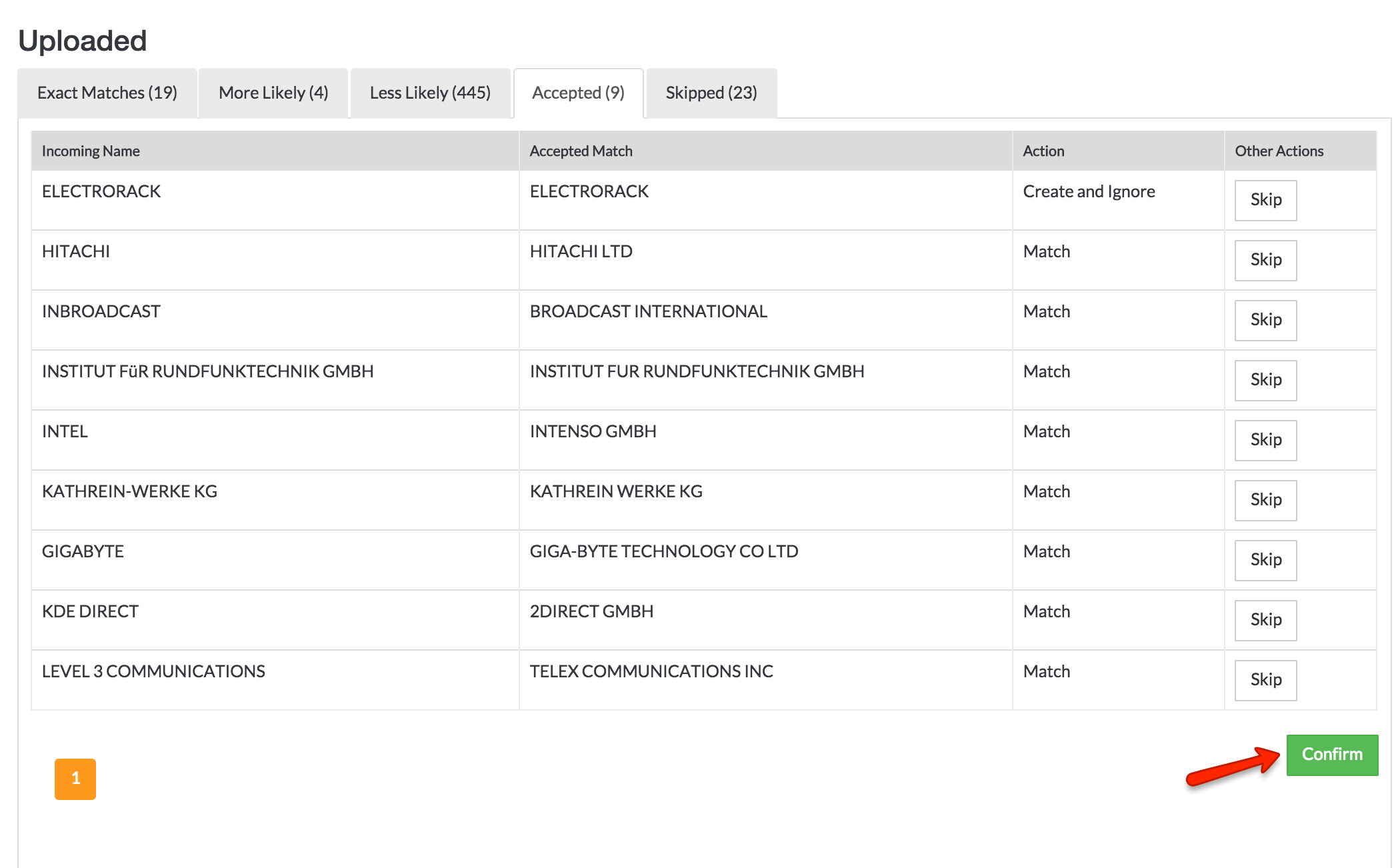
- Click Confirm button to save the fuzzy matches to RUVIXX
- Below the target imported name will be a list of similar matches (percentage indicates how closely matched they are to original imported target name). If one of the entities from the list matches, click the orange Accept button next to the associated entity name
- The list of trade show exhibitors is now available. Please note, you can re-import additional exhibitors at any time and as many times as needed - following the same process
*TIP The fuzzy match functionality allows you to match entities’ (exhibitors’) with entity already recorded in Ruvixx (entity names may vary based on the different sources - for example “Company Corp.” vs. “Company Corporation” vs. Shenzhen Company Corp”, etc.). Ruvixx suggests the best match but it is your responsibility to select the actual correct match. This matched alternate name is then added as Alternate Name in entity records. All future fuzzy matches are matched against all recorded entity names - including the alternate names
Comments