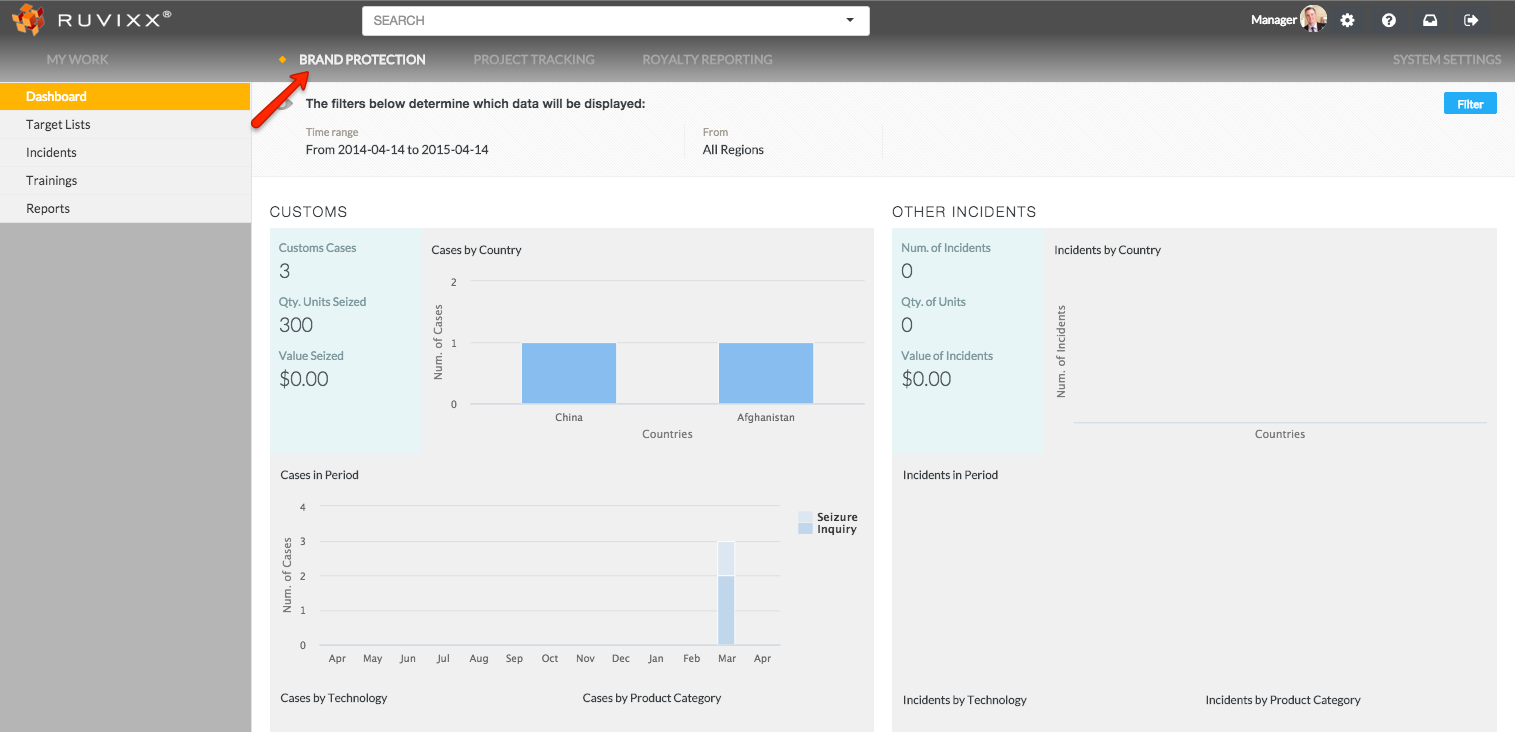
- Click the Brand Protection button on top menu bar
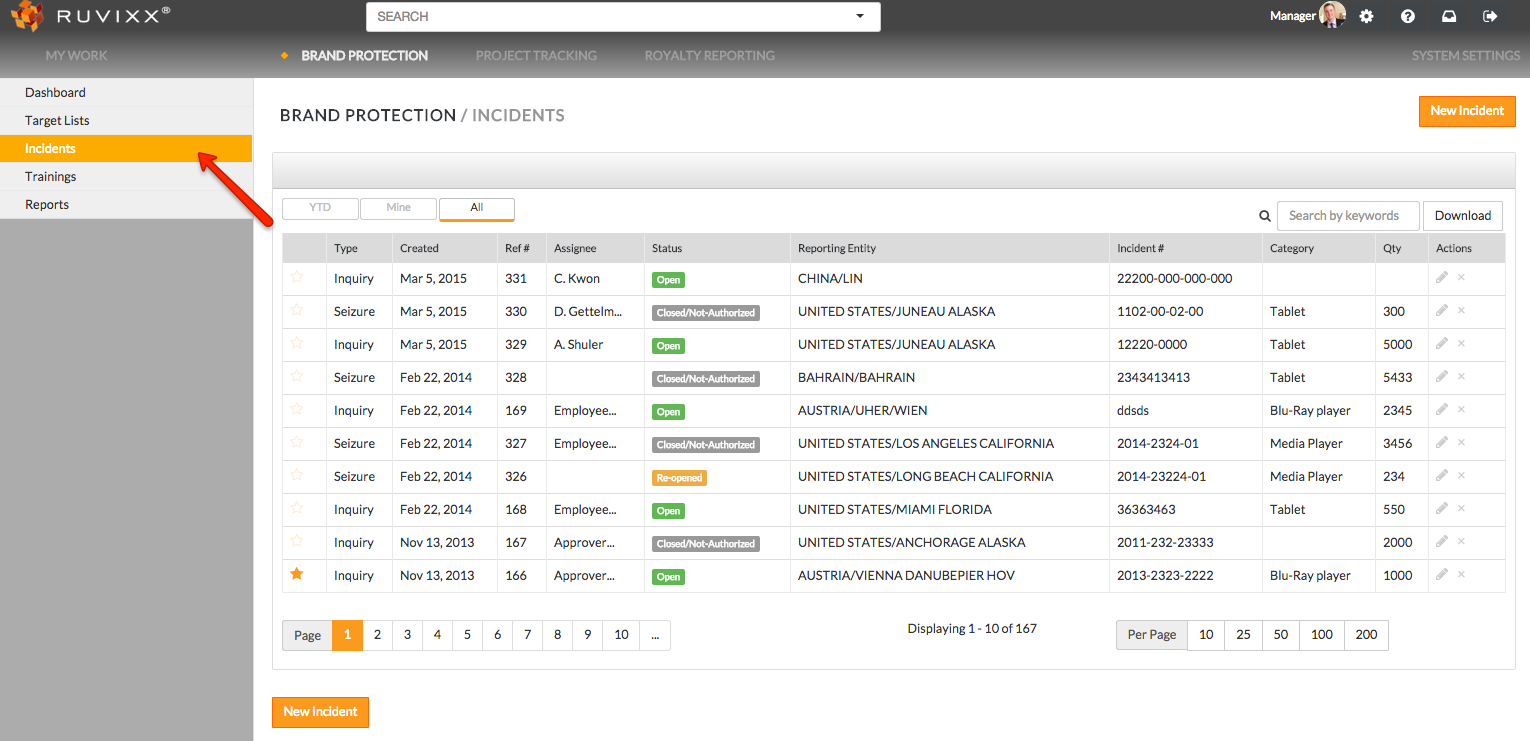
- Click on Incidents on the left hand navigation pane
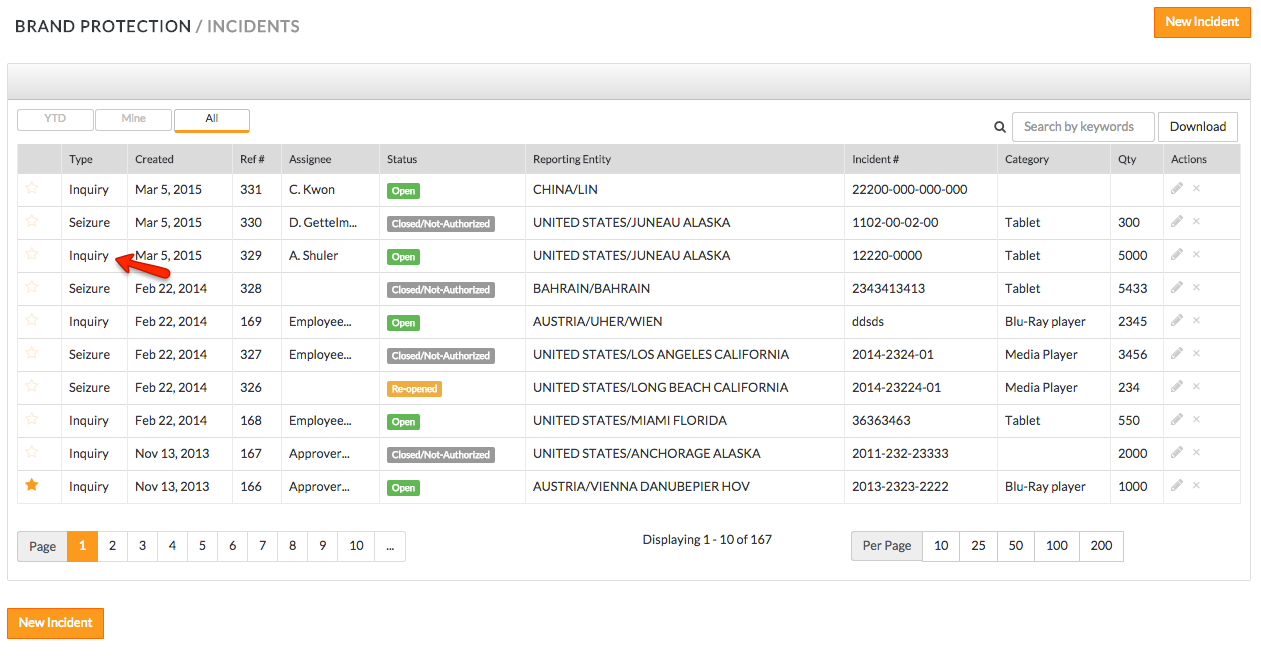
- Click on an existing incident from the overview page
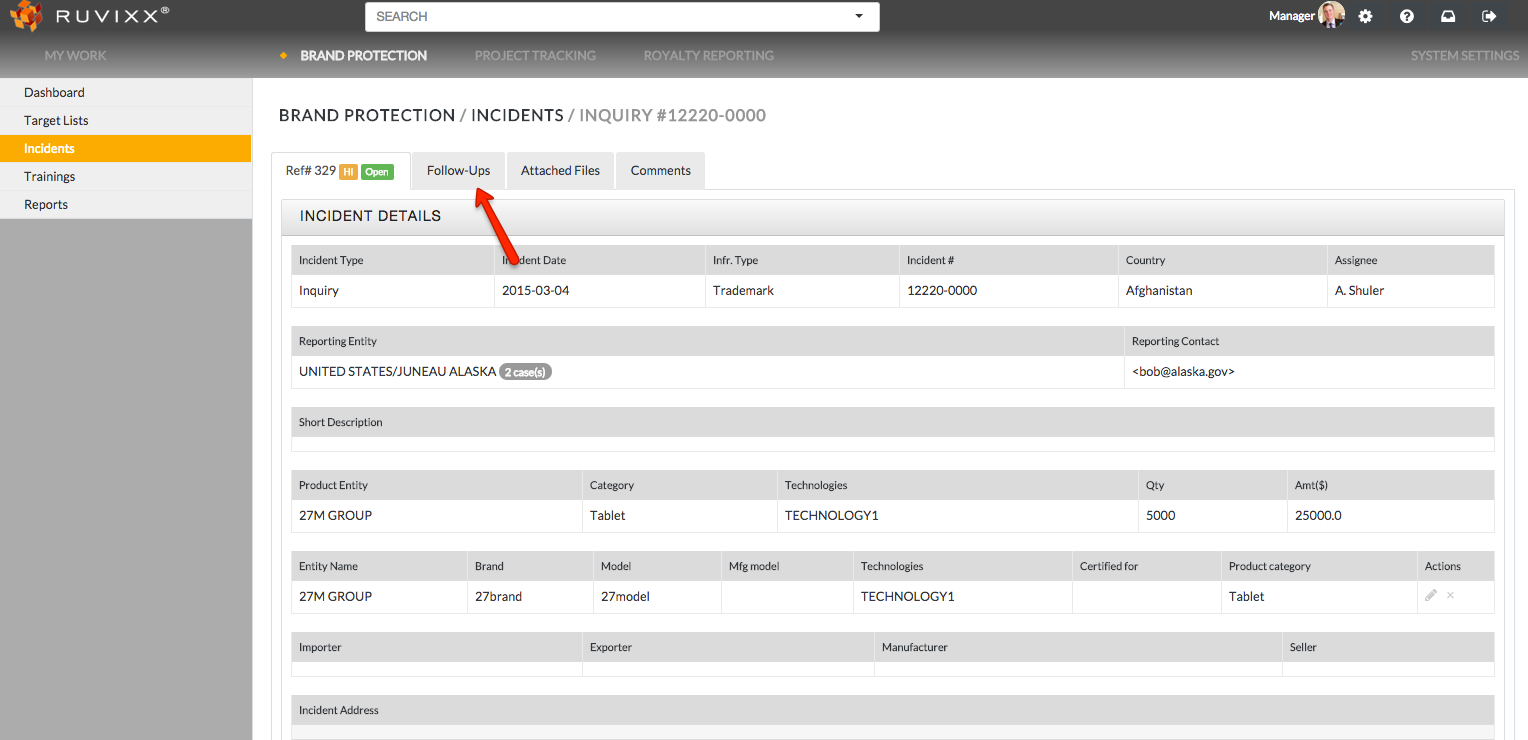
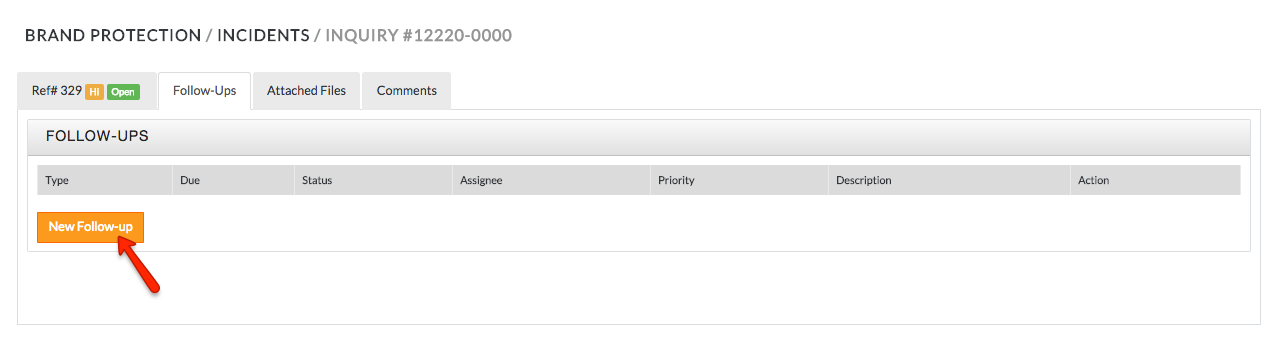
- Click on the Follow-ups tab on the top of the incidents page
- Click on the orange New Follow-up button
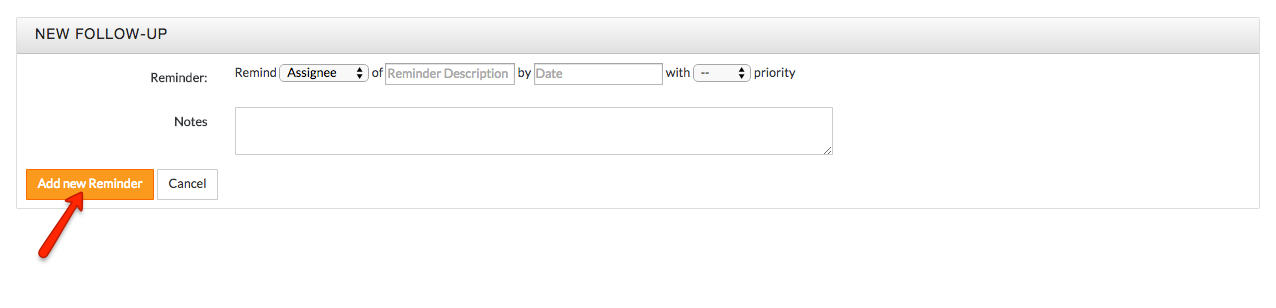
- Fill out the necessary options (assignee, reminder description, date, and priority) and click the orange Add new Reminder button to create the Follow-up
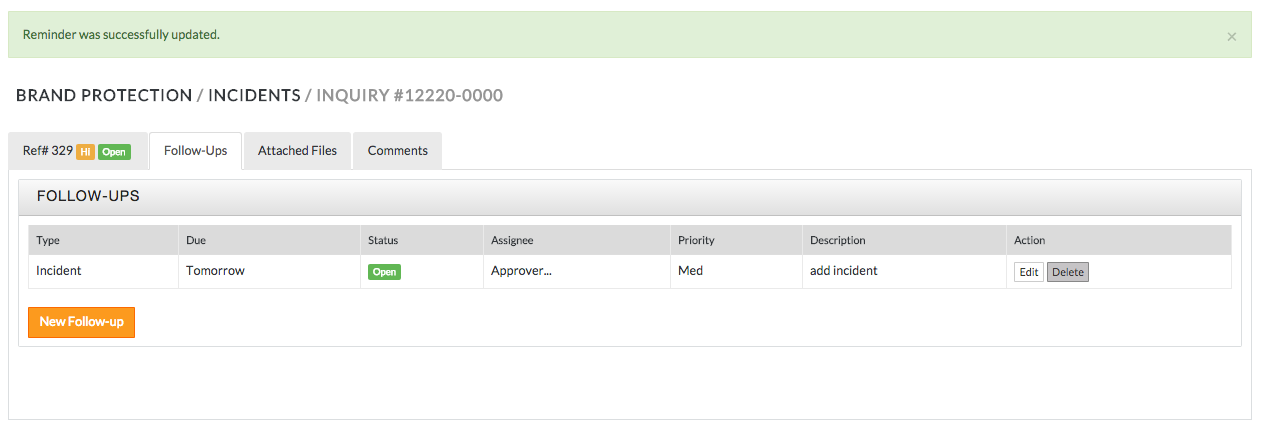
- Follow-up successfully created!
Have more questions? Submit a request
Comments