Project status indicators can be found from the project tree view. Status indicators allow users to quickly determine the health of all their open projects from one convenient location
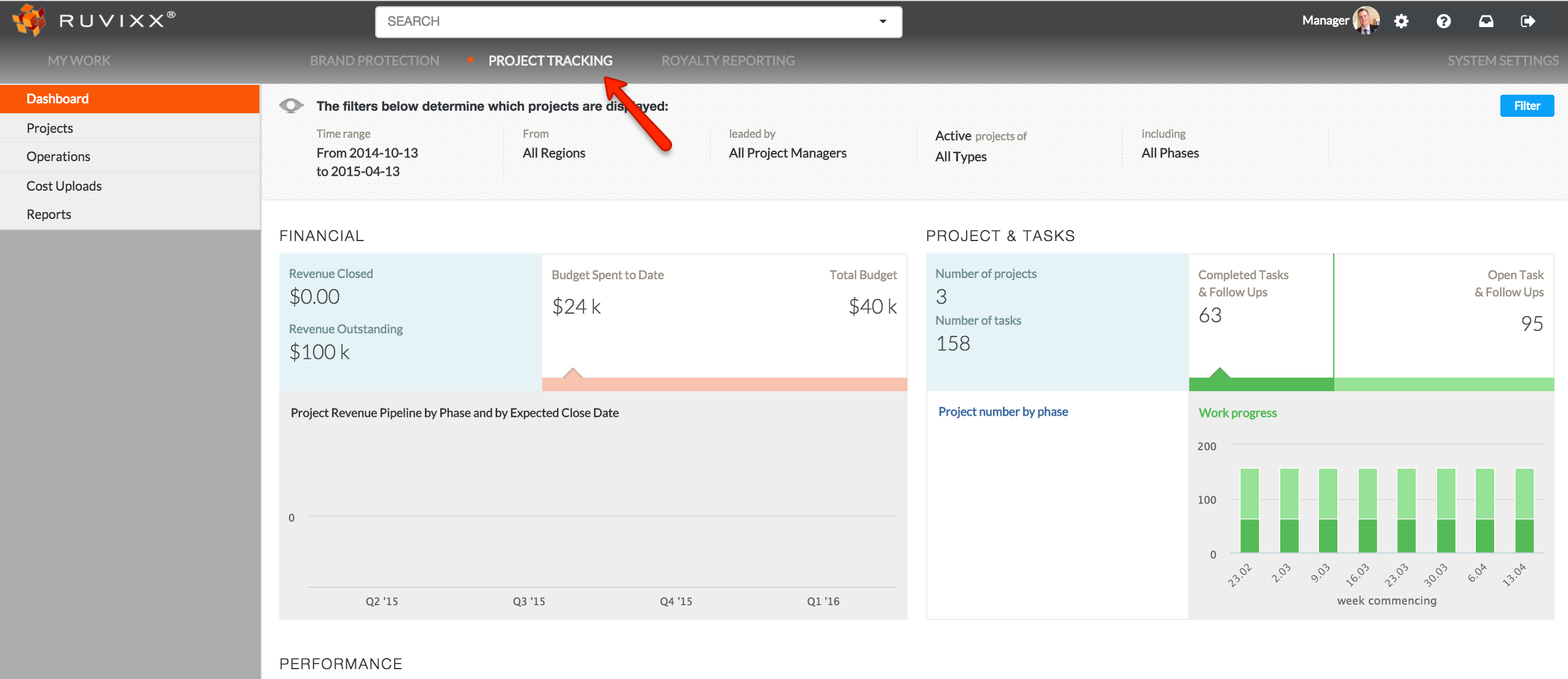
- Click on Projects from the top menu bar
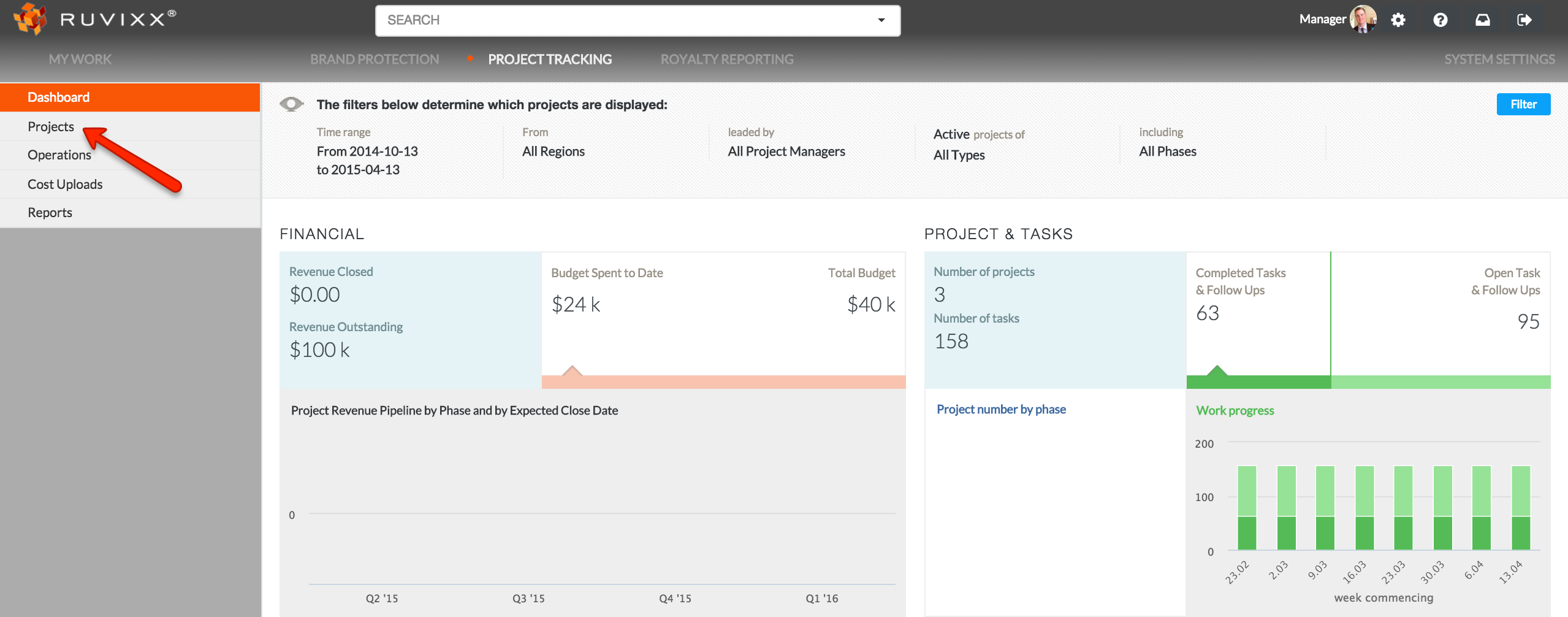
- Click on Projects from the left hand side navigation pane
- When a project has a status, there will be colored indicators


 alongside the project's name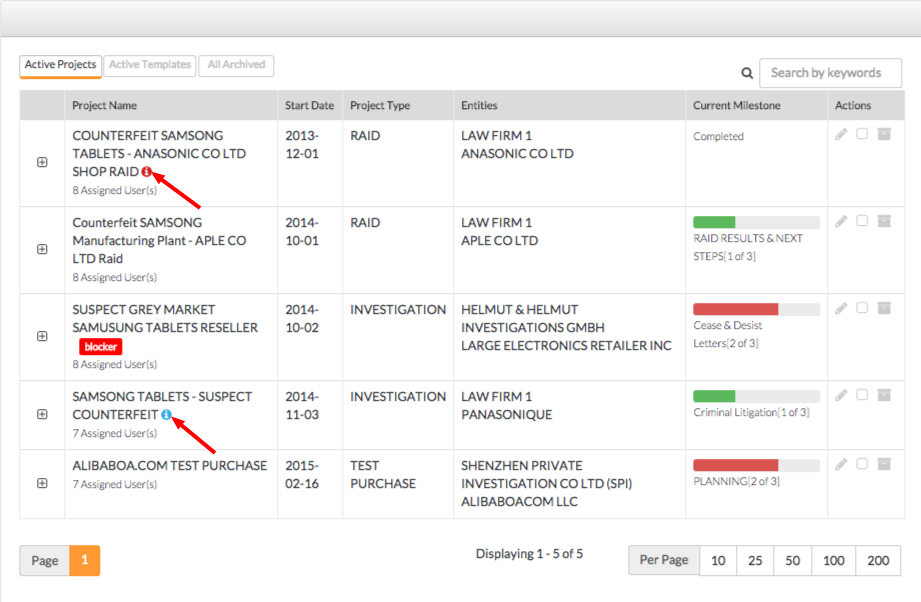
- Click on one of the status indicators to expand it's contents
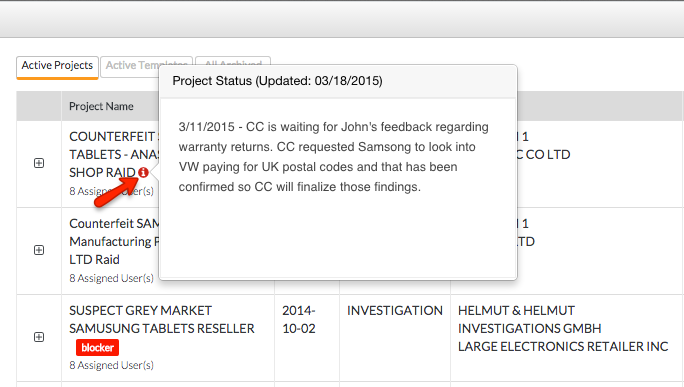
- Click the colored status indicator again to minimize its contents
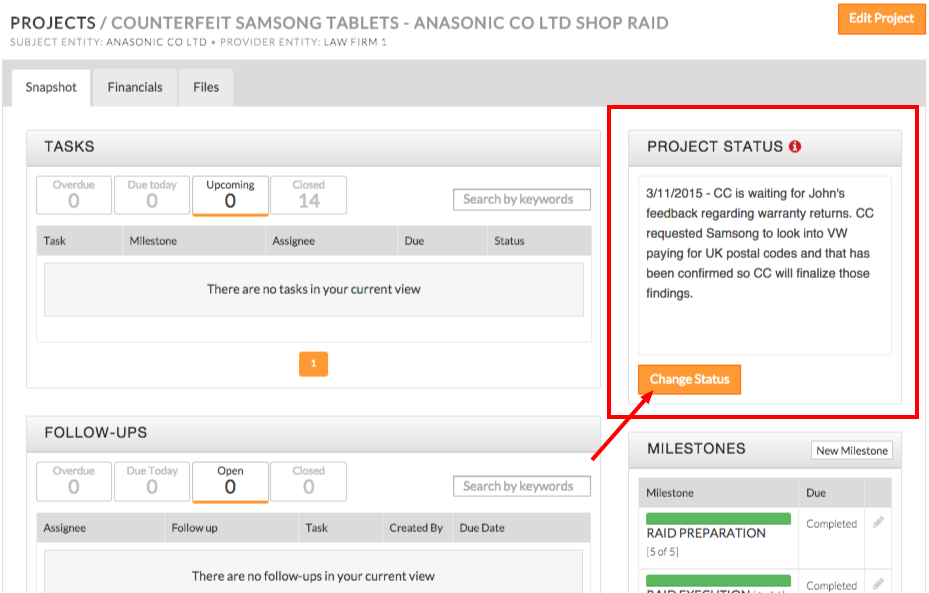
- Status indicator's contents can be configured by opening the specific project
- Click on the orange Change Status button to edit status contents
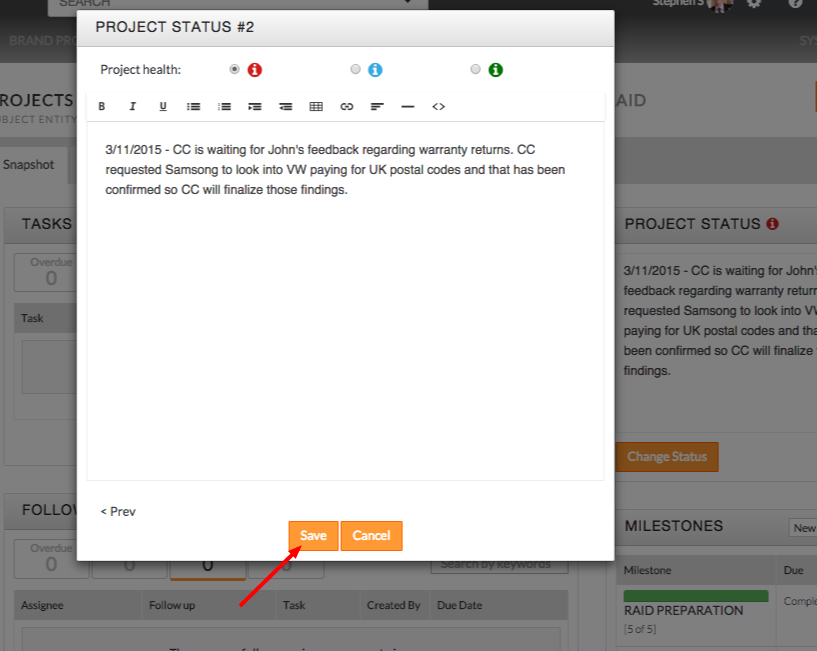
- Once you have edited its contents, click the orange Save button to update status indicator contents
Comments